50
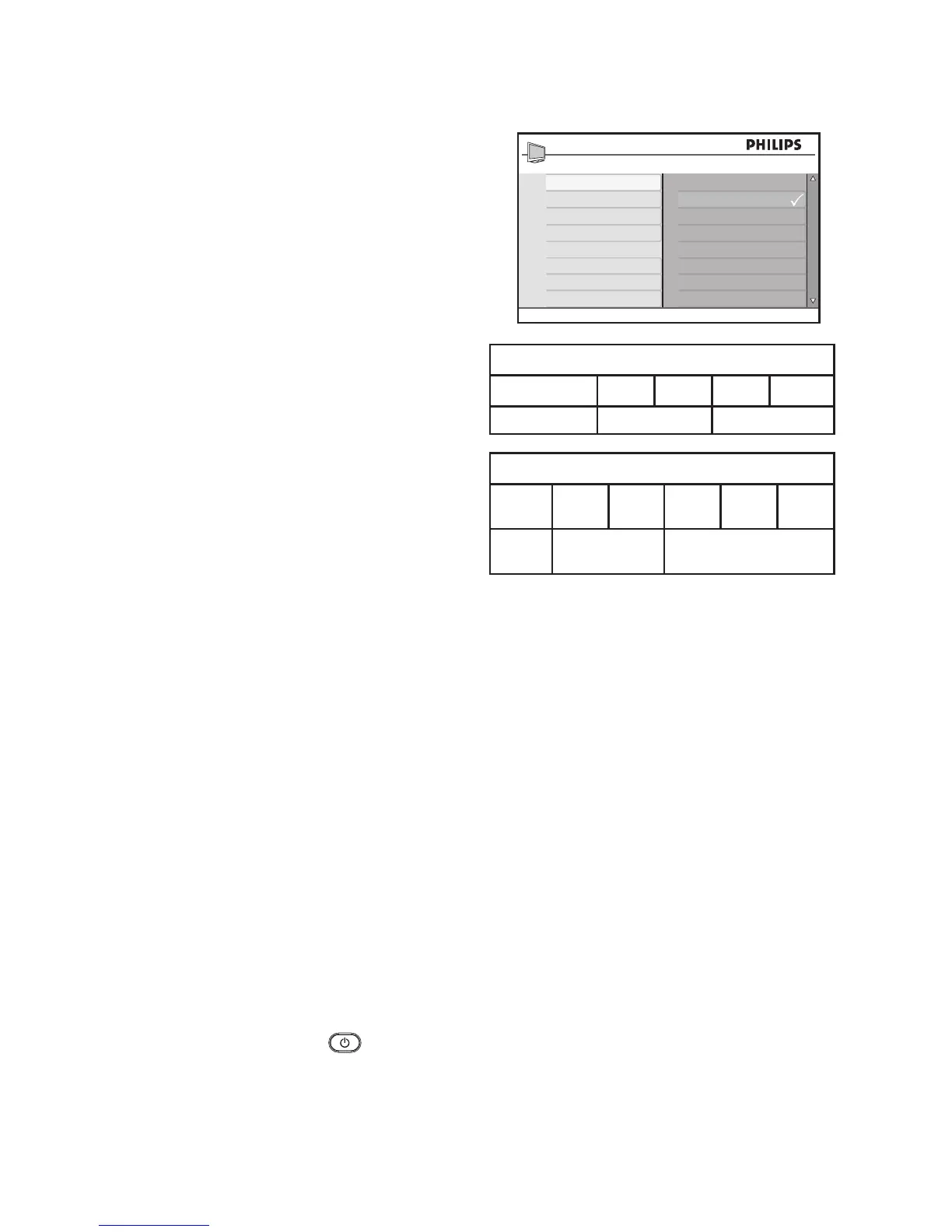
Use your TV in High Definition (HD) mode
Press 6. ï or Î to select Off or On.
Select On to watch your programs in the
original HD format (1080p).
Press 7. H to exit.
NOTE:
Your Philips TV is HDMI compliant. If you do
not get a good picture, it is not a defect of
your TV set.
Please change the video format on your
device (DVD player, cable set top box, etc)
to a standard format.
For example, you should select 480p, 576p,
720p, 1080i or 1080p for DVD players.
Use Philips EasyLink
Your TV is enabled for HDMI-CEC con-
nections with other devices. The following
features apply to devices that are CEC-com-
pliant and connected to your TV through an
HDMI cable.
One-touch play
You can control your TV and the devices
with one remote control when you connect
your TV to devices that support One-touch
play. For example, when you press the play
button on your DVD remote control, your
Philips TV will automatically switch to the
correct channel to display the DVD content.
One-touch Standby
You can use your TV’s remote control to put
the devices into standby when you connect
your TV to devices that support One-touch
standby. Press and hold the
on the TV’s
remote control for 3-4 seconds.
Non-1080p models
HD format 480p 576p 720p 1080i
SD format 480i 576i
1080p models
HD
format
480p 576p 720p 1080p 1080i
SD
format
480i 576i








 To Next Page