30
Control access to TV channels
The Parental Lock feature lets you control
the type of TV programs that can be
accessed with according to program ratings
based on age and content.
Access Parental Lock
Before you can use the Parental Lock
features, enter your Access Code.
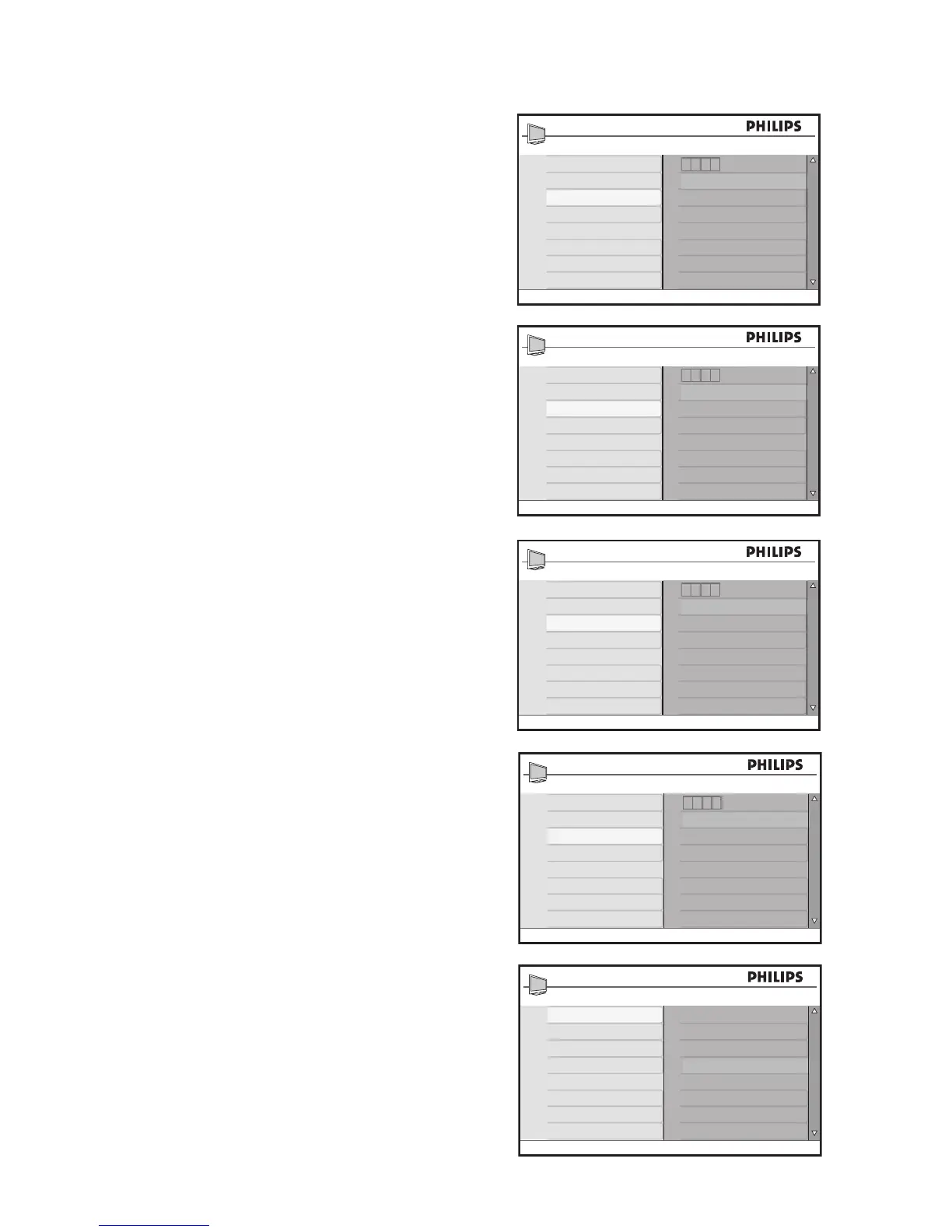
Press 1. H to display the on-screen menus.
Press 2. ï until Features is highlighted.
Press 3. u to select Features.
Press 4. ï until Parental Lock is high-
lighted.
Press 5. u to select Parental Lock.
If you are using Parental Lock for the first
time, you must enter the factory default
code, 0711.
Enter 6. 0711 with the numeric (0-9)
buttons.
Incorrect is displayed.
Enter 7. 0711 again.
New Code is displayed after entering
the code.
Enter your own four digit code. 8.
You are prompted to confirm your new
code.
Enter your new code again. 9.
Confirmed is displayed after entering
the code.
You can access the Parental Lock menu
now.








 To Next Page