EasyManua.ls Logo

Philips 47PFL7403/77 - Setting the TV Time

Philips 47PFL7403/77
55 pages
Print Icon
To Next Page IconTo Next Page
To Previous Page IconTo Previous Page
Loading...
26
Use the timer
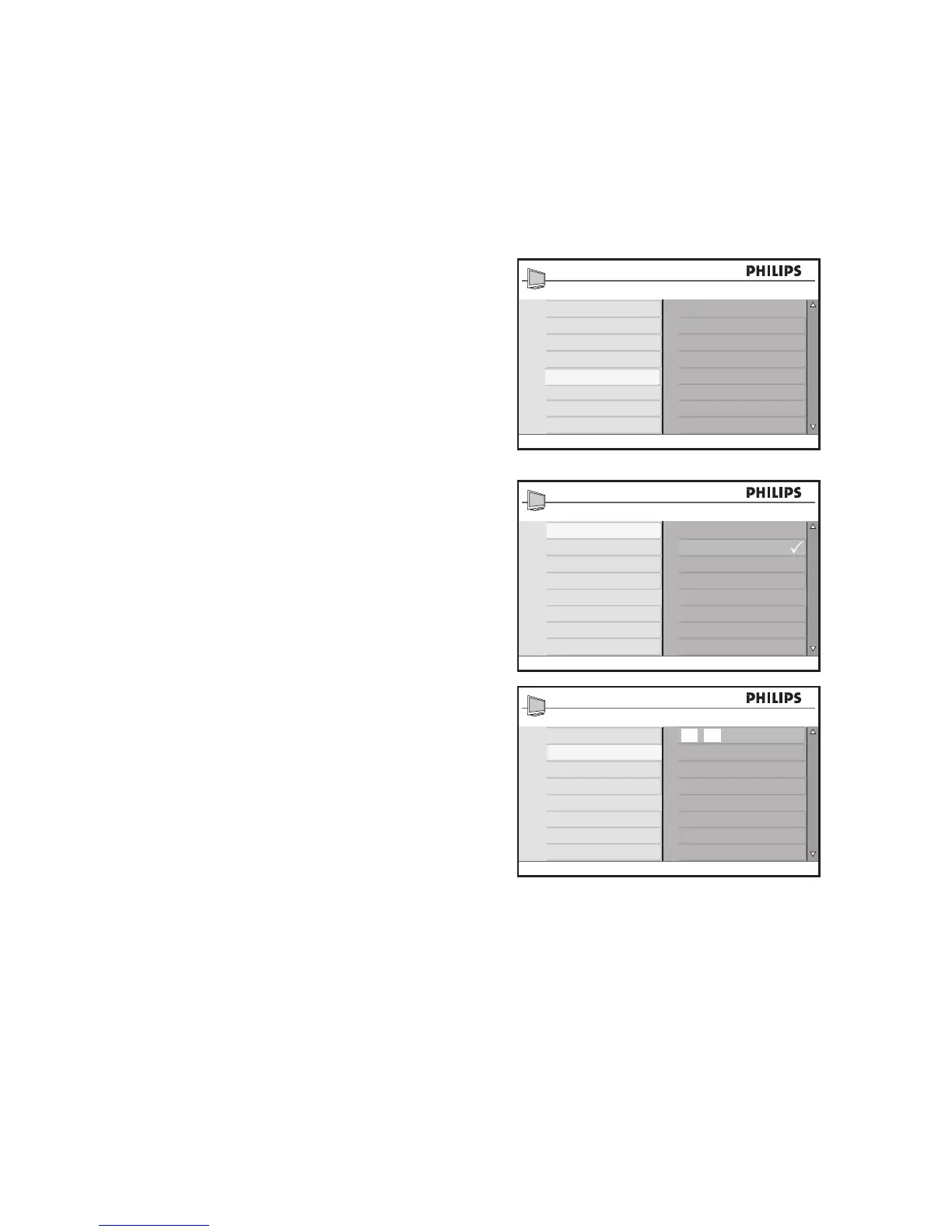
Set the TV time
Press 1. H to display the on-screen menus.
Press 2. ï until Features is highlighted.
Press 3. u to select the Features.
Press 4. u to select Timer.
Press 5. ï to highlight Time.
Press 6. u to select the Time menu.
Press the numeric (7. 0-9) buttons of the
remote control to enter the time in the
24-hour format. For example, 13:00 (for
1.00 p.m).
Press 8. H to exit.

Features
Timer
Child Lock
Parental Lock
Sleep
Time
Start Time
Stop Time
Channel No.
Activate
Closed Caption
Demo
Timer
Sleep
Time
Start Time
Stop Time
Channel No.
Activate
10 : 45
Main
Picture Setting
Advance Picture
Sound
Ambilight*
Features
Install
Location
Timer
Child Lock
Parental Lock
* Not available on all models
Closed Caption
Demo*

Table of Contents

Related product manuals