38
Turn on closed captions
You can enable closed captions for your
programs if your broadcasting station
provides caption service.
Closed captions (CC) are subtitles hidden
in the video signals which you can turn on
or off unlike the normal subtitles you see in
movies which cannot be turned off.
Closed captions are subtitles for dialog and
descriptions (useful for the hearing-impaired).
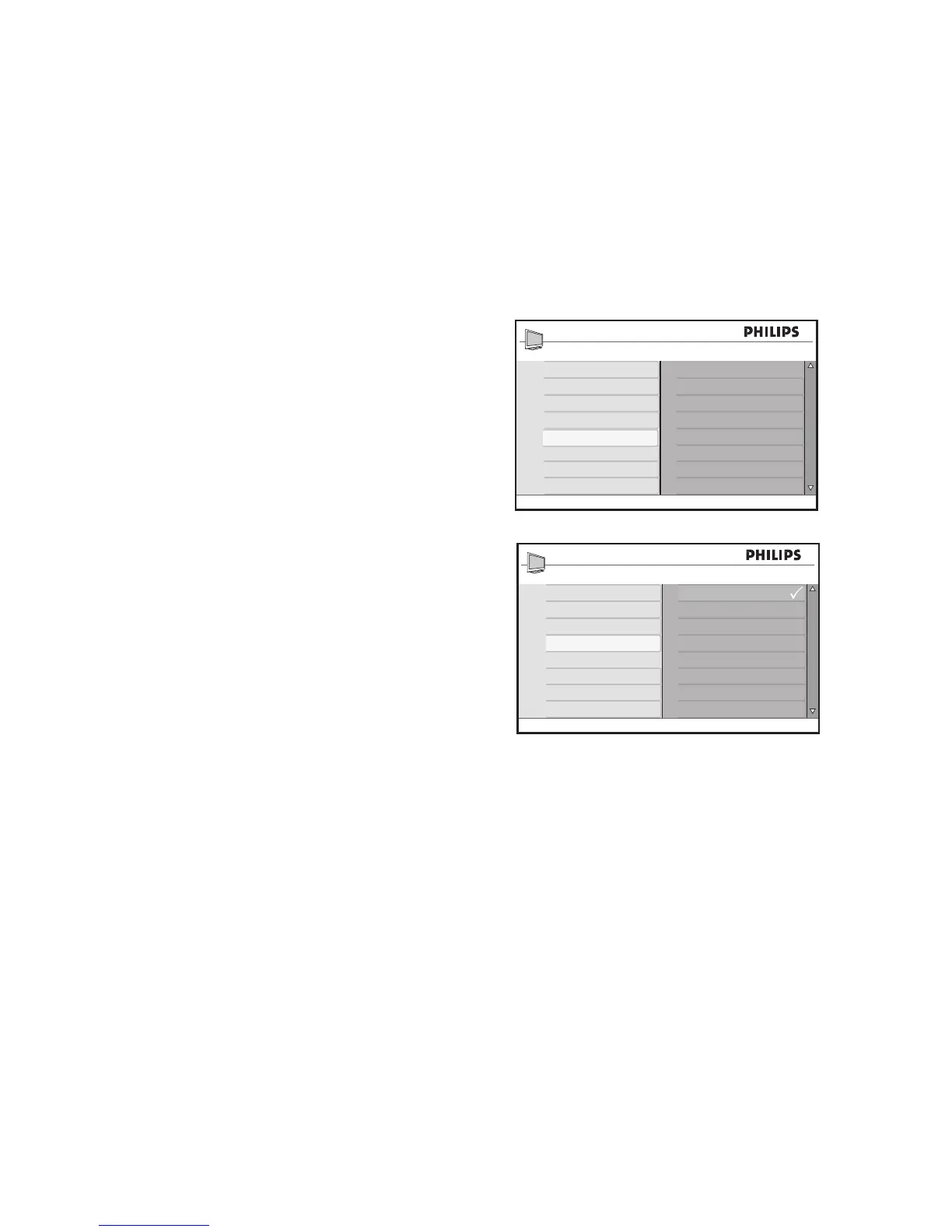
Press 1. H to display the on-screen menus.
Press 2. ï until Features is highlighted.
Press 3. u to select Features.
Press 4. ï until Closed Caption is high-
lighted.
Press 5. u to select Closed Caption.
Press 6. ï or Î to highlight CC Off, CC1,
CC2 or CC Mute.
Press 7. u to select Closed Caption
option.
Press 8. H to exit.
Closed Caption choices:
CC Off• : Turn off closed captioning.
CC1• : Most channels transmit closed
captions in CC1 mode. Closed captions
can be in Spanish, Portuguese or English.
CC2• : Broadcasters may transmit closed
captions in CC2 mode. CC2 is rarely
used.
CC Mute• : Closed captions in CC1
mode is displayed only when the sound is
turned off via MUTE.








 To Next Page