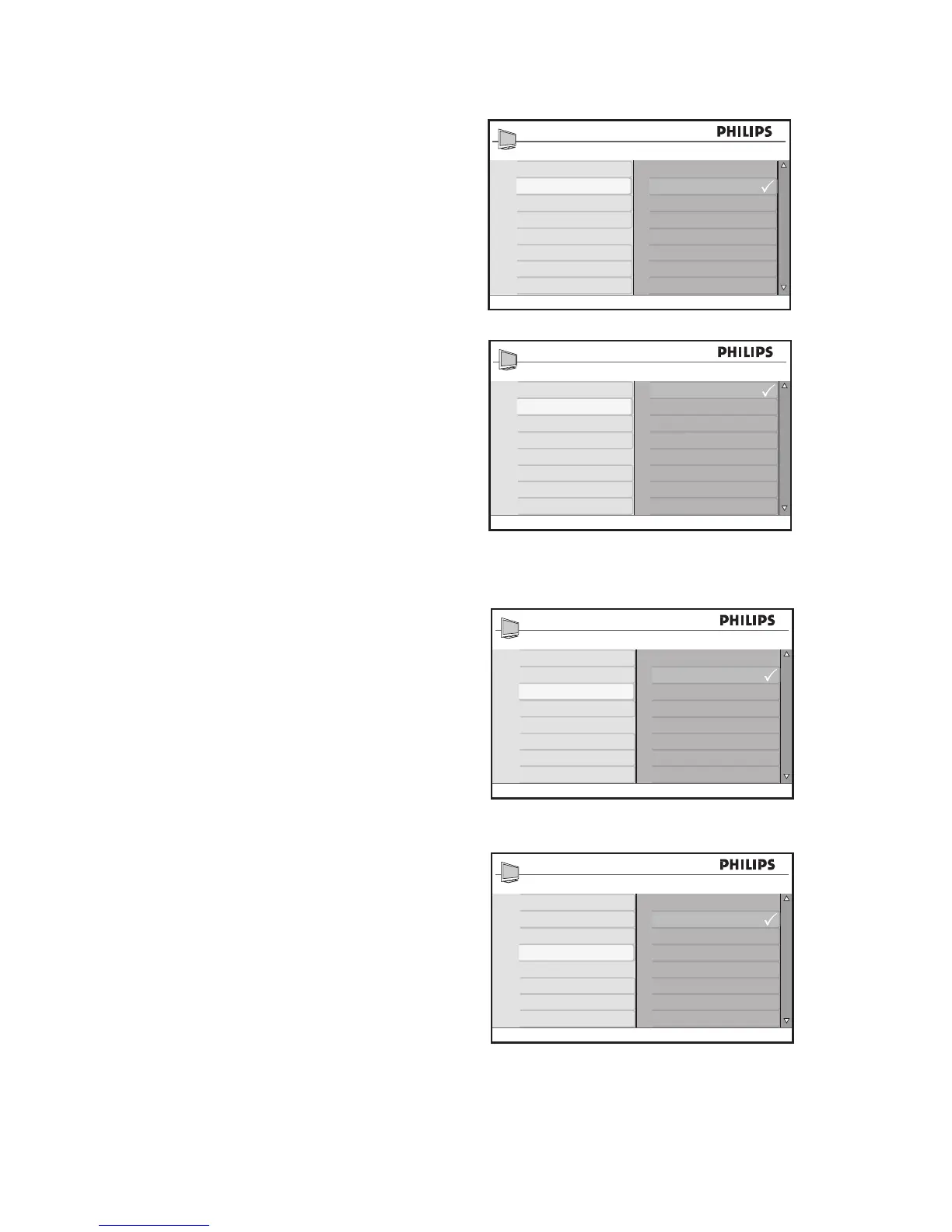
Use the Advance Picture features
Active Control settings
Off• : Turns off Active Control.
On• : Turns on Active Control.
On + Light Sensor• : Uses a sensor to
adjust the picture brightness depending
on the room light conditions.
Use Artifacts Reduction and Dig.
Natural Motion
(available in selected models)
Artifacts Reduction smoothens the transi-
tions on digital pictures.
Dig. Natural Motion reduces the field and
line flicker and reproduces smooth move-
ment especially in movies.
Press 1. H and select Advanced Picture.
Press 1. ï until Artifacts Reduction or
Dig. Natural Motion is highlighted.
Press 2. u to select Artifacts
Reduction or Dig. Natural Motion.
Press 3. ï or Î to highlight Off or On.
Press 4. u to confirm your choice.
Press 5. H to exit.








 To Next Page