19
Name your channels
You can assign a short name for your
channels with the Name feature. This is
available in TV mode only.
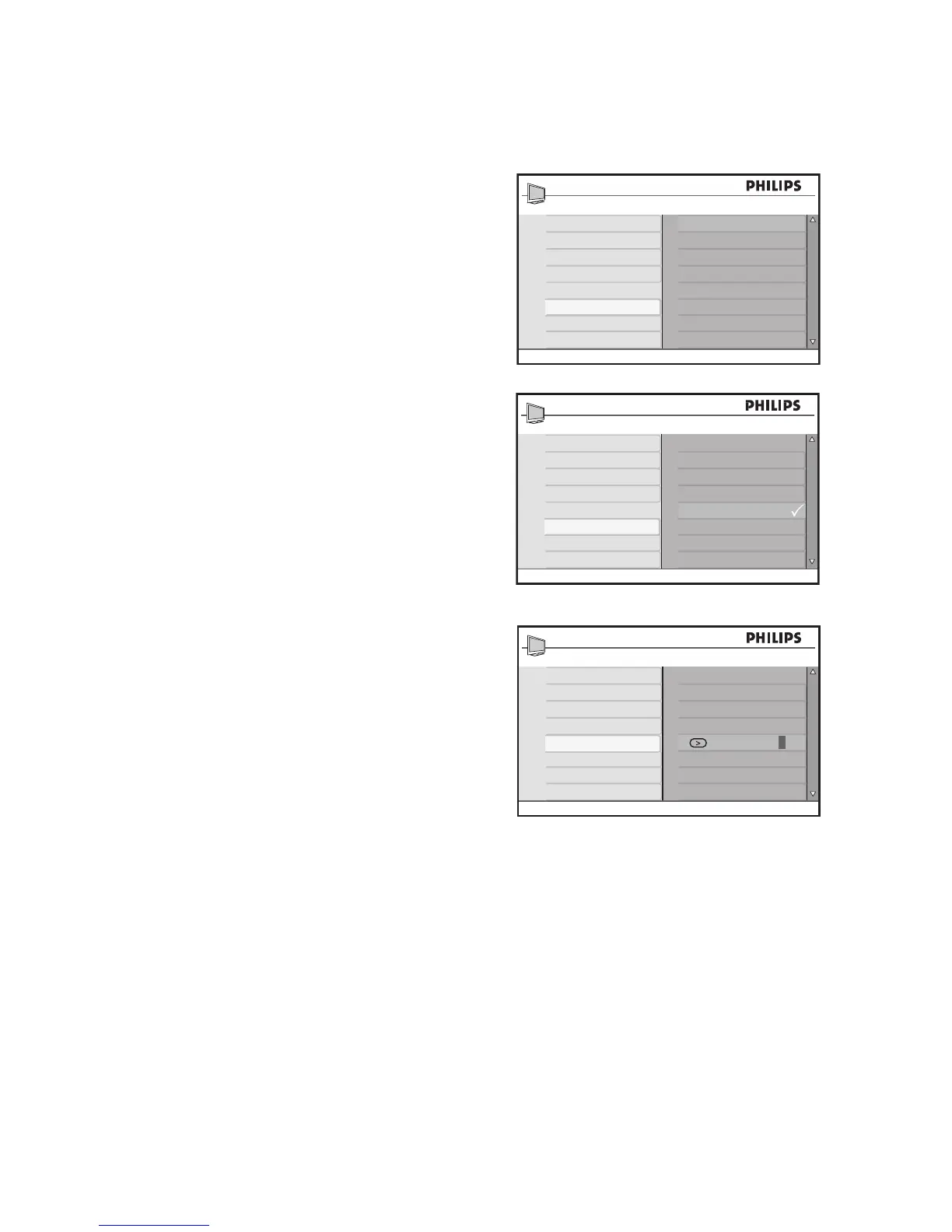
Press 1. H to display the on-screen menus.
Press 2. ï until Install is highlighted.
Press 3. u to select Install.
Press 4. ï until Name is highlighted.
Press 5. u to select the first channel
number on the list.
Press 6. u to start naming the channel.
Press 7. Æ until a rectangular block cursor
appears next to the channel number.
Press 8. ï or Î to cycle through the list
(A-Z, 0-9) to select the characters or
numbers to use for the channel name.
Press 9. u to move the cursor to the sec-
ond space and assign the next character
or number.
You can use up to 5 characters or num-
bers to name your channels.
Press 10. u to store the name of the
channel.
The channel number and name are
displayed on the top left of the screen.
Press 11. H to exit.








 To Next Page