18
Manual installation
Fine tune your channels
You can fine tune the channels after you have
searched them automatically by using the
Fine Tune feature.
Switch to the channel number that you want
to fine tune.
Press 1. H to display the on-screen menus.
Press 2. ï until Install is highlighted.
Press 3. u to select Install.
Press 4. ï until Manual is highlighted.
Press 5. u to select Manual.
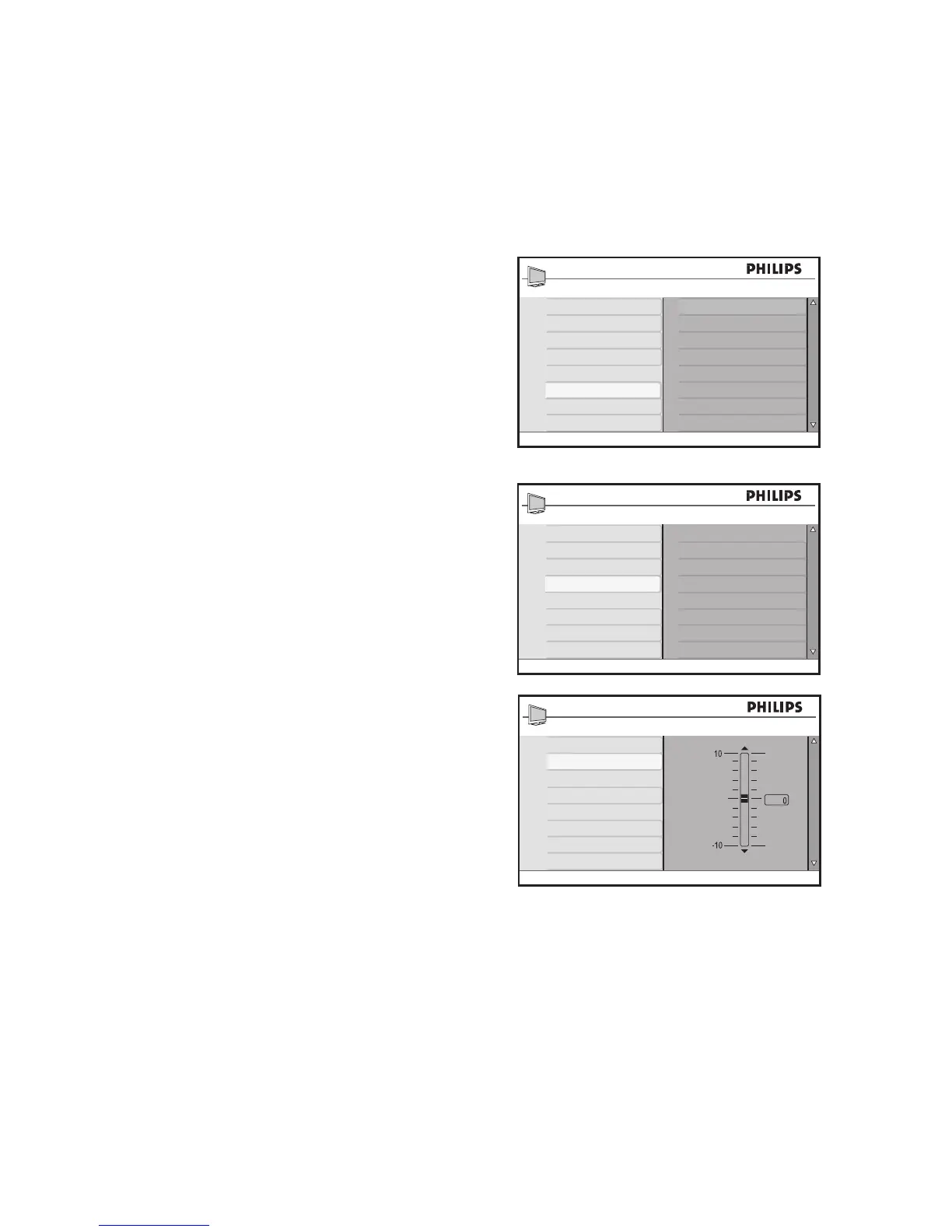
Press 6. ï until Fine Tune is highlighted.
Press 7. u to select Fine Tune.
The Fine Tune level bar is displayed.
Press 8. ï or Î to manually fine tune the
channel reception.
Press 9. H to exit.








 To Next Page