40
Use Ambilight (available on selected models)
The Ambilight feature lets you watch your
programs in a unique ambience by producing
a soft, light glow from the sides of the TV.
Ambient lighting from the TV provides a
more relaxed viewing experience. The
Ambilight colors changes automatically to
match the TV images.
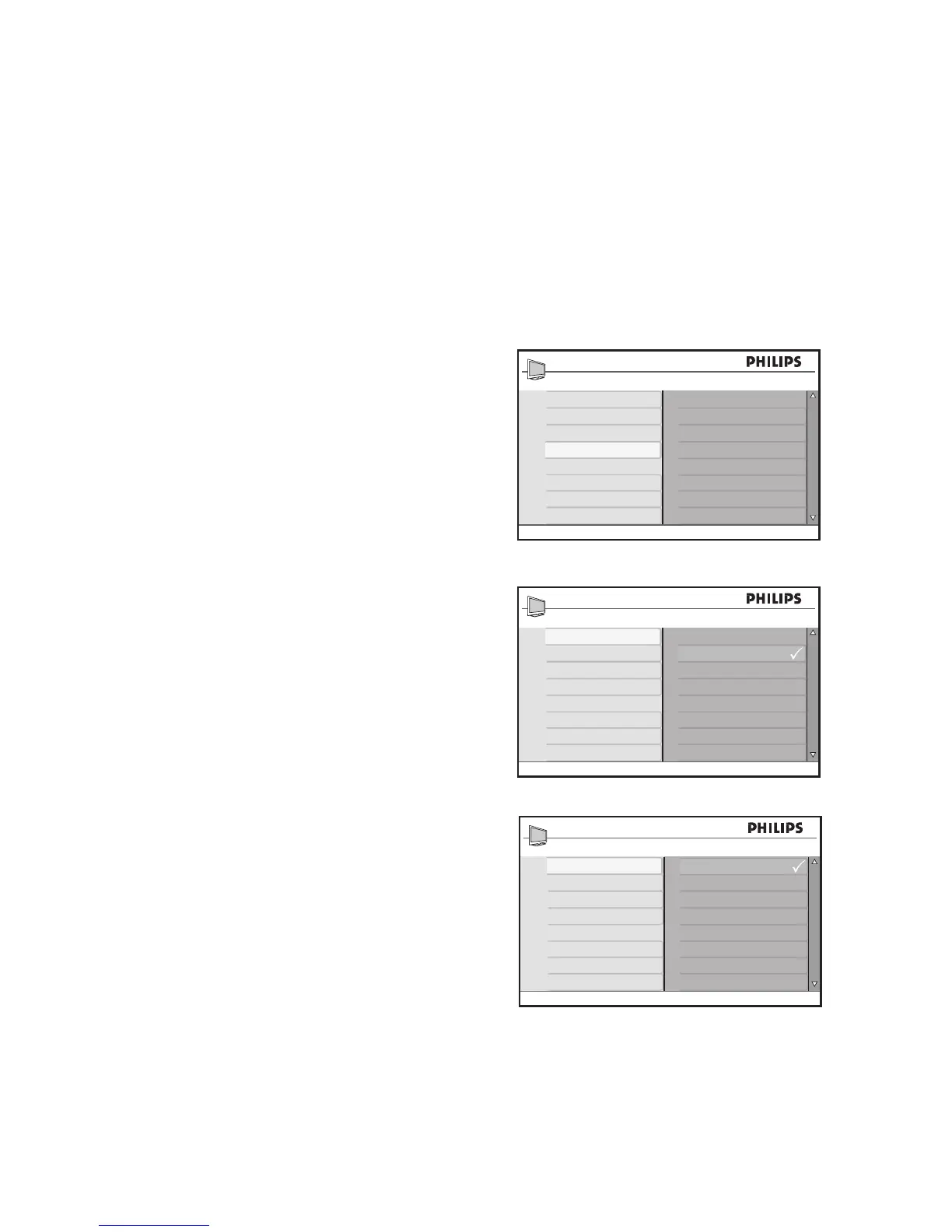
Turn on Ambilight
Press 1. H to display the on-screen menus.
Press 2. ï until Ambilight is highlighted.
Press 3. u to select Ambilight.
Press 4. ï or Î to highlight On.
Press 5. u to turn on Ambilight.
Press 6. H to exit.
Turn off Ambilight
Press 1. H to display the on-screen menus.
Press 2. ï until Ambilight is highlighted.
Press 3. u to select Ambilight.
Press 4. ï or Î to highlight Off.
Press 5. u to turn off Ambilight.
Press 6. H to exit.








 To Next Page