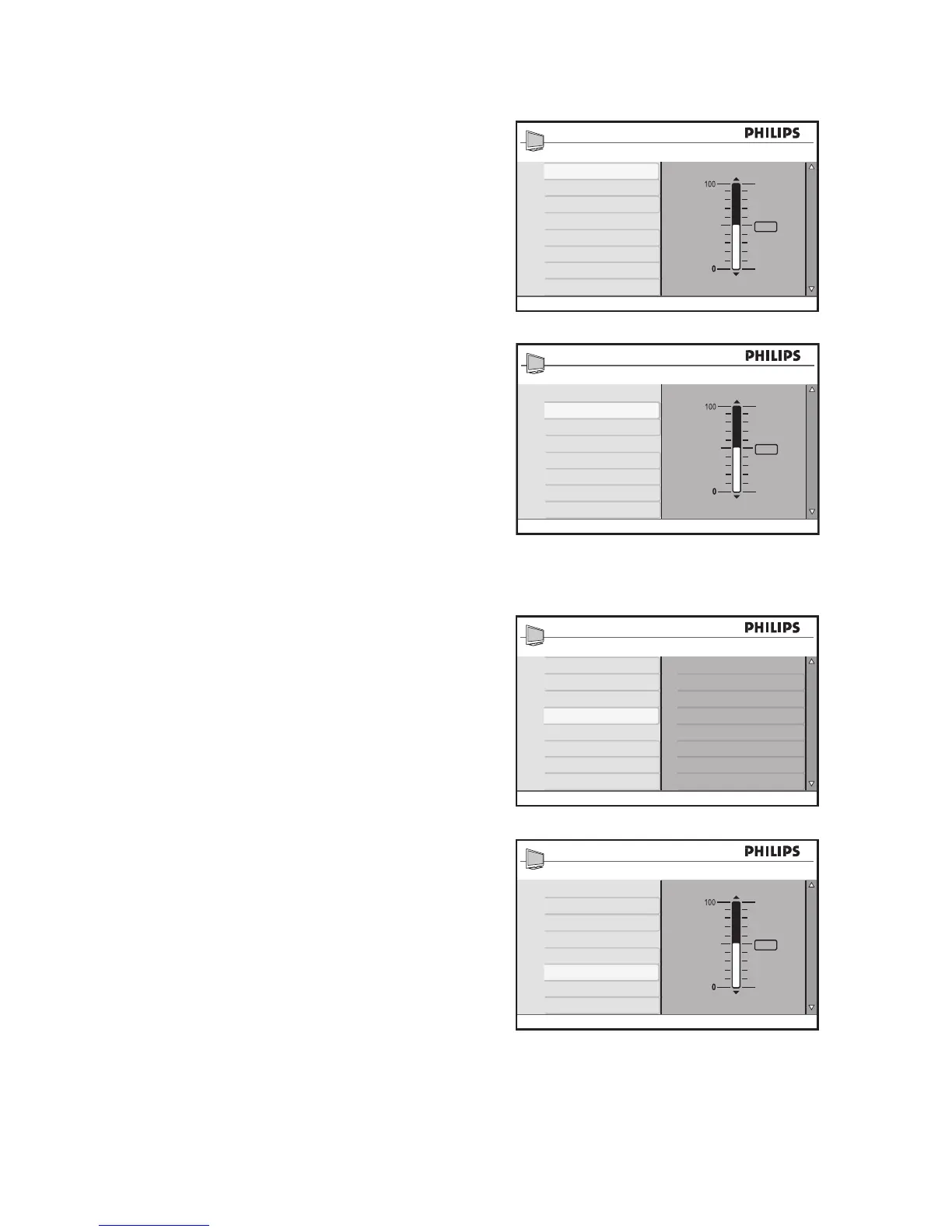
Press 15. u to select Palette or Satura-
tion.
Press 16. ï or Î to adjust the settings.
Press 17. H to exit.
Ambilight Custom colors:
Palette• : Adjusts the color mix.
Saturation• : Adjusts the color intensity
of light output.
Set Ambilight balance
The Balance menu lets you adjust the
Ambilight intensity on both sides of the
TV.
Press 1. ï until Balance is highlighted.
Press 2. u to select Balance.
Press 3. ï or Î to adjust the Balance.
Press 4. H to exit.








 To Next Page