20
Store your favorite channels
The Fav. Program feature lets you store
only the channels you want on an easily ac-
cessible favorite list.
Press 1. H to display the on-screen menus.
Press 2. ï until Install is highlighted.
Press 3. u to select Install.
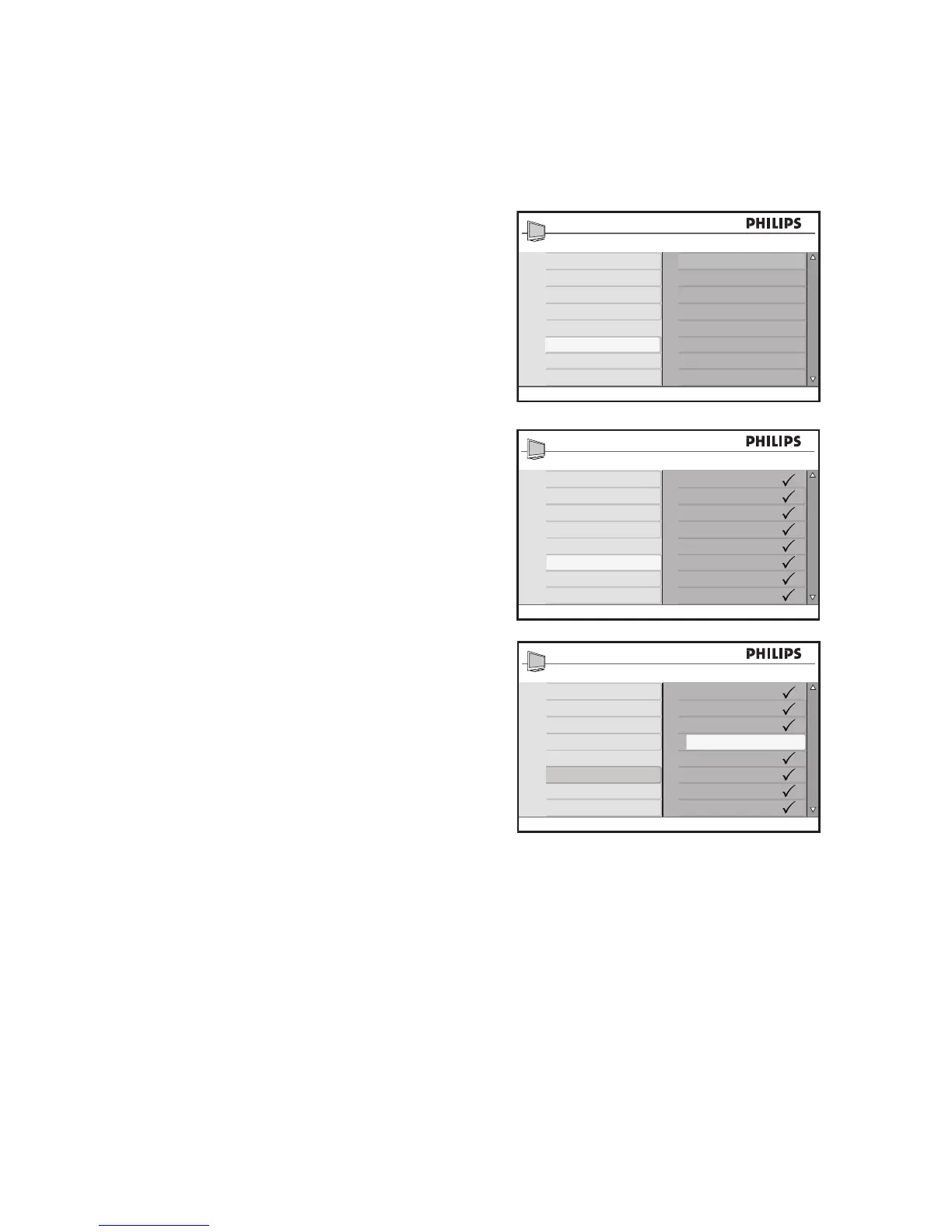
Press 4. ï until Fav. Program is high-
lighted.
The list of channel numbers is displayed
on the right panel.
All channel numbers with a tick () are
marked as favorite channels.
Press 5. u to select the first channel
number on the list, or press ï to move
down the list.
Press 6. u to remove the tick or add the
tick to the corresponding number.
Only channel numbers with the tick are
added to your favorite list. When you
use the CH + / - buttons on the remote
control, only your favorite channels are
accessible.
Press 7. H to exit.
TIP:
Press the numeric (0-9) to access channels
not on the favorite list.








 To Next Page