EasyManua.ls Logo

Philips 47PFL7403/77 - Automatic Channel Installation; Performing Automatic Channel Scan

Philips 47PFL7403/77
55 pages
Print Icon
To Next Page IconTo Next Page
To Previous Page IconTo Previous Page
Loading...
15
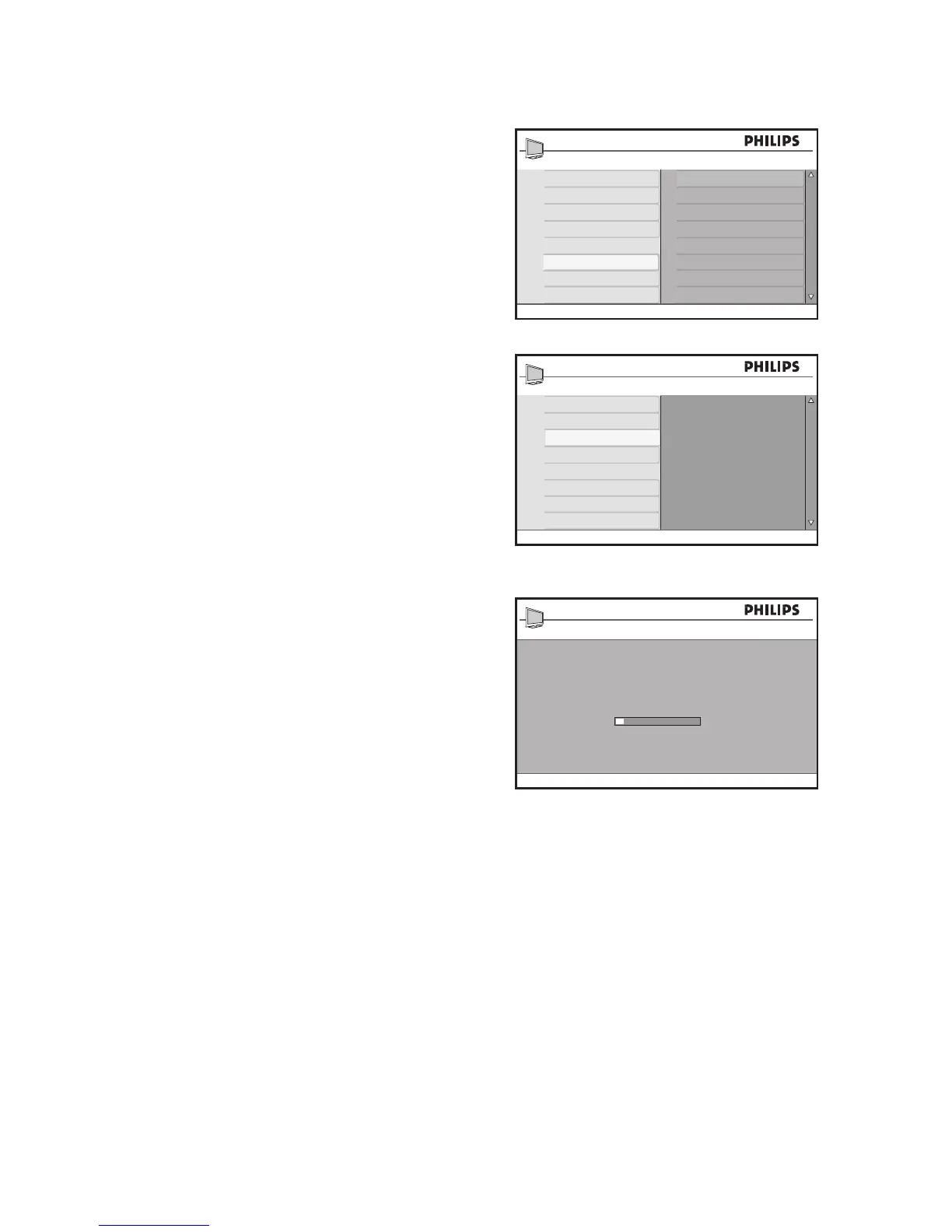
Automatic installation
Press 1. H to display the on-screen menus.
Press 2. ï until Install is highlighted.
Press 3. u to select Install.
Press 4. ï until Auto Program is
highlighted.
Press 5. u to start Auto Program.
Auto Program starts scanning for
channels automatically. When scanning
is complete, the first installed channel
displays on-screen.
Press 6. H to exit.
TIP:
To cancel or interrupt auto searching, press
H. Only channels that were found
before interruption are stored.

Main
Picture Setting
Advance Picture
Sound
Ambilight*
Features
Install
Location
Language
Tuner Mode
Auto Program
Manual
Name
Fav. Program
* Not available on all models
Install
Language
Tuner Mode
Auto Program
Manual
Name
Fav. Program
Press OK
to continue
Auto Program
Program 3
TV 196 MHz

Table of Contents

Related product manuals