22
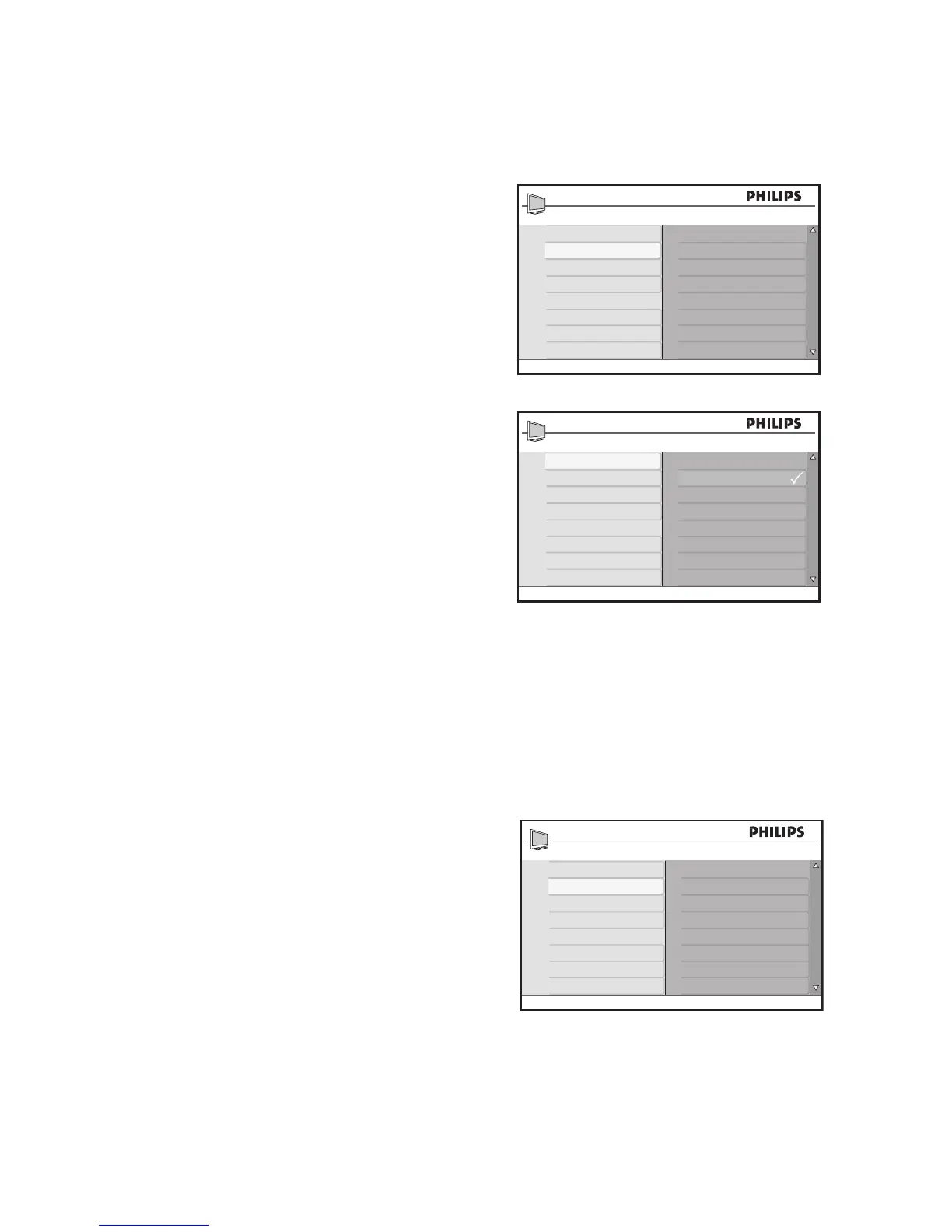
Use Contrast +
Contrast + optimizes the contrast for overall
picture quality.
Press 1. H to display the on-screen menus.
Press 2. ï until Advance Picture is
highlighted.
Press 3. u to select Advance Picture.
Press 4. u to select Contrast +.
Press 5. ï or Î to highlight Off or On.
Press 6. u to confirm your choice.
Press 7. H to exit.
Use Active Control
Active Control is a unique and intelligent way
of optimizing picture quality by measuring
and analyzing the incoming signal to auto-
matically adjust picture quality settings.
Press 1. H to display the on-screen menus.
Press 2. ï until Advance Picture is
highlighted.
Press 3. u to select Advance Picture.
Press 4. ï until Active Control is
highlighted.
Press 5. u to select Active
Control.
Press 6. ï or Î to highlight Off, On or On
+ Light Sensor.
Press 7. u to confirm your choice.
Press 8. H to exit.








 To Next Page