41
Use Ambilight (available on selected models)
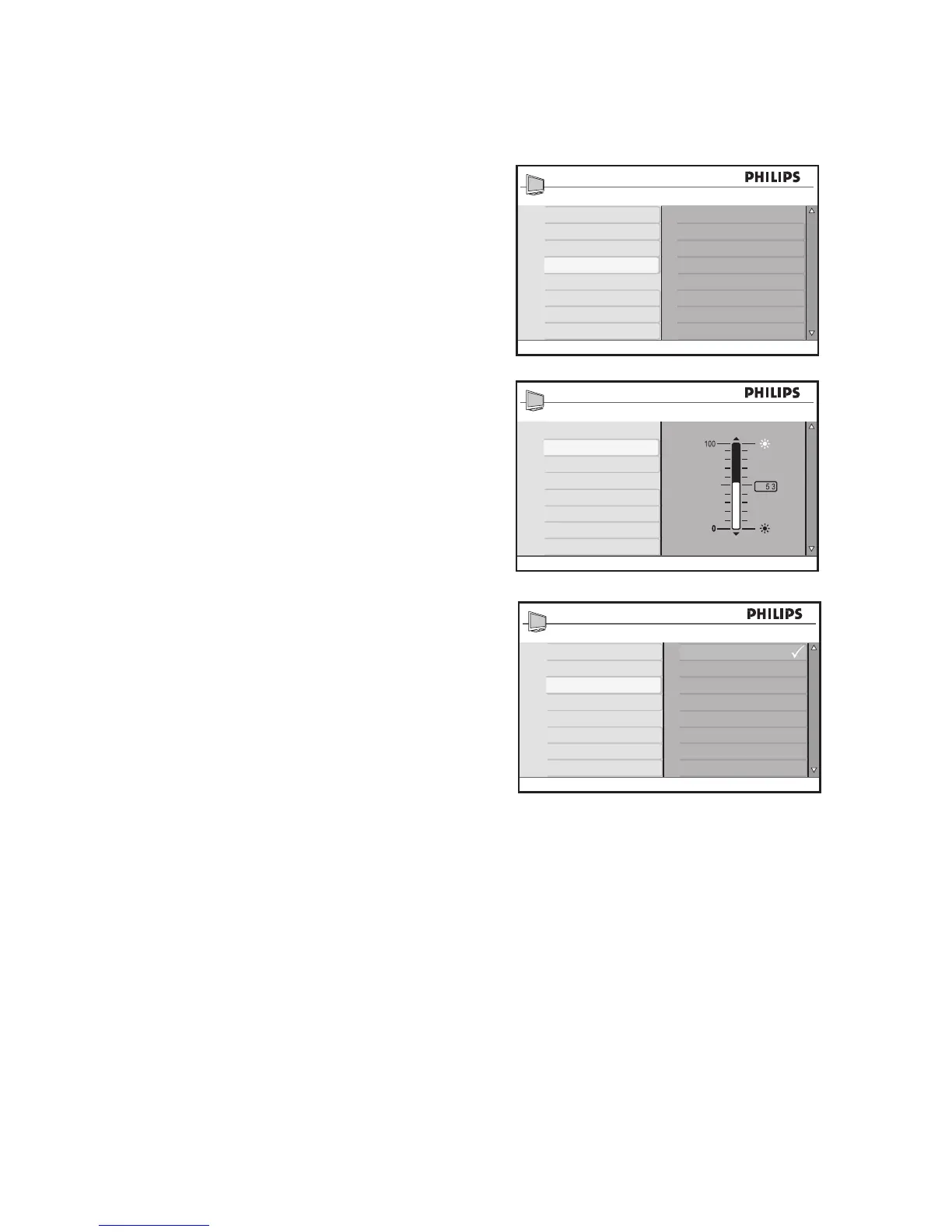
Adjust brightness
Turn on Ambilight as described in 1. Turn on
Ambilight.
Press 2. ï until Brightness is highlighted.
Press 3. u to select the Brightness.
Press 4. ï or Î to adjust the ambient
brightness level.
Press 5. H to exit.
Select Ambilight modes
Turn on Ambilight as described in 1. Turn on
Ambilight.
Press 2. ï until Mode is highlighted.
Press 3. u to select the Mode.
Press 4. ï or Î to highlight the different
modes available.
Press 5. u to select the mode.
Press 6. H to exit.
Ambilight modes:
Color• : Produces constant lighting ac-
cording to the settings in the Color
menu.
Relaxed• : Reduces brightness and color
to give a more relaxed viewing experi-
ence.
Moderate• : Uses the factory-defined
brightness and color settings.
Dynamic• : The brightness and color
changes according to the picture state.








 To Next Page