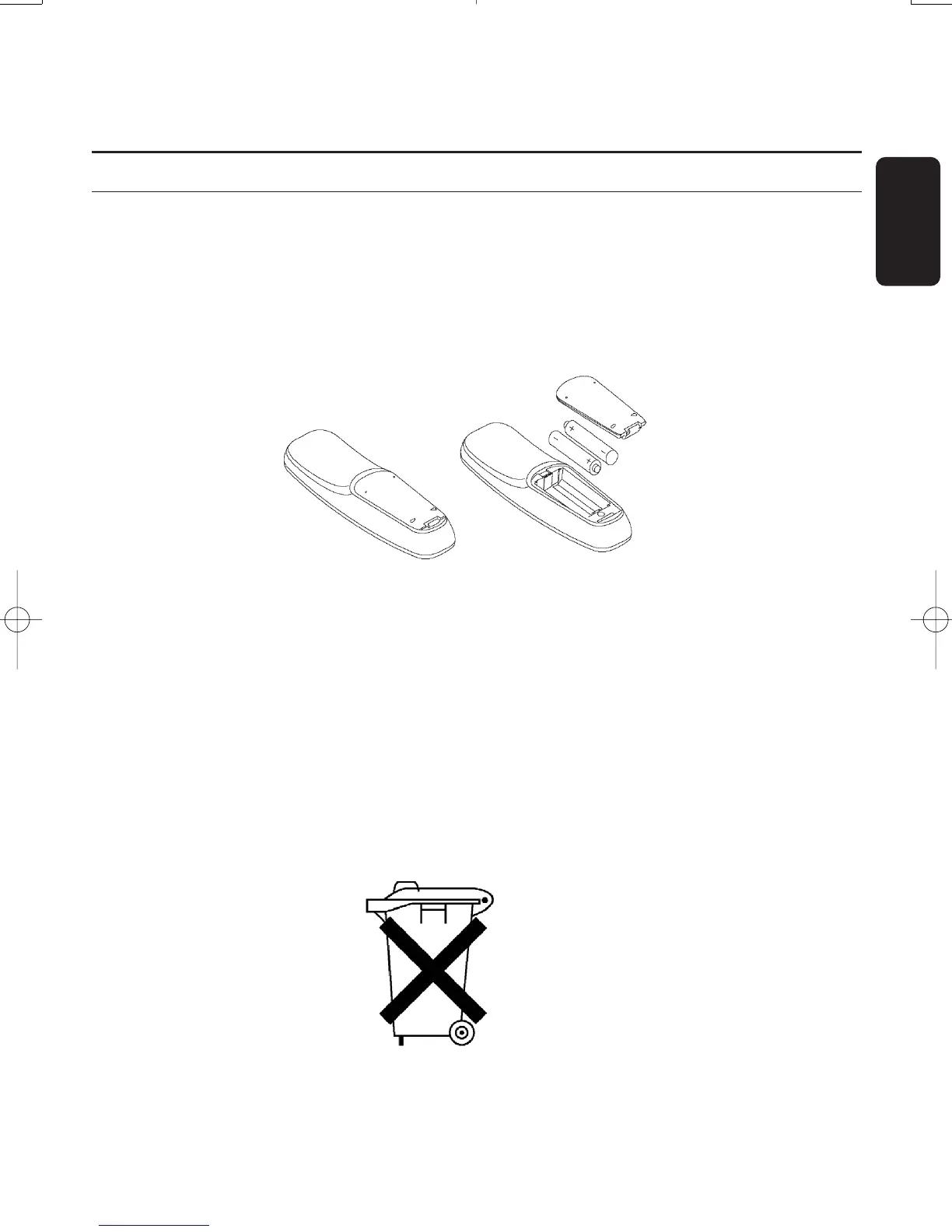
4.1 Inserting batteries
- Remove the back cover.
- Insert the two batteries (type LR6/AA - 1.5 V) supplied.
- Place them in the remote control battery compartment as shown in the diagram.
- Replace the cover.
Your remote is now ready to control your digital terrestrial receiver.
The Philips batteries supplied with your receiver's remote do not contain heavy metals such as
Mercury or Lead Cadmium.Nevertheless,in many countries,exhausted batteries may not be
disposed of with your household waste.
Please enquire about the local regulations regarding the disposal of used batteries.
Do not dispose of the batteries
with your household waste.
English
PREPARING YOUR REMOTE CONTROL 11
4 Preparing your remote control
Doc.DTR2000 version N/B 19/12/03 9:01 Page 11



 To Next Page