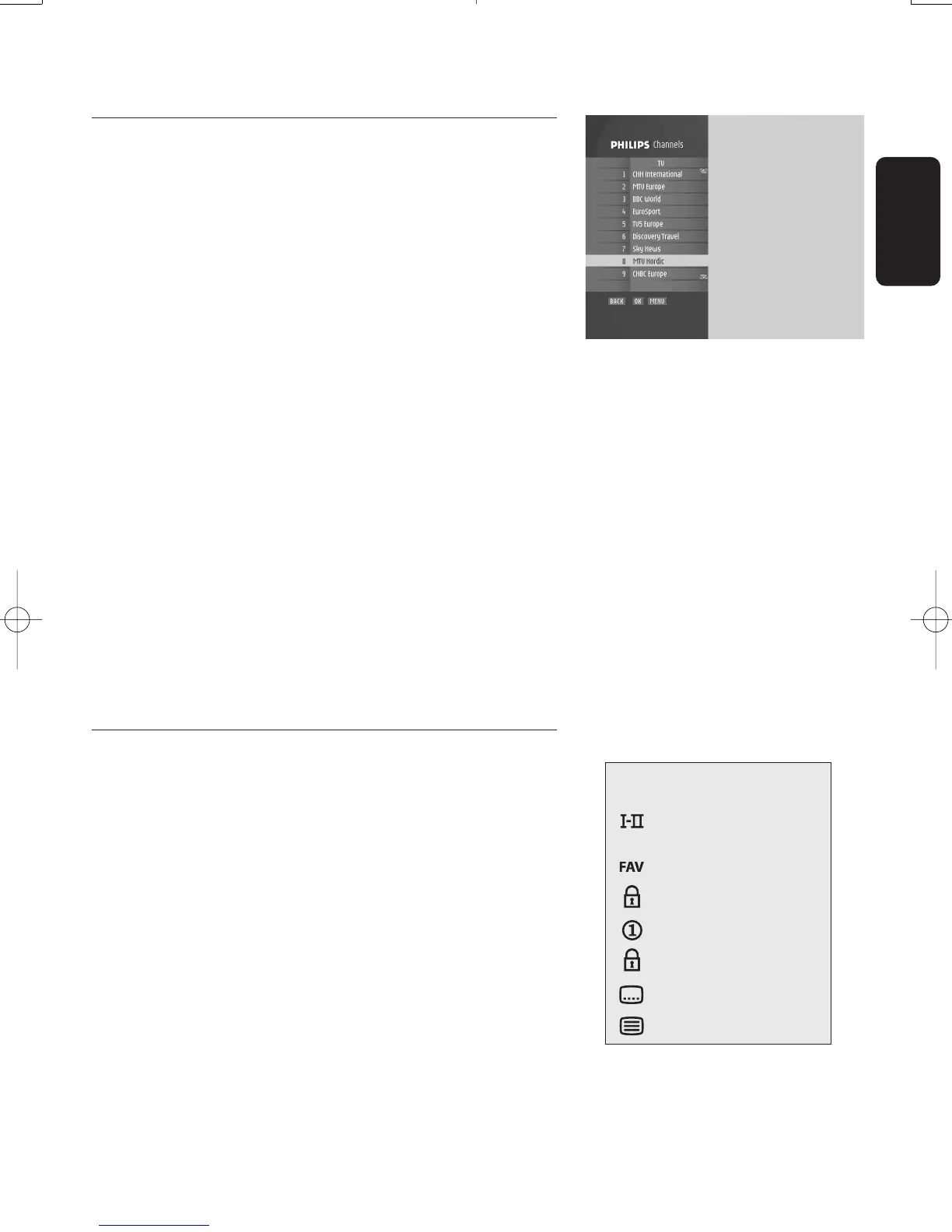
6.3.4 Using channel lists
(Service selector)
This feature is used to select channels from a list.
To access the current channel list while watching digital TV
or listening to digital radio:
- Press the "OK" button to display the current channel list
(either the list of available channels or favourite list
previously selected).
- Press the
t or y button to select a channel. Scroll from
one page to another using the white or blue remote
control button.You can preview the selected channel in
the right-hand side of the screen.
- Press "OK" again to view/listen to the selected channel in
full screen.
Note: If the list includes several pages, keep pressing the t or y
button to access the previous or next pages.
To access any channels list,including favourites lists:
- Press the "OK" button once to display the current channel
list.
- Successively press "FAV" to display the other lists.Then
proceed as indicated above to select a channel.
Note: Empty favourite lists cannot be opened.
6.4 Banner
A banner is used to display information about the current
channel and programme.
Each time you select a new channel,a banner appears at the
bottom of the screen displaying:
- the channel name and number in the current channel list,
- the current programme and next programme names,
- icons indicating the channel properties,e.g.channel lock
status (locked or temporarily unlocked),
- a bargraph indicating:
o the start time of the current programme,
o the start time of the next programme,
o the current progress.
English
DAY TO DAY OPERATION 17
icon description
alternate audio
language/format
current favourite list
maturity rating locked
scrambled channel
locked channel
subtitles presence
teletext presence
Doc.DTR2000 version N/B 19/12/03 9:01 Page 17



 To Next Page