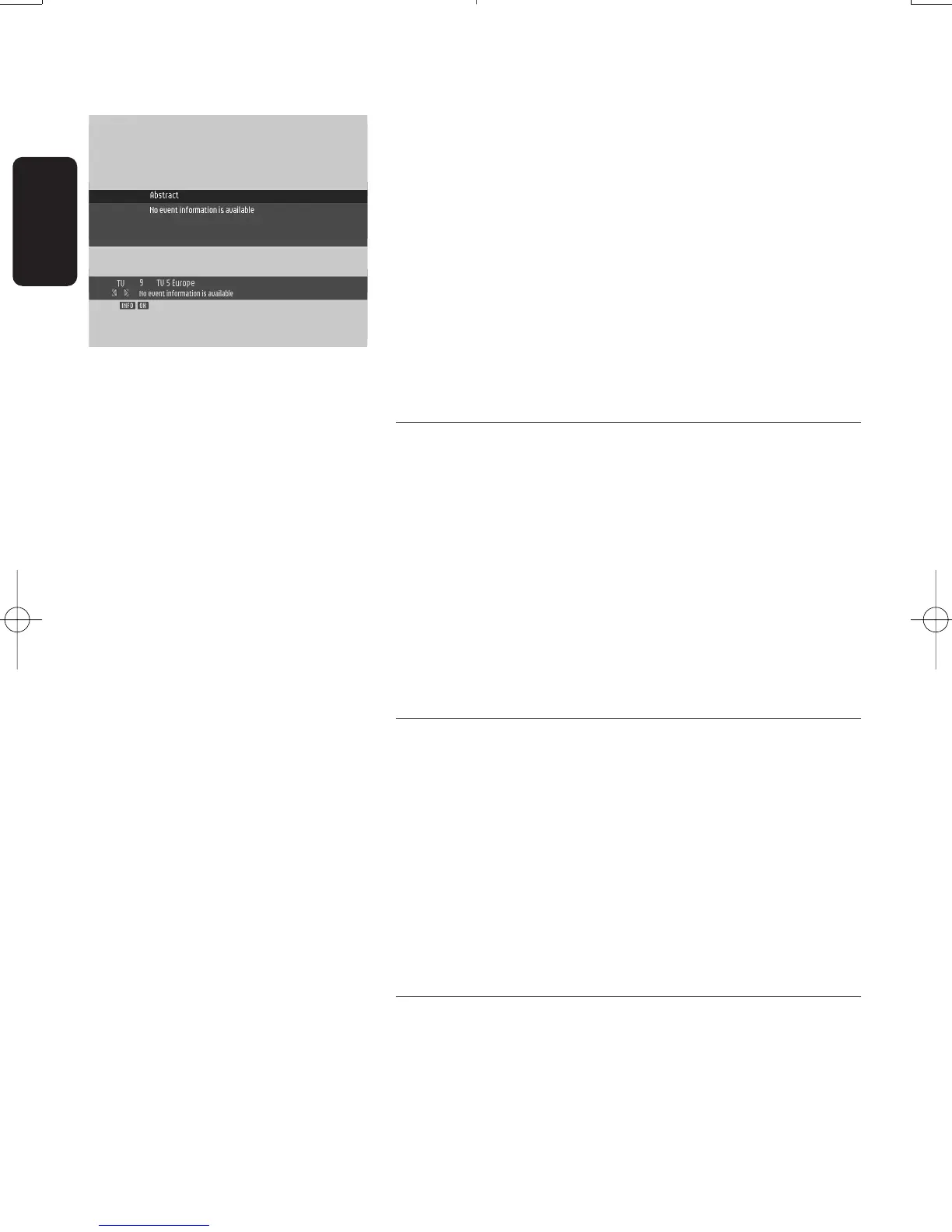
To display the banner:
- Press the "INFO" button.
For more info while the banner is on:
- Press the "INFO" button a second time to get more info
about the current programme.
To close the banner:
- Press the "OK" button.
Note: Press the" INFO" button once to access the banner and
twice to get more information about the current and next
programmes. Press the "INFO" button a third time to return to
digital TV.
6.5 Volume control - Vol+ / Vol- / Mute
While watching digital TV or listening to digital radio:
- Press "Vol-" to decrease the volume.
- Press "Vol+" to increase the volume.
- Press "MUTE" to mute the sound.
- Press "MUTE" again to de-mute.
Note: Change of volume is signalled on-screen using a bargraph,
while audio mute is signalled with an icon in the top right corner
of the screen.
6.6 Temporarily change the Subtitles
selection
- Press the subtitles button to access the "Subtitles
Language" screen.
- Either enable the subtitles by selecting one of the available
languages using the
u or i button.
- Or switch subtitles off by selecting "no subtitle".
- Press OK to confirm and exit the screen.
Note: By default, subtitles are disabled.
6.7 Temporarily change the Audio
language selection
- Press the I/II button to access the "Audio Languages" screen.
- Select from the audio languages available using the
u or i button.
18
DAY TO DAY OPERATION
English
Doc.DTR2000 version N/B 19/12/03 9:01 Page 18



 To Next Page