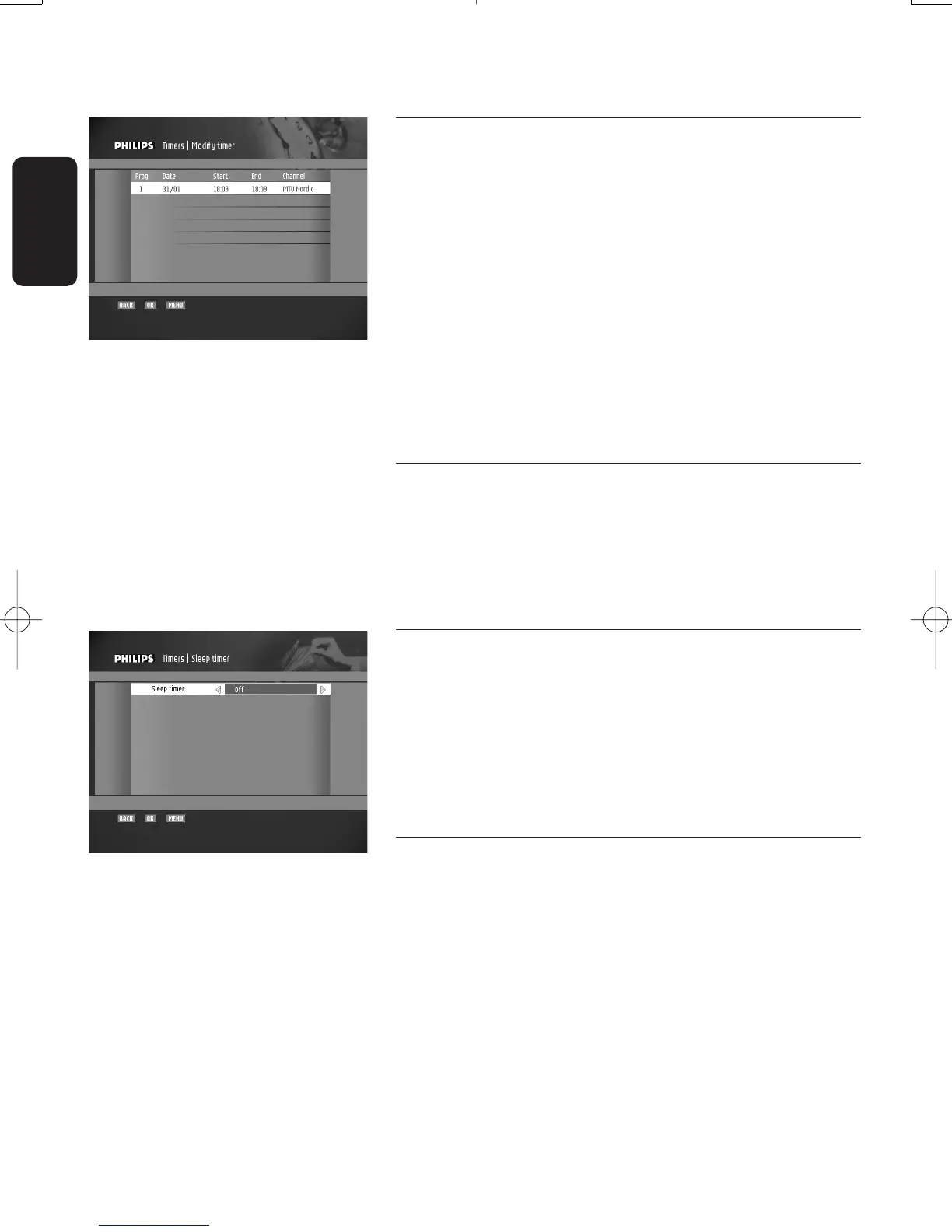
7.4.2 Modify timer
When selecting the "Modify timer" item,the first screen
displayed is the "Timer list" screen:
- Select the existing timer you want to modify.
- Press the "OK" button to confirm your choice.The
"Modify timer" screen is displayed.This screen is identical
to the "Add timer" screen described above.
- Modify the appropriate value(s).
- Press the "OK" button to store the values and move to
the "Service selector" screen.
Note: If some of the selected values are incorrect, or in case of a
timer conflict, an error message is displayed. Modify the
appropriate value(s) and press "OK" again.
7.4.3 Delete timer
This menu is used to delete existing timers.
When selecting the "Delete timer" item,the first screen
displayed is the "Timer list" screen:
- Select the existing event you want to delete.
- Press the OK button to confirm deletion.
7.4.4 Sleep Timer
This screen is used to set sleep timers.Sleep timers are used
to automatically turn off the receiver after a set time.
To set a sleep timer:
- Select the sleep timer duration using the
u or i button.
- Press the OK button to validate the selected value and go
back to the "Timers" screen.
7.5 New channels
This feature is used to view the list of new channels installed
following an update.
28
CHANGING THE SETTINGS OF YOUR RECEIVER
English
Doc.DTR2000 version N/B 19/12/03 9:01 Page 28



 To Next Page