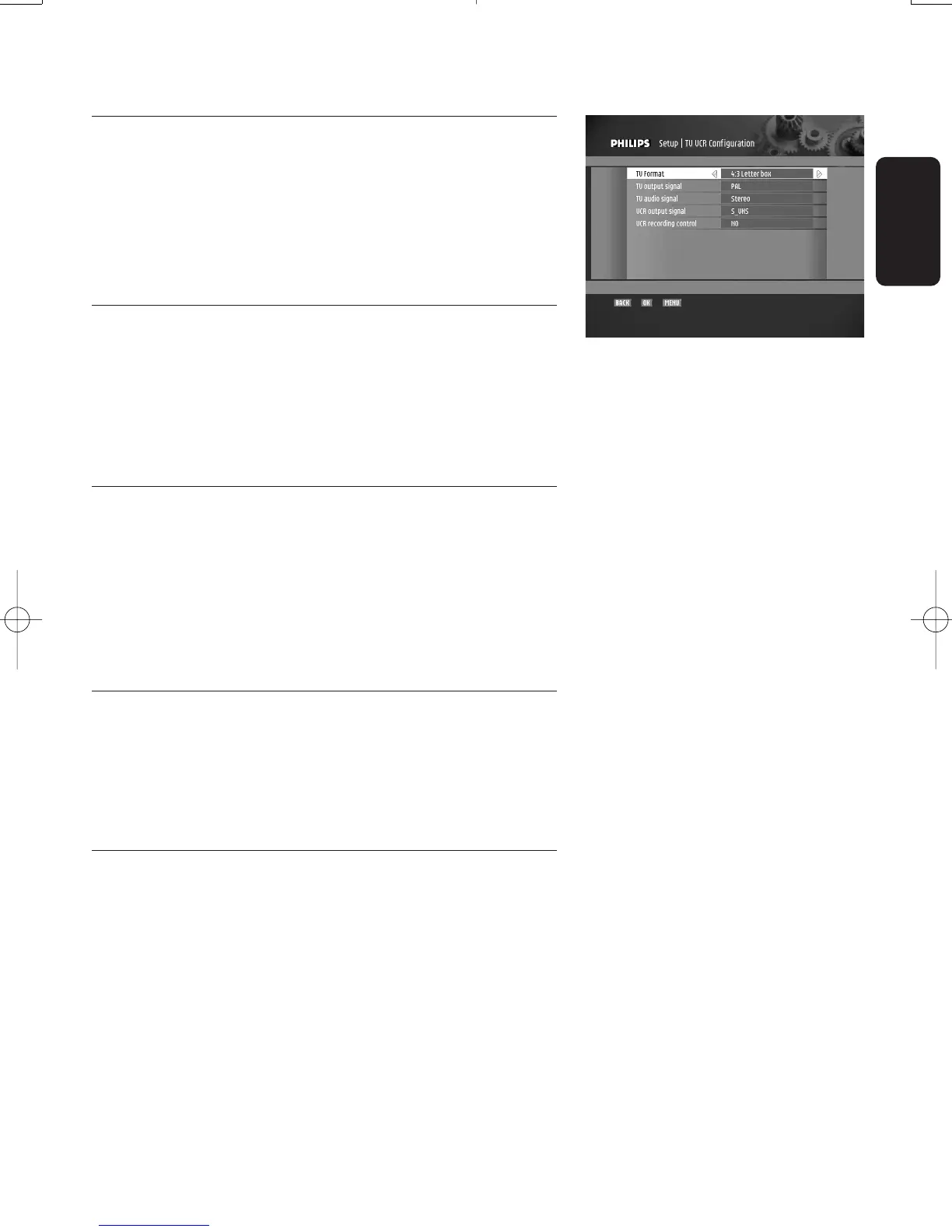
7.2.2 TV/VCR configuration
This feature is used to configure your STB outputs.
Use the
t or y button to move from one item to another.
Select a value for each using the
u or i button, then press
"OK" to confirm or "BACK" to cancel.
Note:These settings have been preset for your country.
7.2.2.1 TV Format
This feature is used to select the viewing format that best
suits your TV.
o 16/9
o 4:3 Letterbox
o 4:3 Pan&Scan
7.2.2.2 TV output signal
This feature is used to match your TV and VCR output
signals.
o RGB
o PAL
o SECAM
o S-VIDEO
7.2.2.3 TV audio signal
Depending on the capability of your TV,select one of the
following options:
o Stereo
o Mono
7.2.2.4 VCR output signal
Note:This value is automatically set by the system according to
the "TV output signal" option you selected.
o PAL
o SECAM
o S-VHS
English
CHANGING THE SETTINGS OF YOUR RECEIVER 23
Doc.DTR2000 version N/B 19/12/03 9:01 Page 23



 To Next Page