11
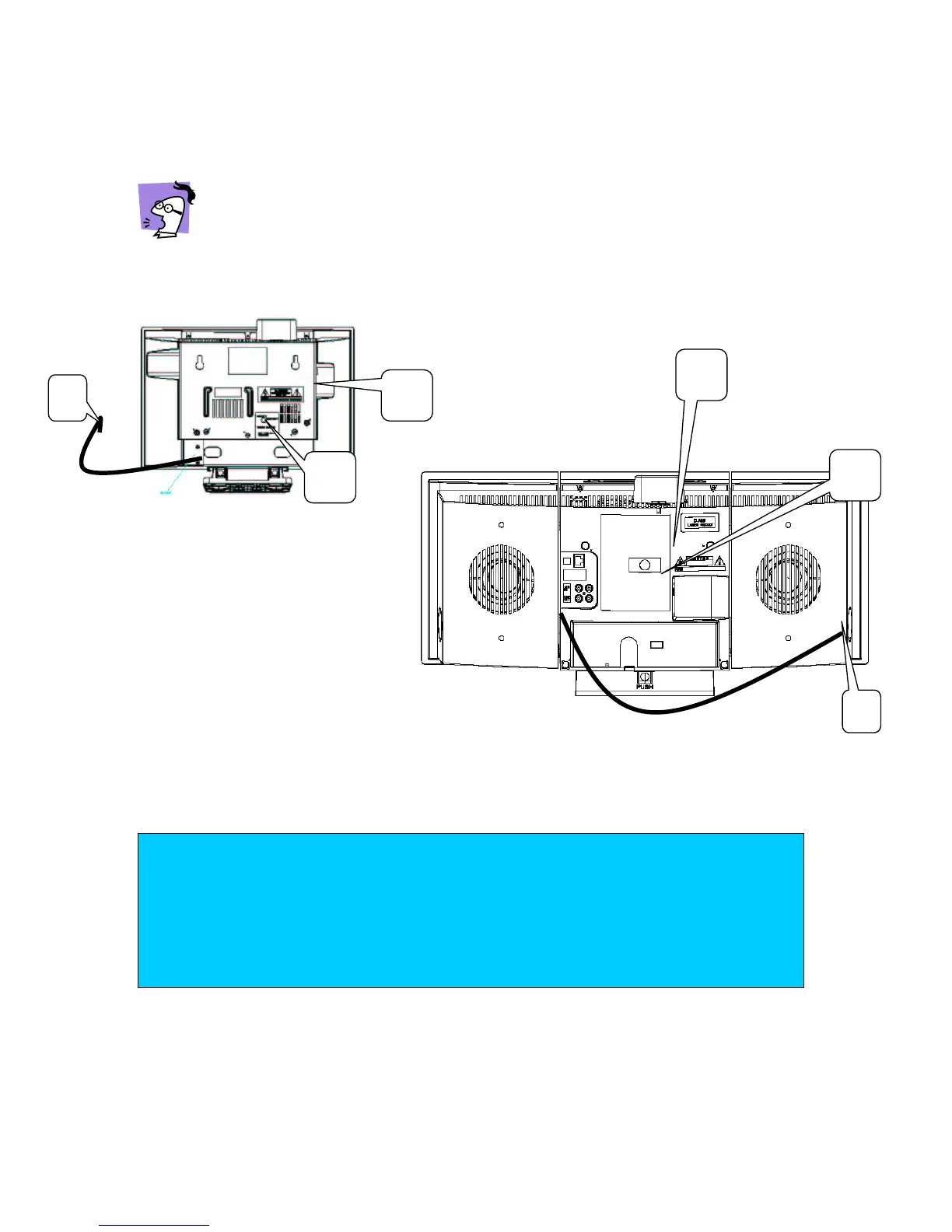
Basic connections:
FM antenna, Ethernet and AC power
In order to ensure a good wireless connection avoid placing the set close to microwave
ovens and large metal objects.
Never make or change connections with the mains supply switched on!
1 Place the Center and Station close together on the same table for easy handling.
2 Connect the FM antennae.
Station rear view
C
e
nter rear view
3
For internet connection (wired option for computer users only.
) Connect the supplied
LAN/ Ethernet cables for each device to your PC.
4 Connect the power plugs to your AC power supply.
For users in the U.K.: please follow the instructions on page 3.
2
2
3
3
TIP
– When the set is switched to standby, it is still consuming some power.
To disconnect the set from the mains completely, remove the mains plug from
the wall socket.
–
To avoid overheating of the set a safety circuit has been built in. Therefore your
set may disconnect under extreme conditions. If this happens, switch the set off
and let it cool down before reusing it.














 To Next Page