33
Listening to FM Tuner
• Select TUNER function.
Radio plays from the last station listened to.
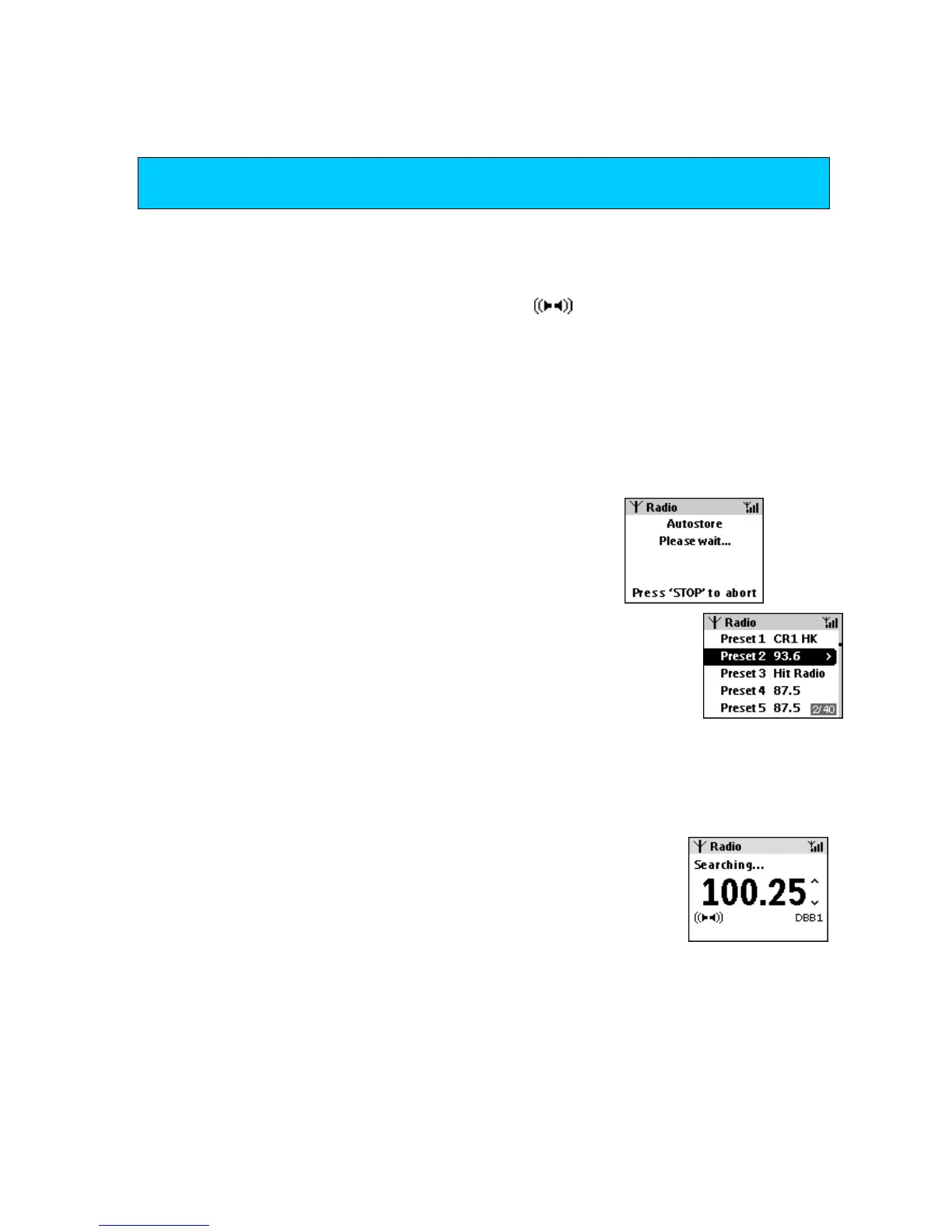
Display during radio playback shows: station frequency, manual tuning prompts
,
,
and if available: the preset number, stereo
/sound status, and RDS text
information.
How to tune to stations
You can tune up to 40 FM stations in 2 ways, automatically or manually.
Autostore
allows you to fast tune and store 10** stations automatically.
• To tune to stations, press MENU and use the left/
right navigation controls (/ ) to browse the radio
menu options.
• Select the Autostore option to automatically store
up to 10 stations in order of increasing radio frequency.
Display shows: auto-stored stations as a list of preset numbers
of each station frequency or RDS station name if available.
**Remaining presets stations are default filled by the frequency 87.5. See next
chapters to manually tune further presets.
Manual tuning
You can either:
• press the up/ down navigation controls (
/
) briefly and repeatedly until
your desired frequency appears.
• press and hold
/
until the display shows Searching. Search tuning
stops automatically when a station of sufficient strength is detected.
TIP
Check you have connected the FM antenna to give you good radio reception. (see page xx)














 To Next Page