16
Sound control
Volume
You can adjust the volume level from 0-32.
•
Press
VOL -/+
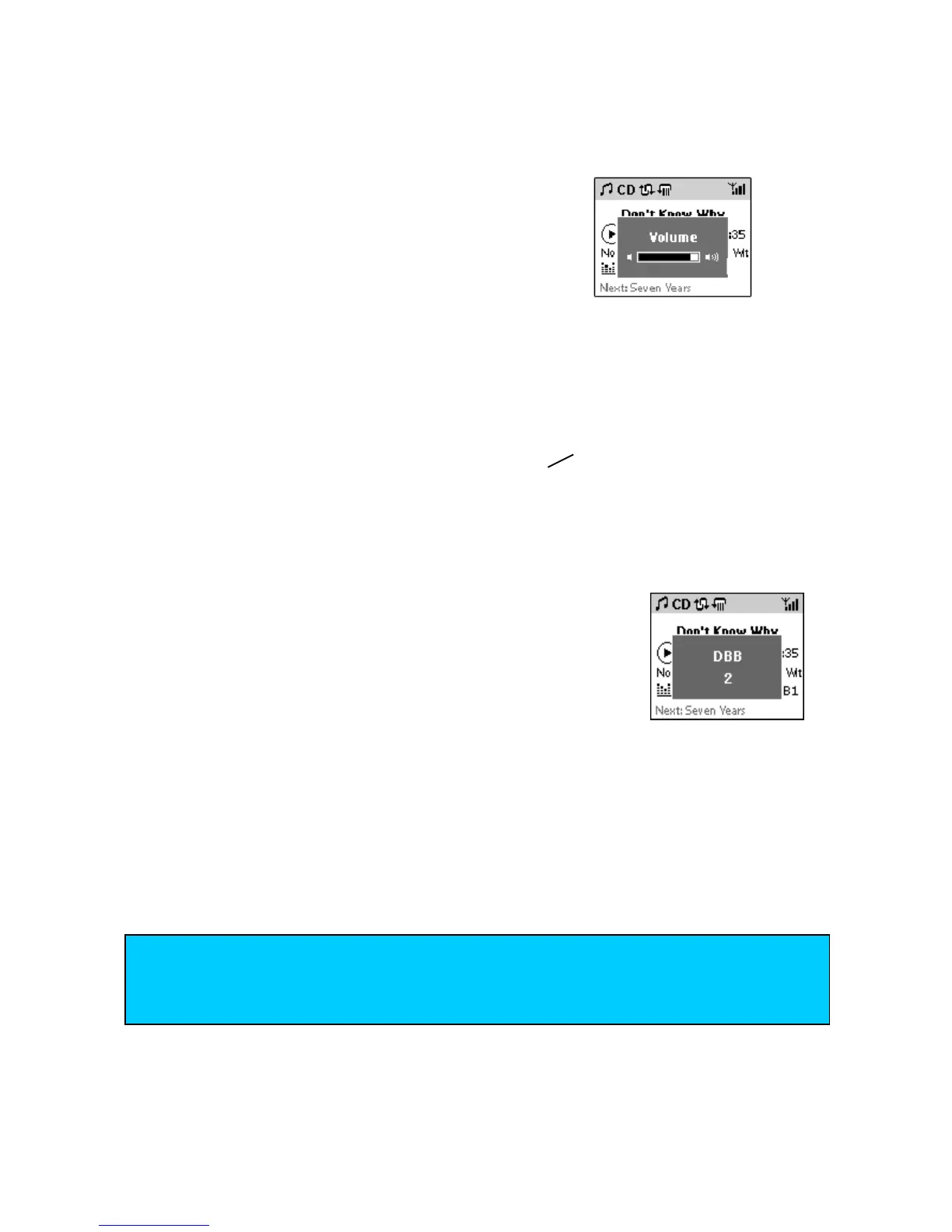
Display shows volume bar briefly.
MUTE
•
To switch off the volume temporarily, press MUTE on the remote control.
If activated, display shows Mute ON and the mute icon
8
• To restore the volume, press MUTE again.
DBB
(Dynamic Bass Boost)
• Press DBB(5 jkl) once or more to toggle to enhance bass at 3
levels.
Display shows DBB and level status 1, 2 or 3.
INCR.SURROUND
The Incredible Surround magnifies the virtual distance between the front speakers for an incredibly wide,
stereo effect.
• Press INCR.SURR (4 ghi) once or more to toggle on/off.
If activated, display shows IS ON.
If deactivated, display shows IS OFF.
TIP
– Press MENU to select and navigate through EQUALIZER menu for further predefined
sound options, e.g. Rock, Pop, Jazz.
– See page XX for details on the MATCH GENRE sound feature.














 To Next Page