28
Music Follows Me (HD source)
This feature allows your MP3/ WMA tracks
stored on the HD source to follow you from one place and
device to another:
– Center to the Station
– Station to the Center
– Station to another Station.
1
On the first unit
(Center/ Station): in normal standby or HD playback/ pause mode,
select a MP3/ WMA track for playback.
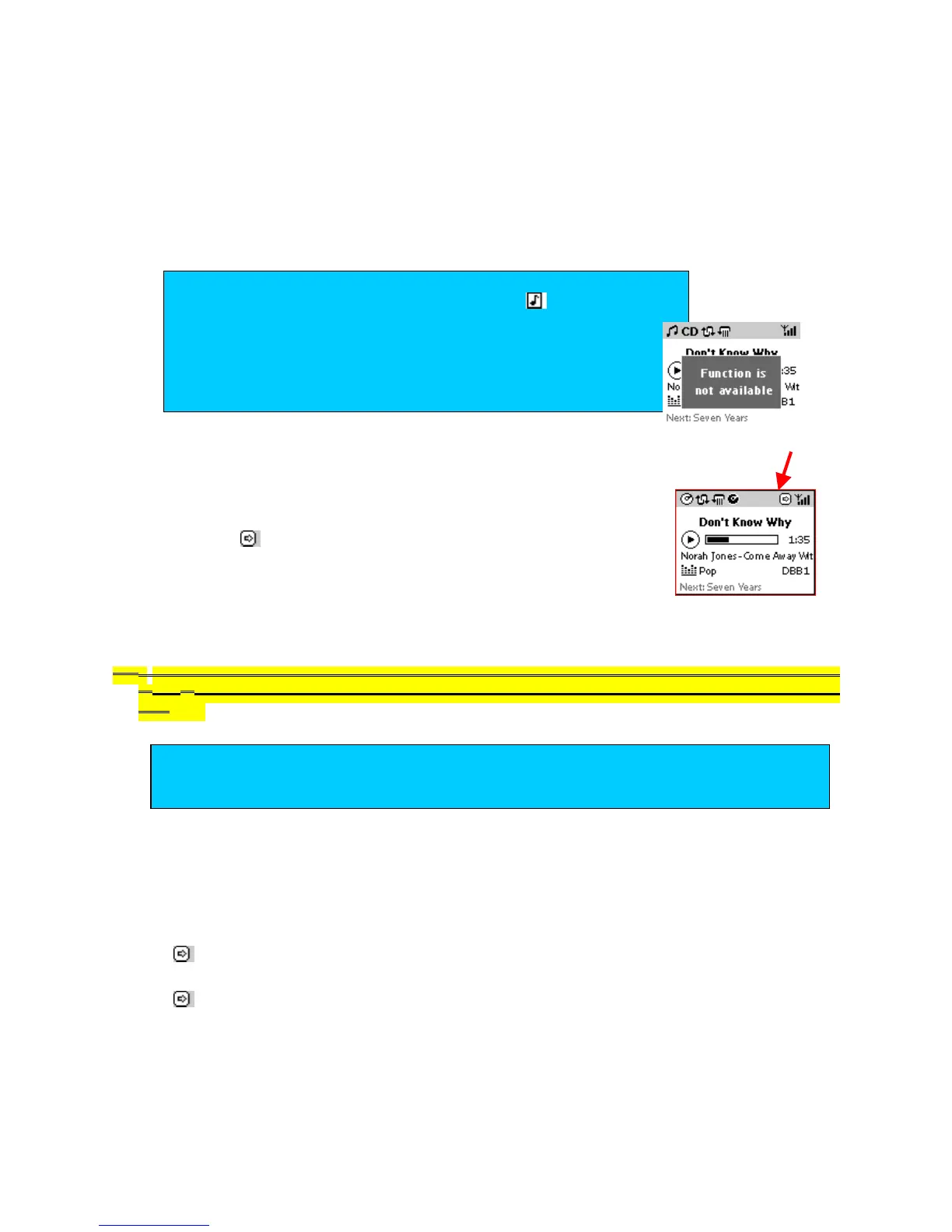
2 Press Music Follows Me / MUSIC FOLLOWS ME to activate.
appears on your display.
3
On the second unit
where you want the music to continue, press
Music Follows Me / MUSIC FOLLOWS ME to start playback.
the audio file stops playing on the first unit. Playback starts from the beginning of the track on the
other unit. The display on your first unit shows the HDD screen in the stop mode. If you make no
further adjustments on the second unit, its display will then enter into normal standby.
If you wish to resume playback from the exact point as played on the source device, first press pause
II /
(on the remote control) or OK (on the source device) before you activate Music Follows
Me.
TBC
To stop Music Follows Me
You can either:
•
Press Music Follows Me / MUSIC FOLLOWS ME again or another function key.
disappears. The device switches to a different function / resumes its previous status.
•
Press STOP/ during Music Follows Me.
disappears. The device shows the HDD screen in the stop position.
IMPORTANT!
Not for playback of uncompressed
CD music.
Music Follows Me can only be activated in either
normal standby (but not ECO standby,) or the HD
source playback/ pause mode.
-- An error message prompts you if you attempt to activate
the function in any other mode.
TIP
Complete steps 1-3 above within 5 minutes, otherwise Music Follows Me mode is
deactivated.














 To Next Page