34
Programming presets manually
Program up to 40 stations.
1
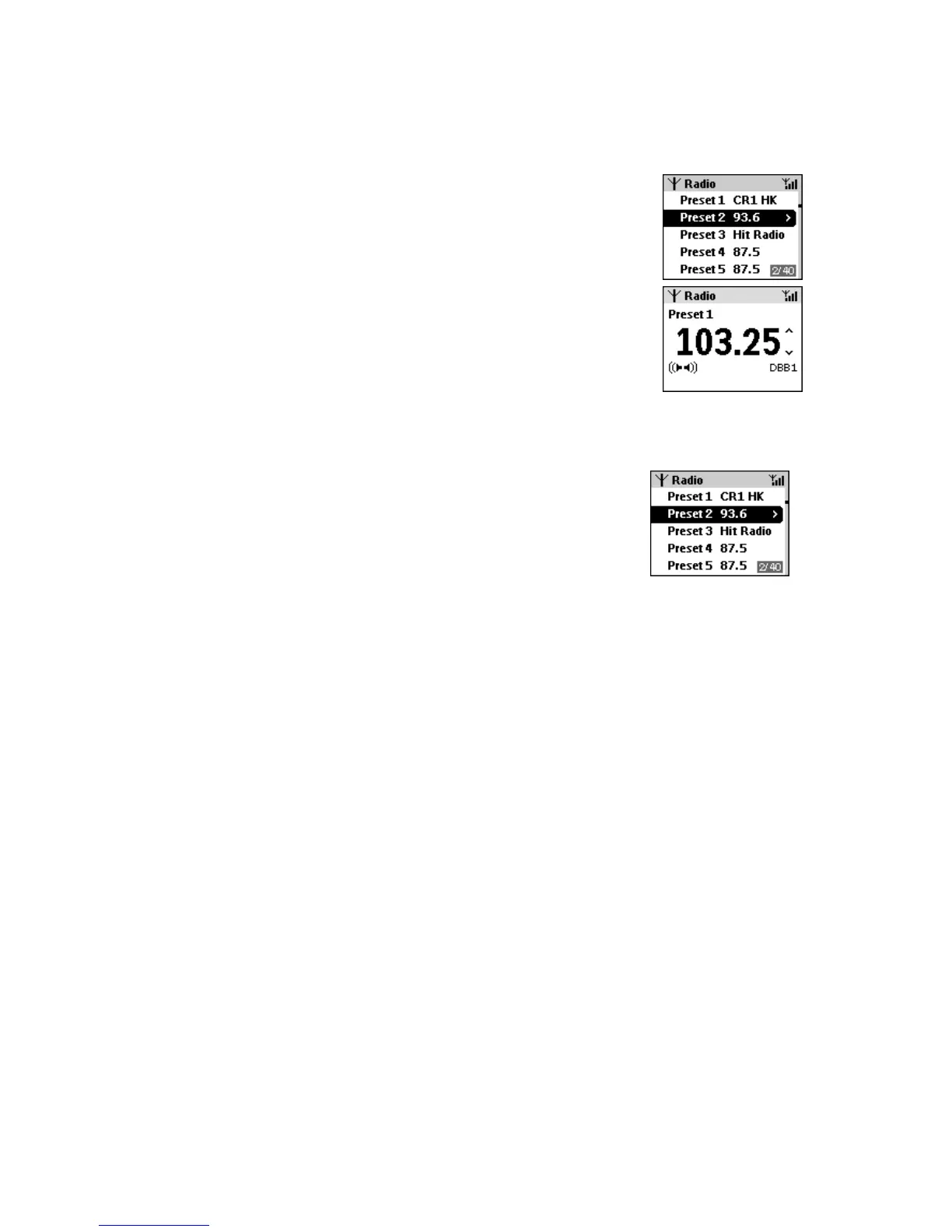
In tuner mode, press the left navigation key
to return to the
preset list screen, if necessary.
2 Use the up/ down navigation / control to select a preset
frequency you want to overwrite.
3 Tune to your desired station as described in Manual tuning.
4 Press and hold OK on the unit for 2 seconds, or PROGRAM on the
remote control to store your preset.
If the frequency is not already stored, Preset X appears, where X
is a number (1-40) of your preset location.
5
Repeat steps 1-4 above to store your other desired stations.
Listening to preset stations
1
If necessary, press the left navigation key
to return to the preset
list screen.
2 Use the up/ down navigation / control to select a preset
frequency you want to listen to.
3 Press /OK to play the station.














 To Next Page