38
Recording from Tuner
1
Select Tuner source.
2 Select your desired station.
3 Press REC /OK to start recording.
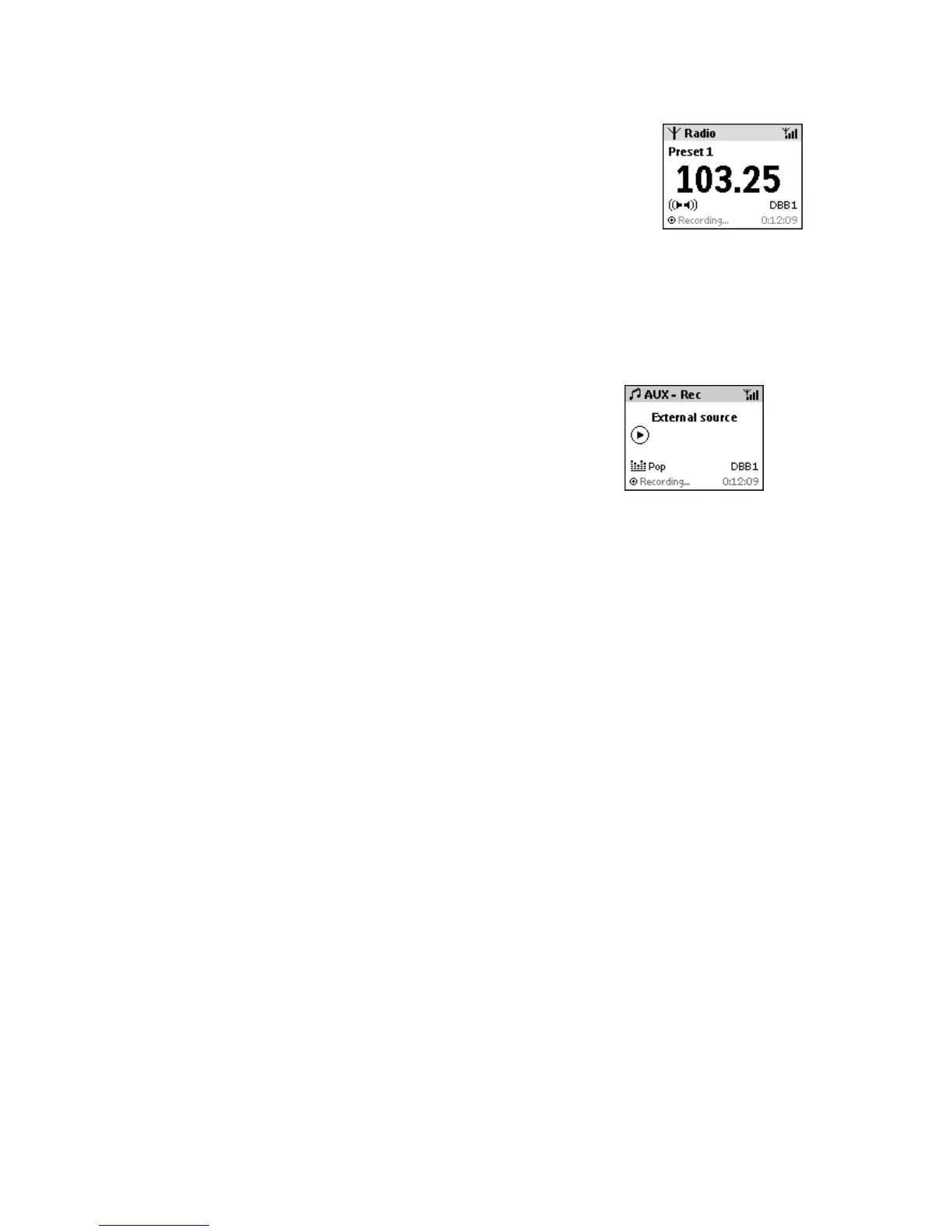
Display shows Recording...
Recording from AUX
1 Select AUX source, when you have connected another
external device with a cable (not supplied) to AUX IN on the
Center.
2
Play the external device.
3
On the Center, press REC /OK to start recording.
Display shows Recording...
Tip
Always refer to the owner’s manual of the other equipment for complete connection and use details.














 To Next Page