14
Basic Operation
Basic playback controls
Unless otherwise stated, all operations described are based on the use of Center remote control.
Switching on
from active standby
To switch on, you can either:
• On the set, press STANDBY/ON or SOURCE
• On the Center remote control, press HARDDISK, CD-MP3-CD or TUNER/ AUX Server
• On the Station remote control, press Server or Tuner/ Aux
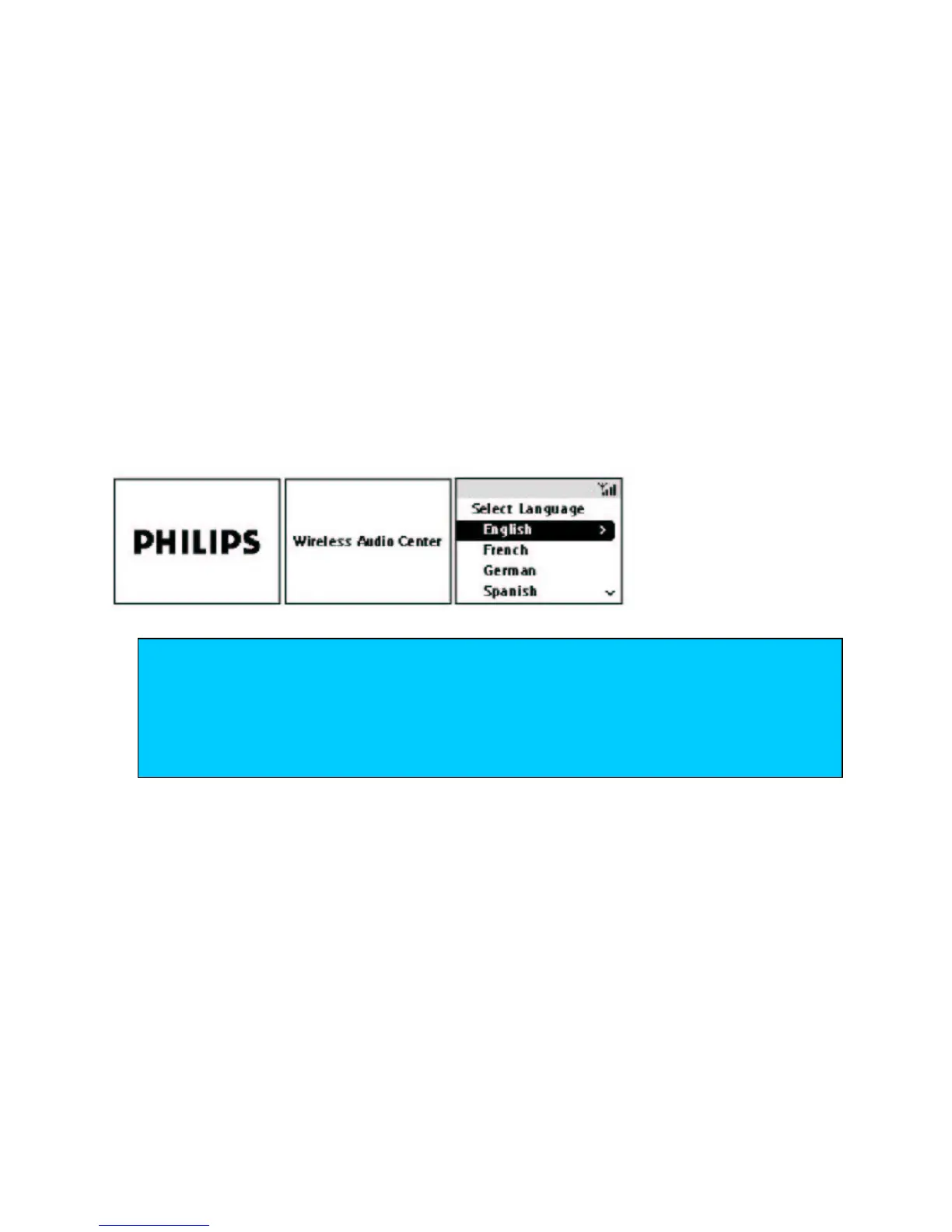
Display shows the Welcome screen, then your chosen source screen/ last selected source.
When switching on for the first time, you will see the following screens:
from ECO POWER standby
•
On the set only
, press SOURCE respectively to wake-up your Center/ Station to active standby.
•
On the set/ remote control
, press STANDBY/ON respectively to wake-up your Center/ Station.
Display shows the Welcome screen, then your chosen source screen/ last selected source.
TIP
– Inserting a CD into the Center slot loader wakes the set directly into CD mode
– If you have activated Music Follows Me on either the Center/ Station, pressing Music
Follows Me (on the set/ remote control) will wake up the corresponding Center/ Station
into the respective mode.
–
If you have activated MUSIC BROADCAST on the Center, pressing MUSIC
BROADCAST on the remote control will wake up the Station into this mode.















 To Next Page