40
SLEEP: How to use the built-in timer
This function allows you to automatically switch the Center/ Station from an active mode to standby after
a preset period of time (in minutes).
1
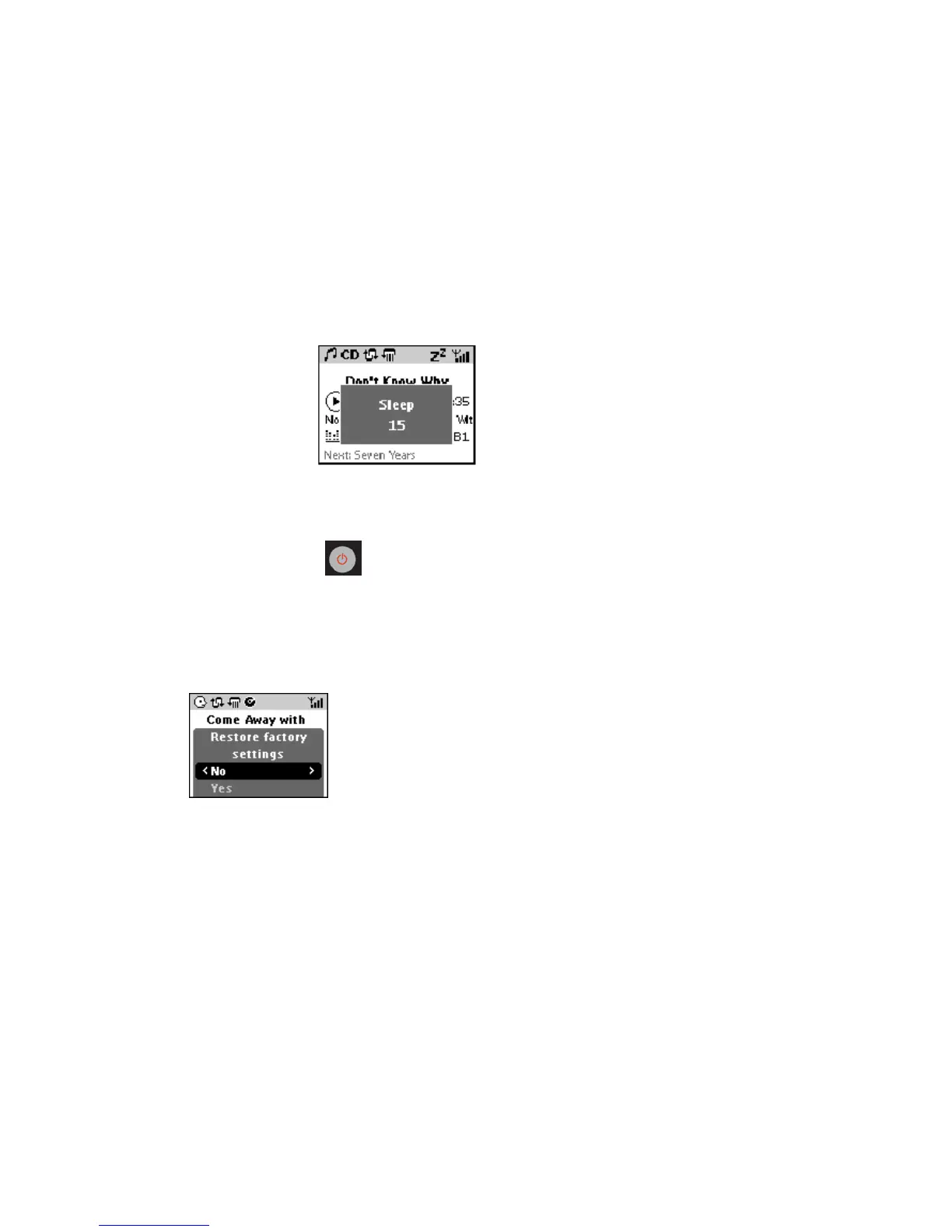
In any active mode, press SLEEP once or more, on the remote control, to select your preset
time period: 15 (default) → 30 45 60 90 120 OFF 15→→→→ → →…
If SLEEP is activated, Z
z
also appears.
Display shows a countdown of 10 seconds, just before switching to standby: SLEEP 10 →
SLEEP 9 → SLEEP 8 …then → SLEEP and Good-bye.
If recording is in progress during the end of a sleep period, any partially ripped tracks will
be deleted.
2 To cancel SLEEP, you can either:
• Press SLEEP until you OFF appears.
• Press STANDBY/ON (or
on the remote control.)
Restore: default settings














 To Next Page