22
Playing CDs on the Center
For playback on this set you can use:
– All pre-recorded audio CDs
– All finalised audio CDR and CDRW discs
– MP3-CDs (CD-ROMs with MP3 tracks)
1
Insert a music CD into the CD slot loader on the Center, CD
printed side facing as shown.
During playback of other modes, when you load a disc this
automatically switches the Center to CD source (exception: recording
mode in progress.) Display shows: Reading CD
2
To start playback, press OK on the Center (or
II /
on the remote
control).
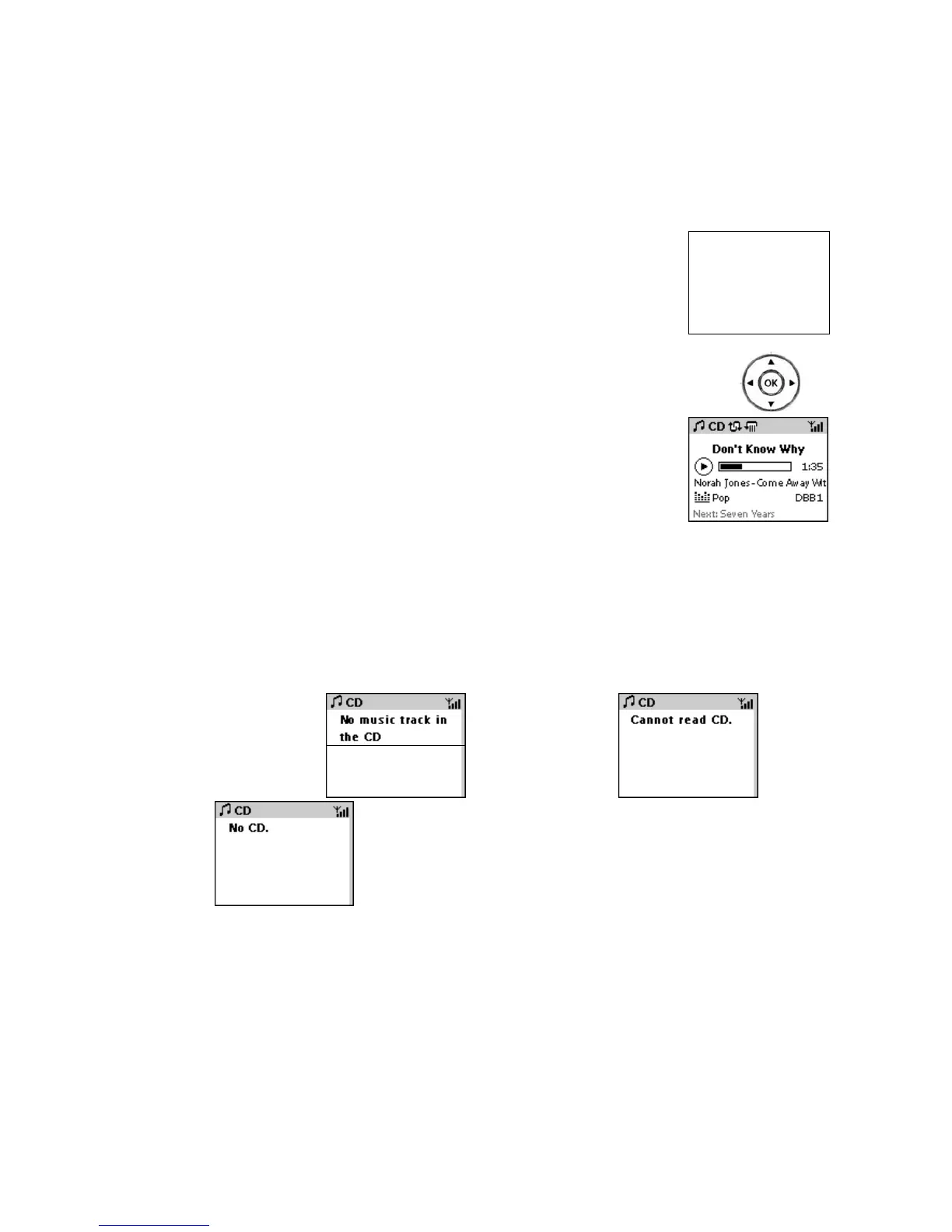
Display shows current track title, elapsed playtime, and
ID3 information if available. Play mode and sound
settings if selected.
3
To pause playback, press OK (or
II /
on the remote control).
4
To stop playback, press STOP/ .
5
To eject the CD, on the Center press EJECT.
Error display messages
If you have inserted a CDROM
, a damaged/ dirty CD
or no CD














 To Next Page