21
Multi-functional controls: searching…
– To fast scroll up/ down content: Long press
,
(or …on the
remote control)
–
Skip to next/ previous item: short press , (or …on the remote
control)
For speed, use the remote control to key in the number of a desired track.
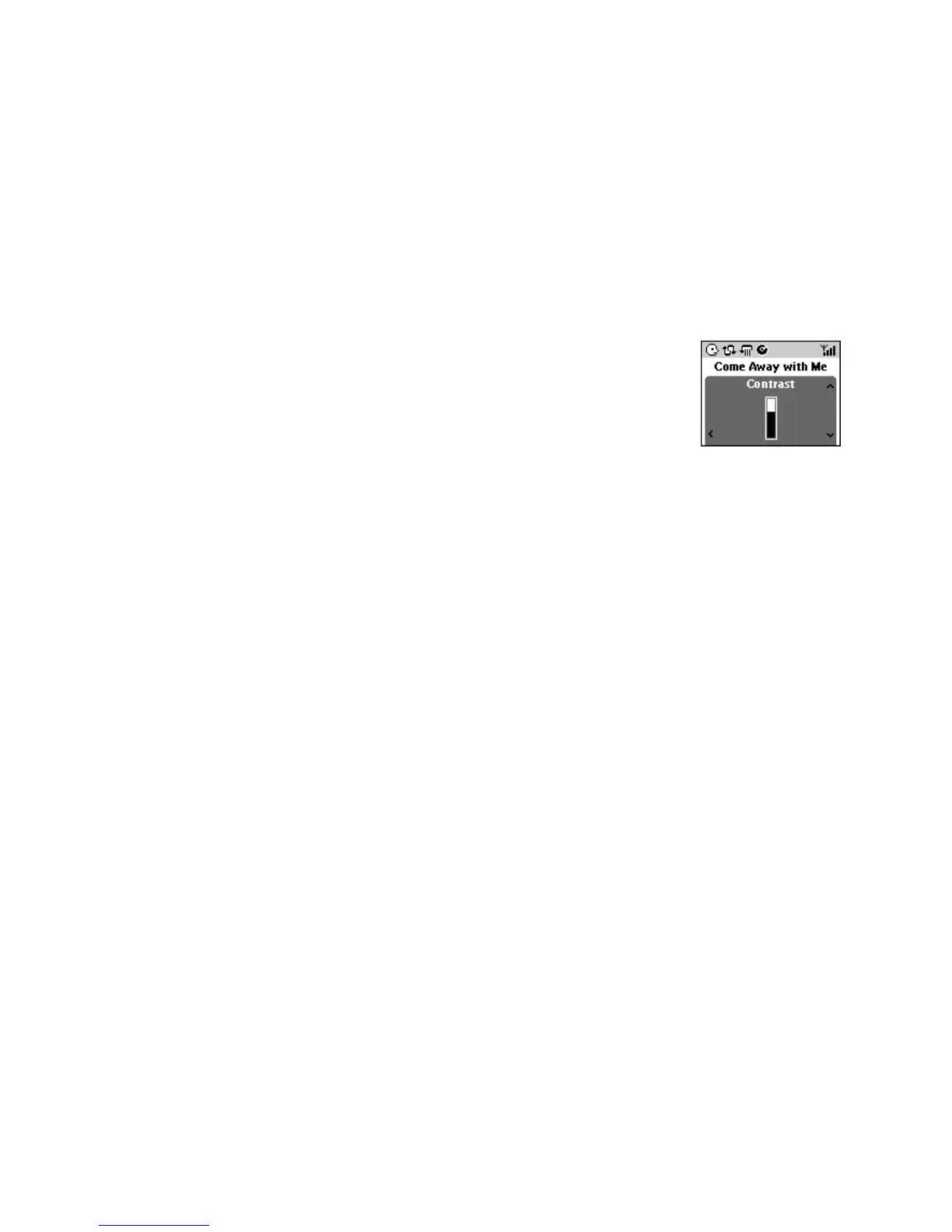
Display settings
2 options:
– Backlight (on/ off)
–
Contrast
• Use the navigation controls to adjust the display settings.














 To Next Page