20
Navigation control
Navigating tracks, menu options & settings
1 Press MENU on the device/ remote control.
A menu pop-up appears.
2
Use the OK navigation up/ down, left/ right controls (
,
,
) to highlight and
select your option/ setting.
3 Press OK to confirm/ play.
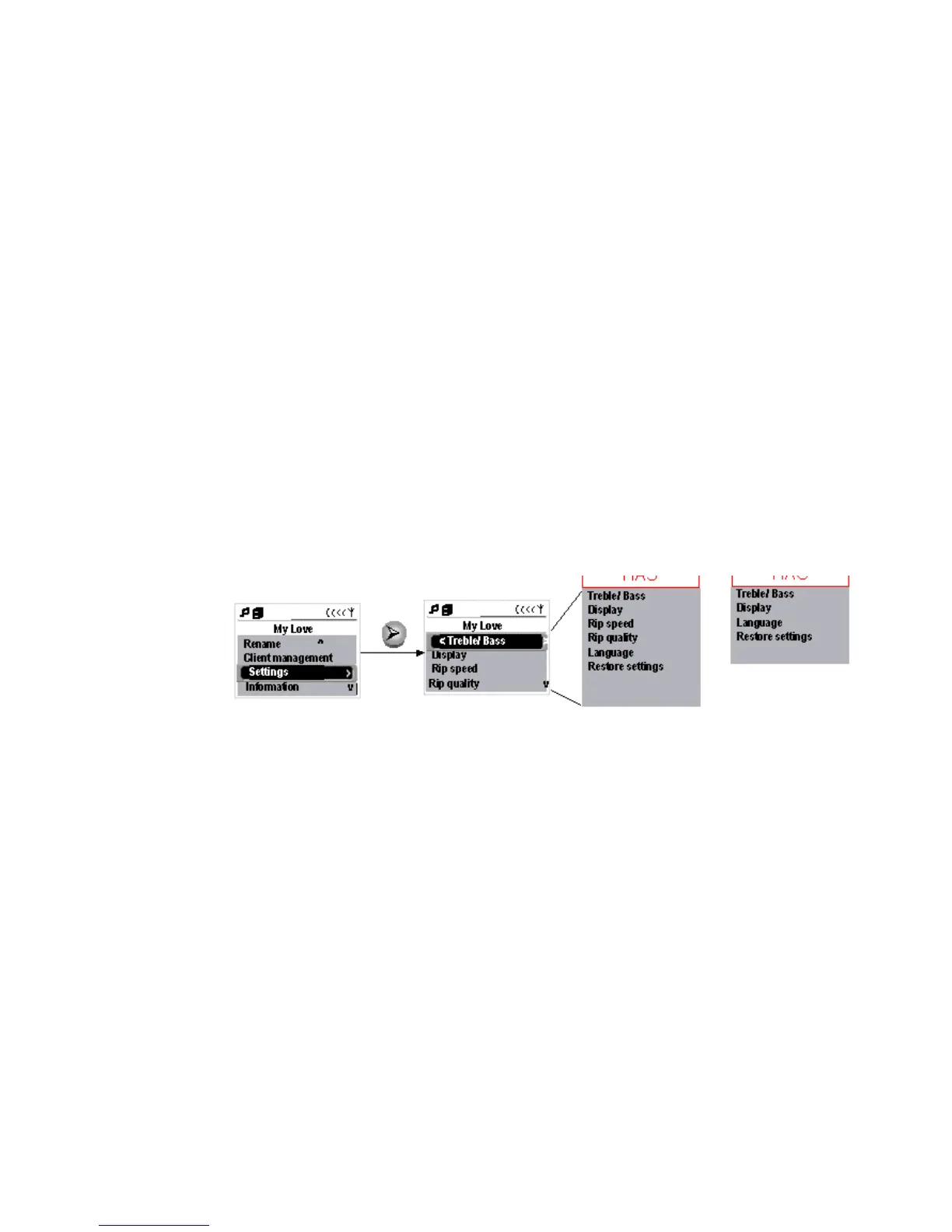
Example of options when you press MENU to select Settings submenu.
Center display
Station display















 To Next Page