30
To stop broadcast
1
Press STOP/ on the Station, within the 5-second
countdown or during broadcast.
The Station resumes its previous status.
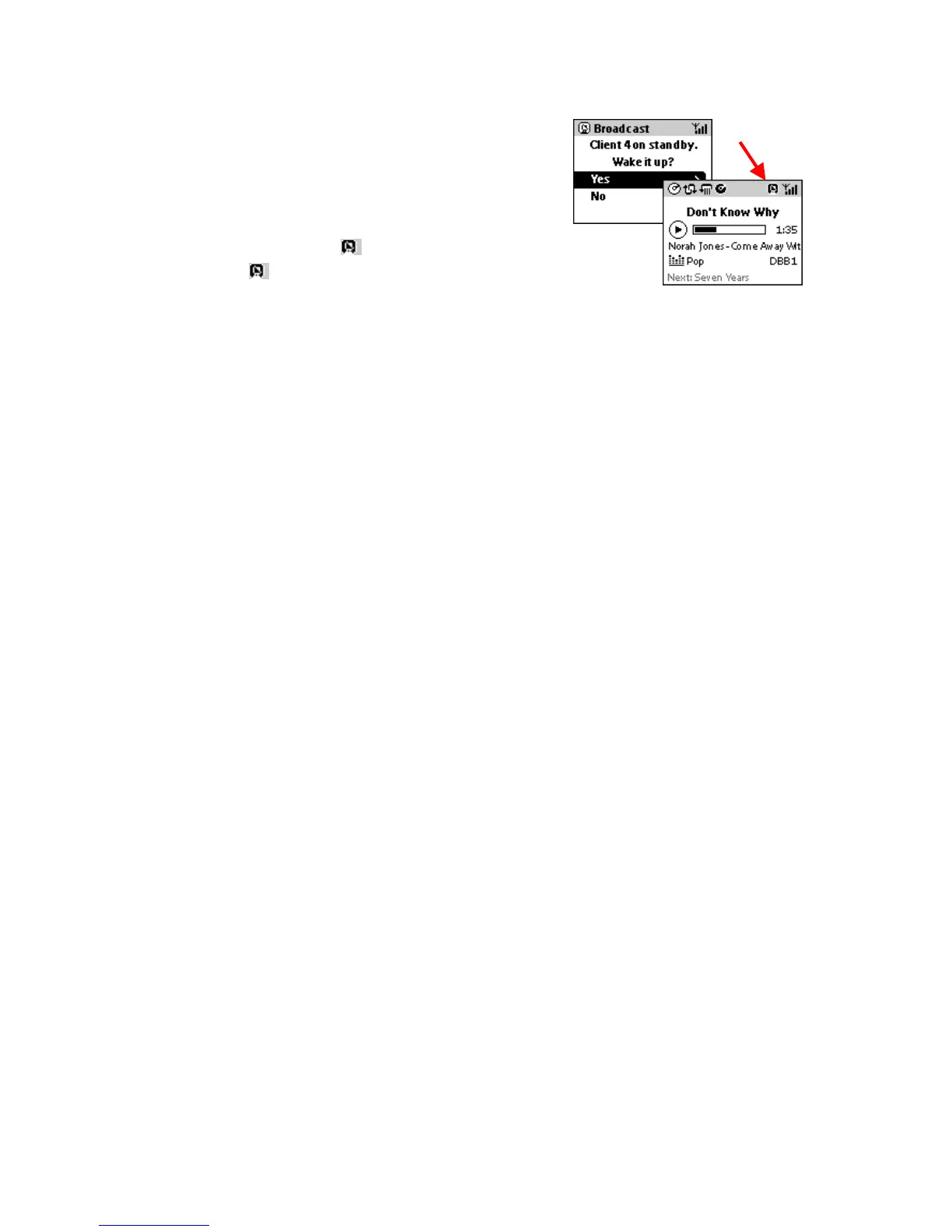
Rejected broadcast icon
appears.
2 To cancel completely, on the Center press STOP/ .
Both the Center and Station will show the default HDD screen for 5
minutes.
If no other buttons are pressed, the system automatically enters standby mode at the end of the 5
minutes.















 To Next Page