Virtual Local Area Network (VLAN)
7278_en_04 PHOENIX CONTACT 6-5
6.4.1 Static VLANs
Static VLANs can be created on this web page. Up to seven new VLANs can be created
(VLAN 2 to VLAN 7). If more are created, a corresponding message will be displayed.
VLAN 1 is always created statically and all ports are added to it as untagged members. By
default upon delivery, with "Tagging" VLAN mode activated, network-based management
interfaces (WBM, Telnet, and SNMP) are only available from VLAN 1. This means that in
order to access the management interfaces, you must either implement data traffic in
tagged mode without VLAN tag, where the switch is accessed via ports using the VLAN ID
or you must use data traffic with VLAN tag, the ID of which is 1.
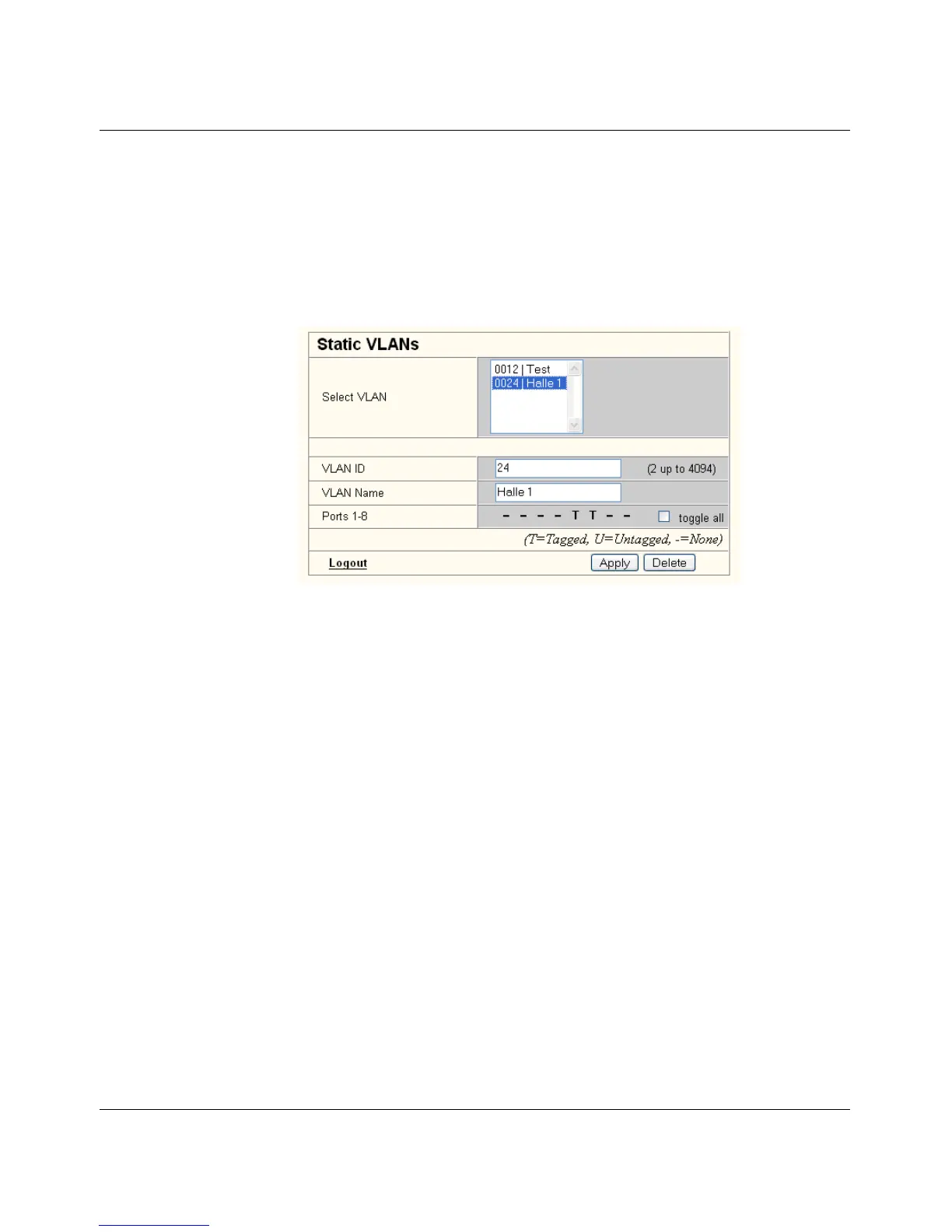
Figure 6-3 "Static VLANs" menu
On this web page you can create static VLANs by assigning a VLAN ID and VLAN name.
The ports are then assigned to the individual VLANs by selecting the relevant VLAN and
clicking on the character in the "Ports 1-8" line that indicates the current port status. Various
options are selected by clicking on the status several times. By clicking on "toggle all", all
available ports in the relevant port group change their status.
The possible states are:
T = Tagged
Ports with "Tagged" status belong to the selected VLAN and packets are sent to this port
with VLAN tag.
U = Untagged
Ports with "Untagged" status belong to the selected VLAN and packets are sent to this port
without VLAN tag. An "Untagged" port cannot belong to multiple VLANs - otherwise there is
no logical division (except VLAN 1).
- = None
Ports with "None" status are not integrated into the VLAN.



 To Next Page