Lean Managed Switch
7278_en_04 PHOENIX CONTACT 1-9
1.3.3 V.24 (RS-232) interface for external management
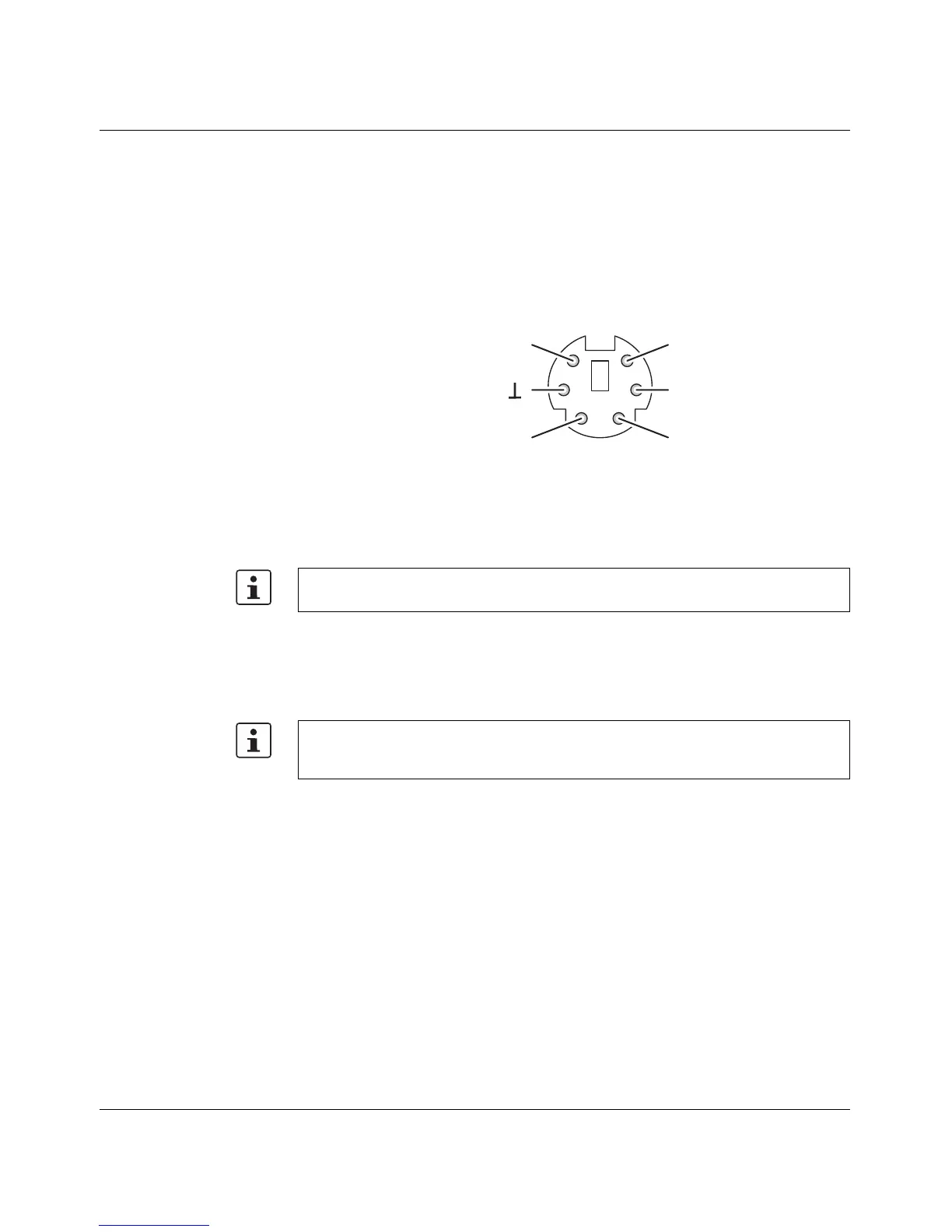
The 6-pos. Mini-DIN female connector provides a serial interface to connect a local
management station. Use the "PRG CAB MINI DIN" programming cable
(Order No. 2730611). It can be used to connect a VT100 terminal or a PC with
corresponding terminal emulation to the management interface (for an appropriate cable,
please refer to "Ordering data" on page 7-3). Set the following transmission parameters:
Figure 1-8 Transmission parameters and assignment of the V.24 (RS-232) interface
1.3.4 Grounding
All Factory Line devices must be grounded so that any possible interference is shielded
from the data telegram and discharged to ground potential.
A wire of at least 2.5 mm
2
must be used for grounding. When mounting on a DIN rail, the DIN
rail must be connected with protective earth ground using grounding terminal blocks. The
module is connected to protective earth ground via a metal clip on the rear of the housing.
Bits per second 38400
Data bits 8
Parity None
Stop bits 1
Flow control None
12
34
56
T x DR x D
r e s .
R T SC T S
R S - 2 3 2 ( V . 2 4 ) i n t e r f a c e
Grounding protects people and machines against hazardous voltages. To avoid these
dangers, correct installation, taking the local conditions into account, is vital.
Option: In an environment particularly prone to EMI, noise immunity can be increased by
an additional low-impedance connection to functional earth ground via terminal 7
("Assignment of the COMBICON connector" on page 1-7).



 To Next Page