FL SWITCH LM ...
4-2
PHOENIX CONTACT 7278_en_04
4.2 RSTP startup
Startup consists of two parts that must be executed in the specified order:
1 Enable RSTP on all switches that are to be operated as active RSTP components in the
network.
2 Connect the switches to form a meshed topology.
4.2.1 Enabling RSTP on all switches involved
RSTP can be activated via web-based management, via the SNMP interface or via the
serial interface.
4.2.1.1 Enabling with web-based management
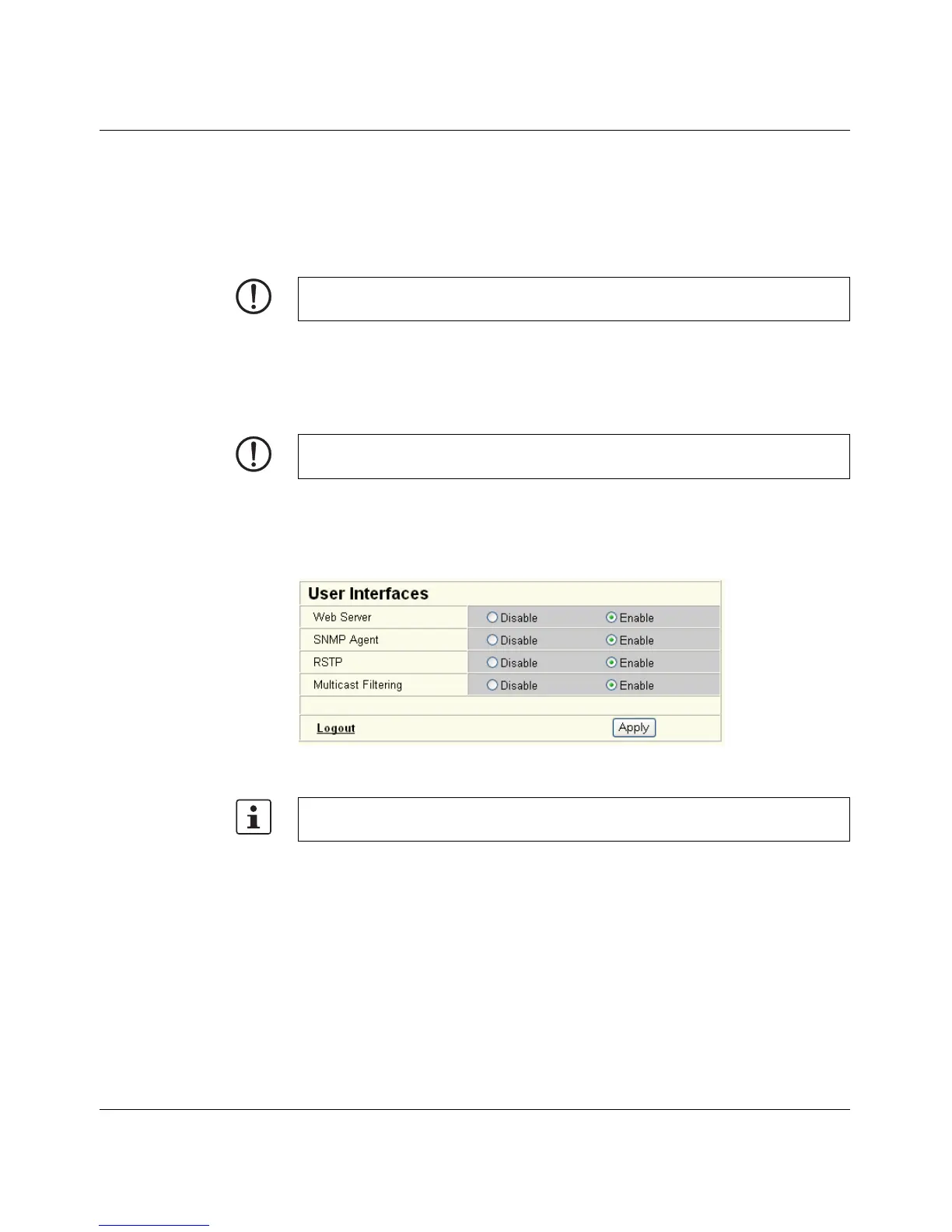
Activate web-based management for the switches, e.g., using the Factory Manager, switch
to the "General Configuration" menu, then the "User Interfaces" page. Activate the "Rapid
Spanning Tree" function under "Redundancy" and confirm by entering your password.
Figure 4-2 "User Interfaces" menu
NOTE: Only create the meshed topology after activating RSTP.
NOTE: While learning the network topology, the switch temporarily does not participate in
network communication.
The previously created configuration is lost if "No redundancy" is selected in the WBM
menu following RSTP configuration.



 To Next Page