Virtual Local Area Network (VLAN)
7278_en_04 PHOENIX CONTACT 6-7
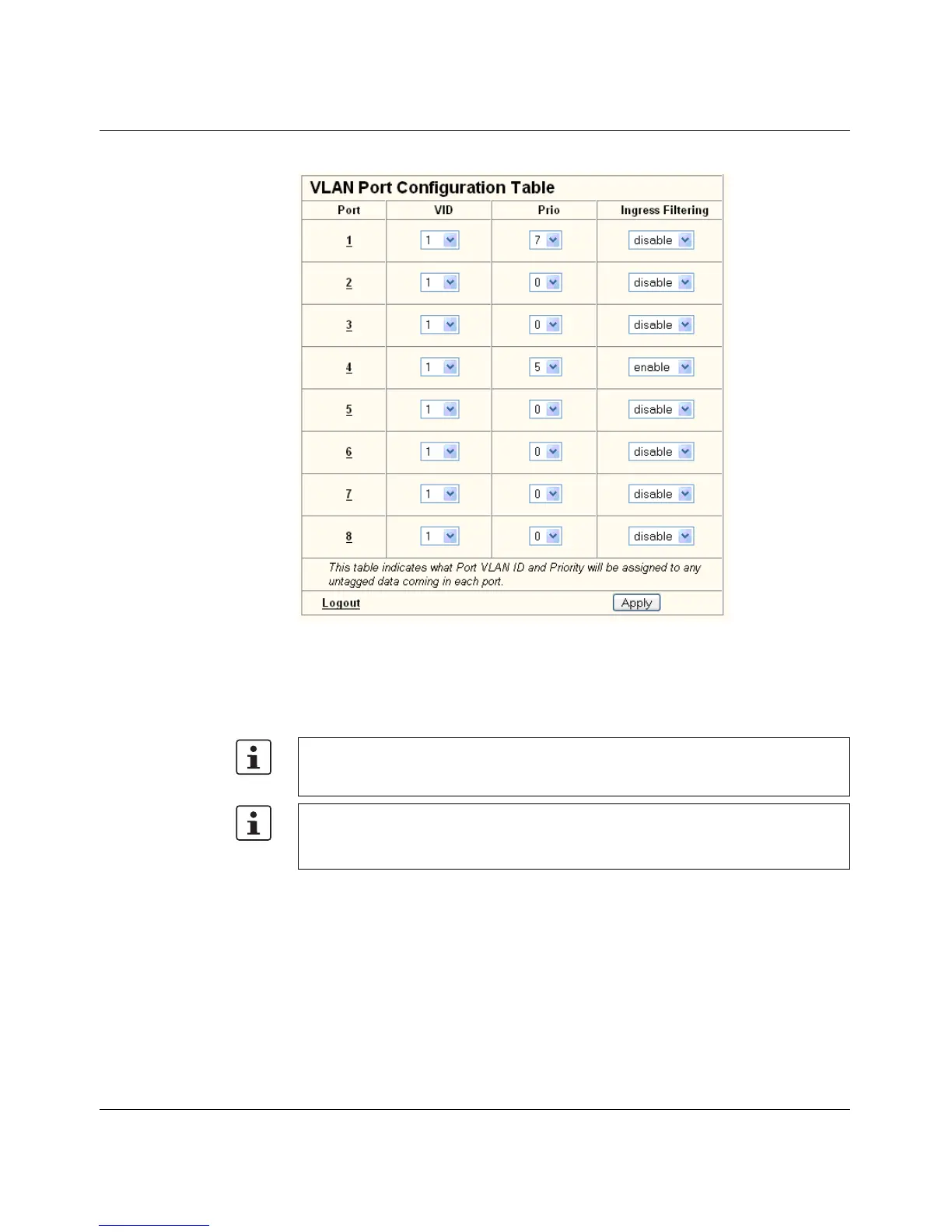
Figure 6-5 "VLAN Port Configuration Table" menu
6.5 Creating static VLANs
In order to create a VLAN, the switches involved must be configured accordingly. In the
following example, data traffic is to be enabled in VLAN 5 between termination devices A
and B.
The type of termination device must be taken into consideration: VLAN-compatible
(processes tags) or not VLAN-compatible (does not process tags). In the example, two
types of termination device are take into consideration.
Security recommendation: Instead of using VLAN 1 for management, it is recommended
that a new separate VLAN is created for management. Make sure that the administrator
has access to this VLAN.
Warnings displayed when creating/configuring VLANs indicate configuration errors:
– An "untagged" port belongs to multiple VLANs.
The port assignment (untagged) and VID do not match.



 To Next Page