FL SWITCH LM ...
3-50
PHOENIX CONTACT 7278_en_04
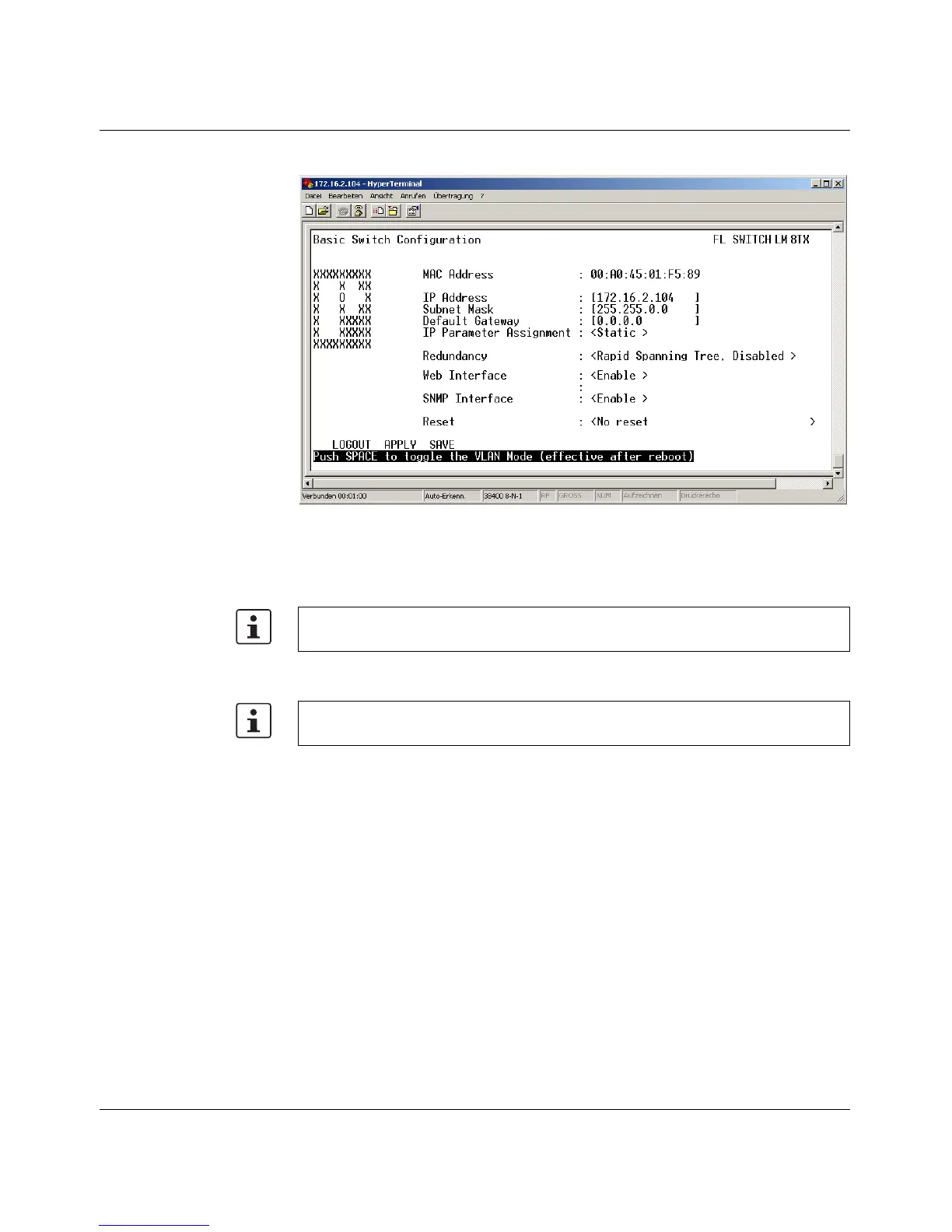
Basic Switch Configuration
Figure 3-30 IP configuration in the user interface
As well as displaying the set MAC address, this screen can be used to view or modify the IP
parameters.
This user interface screen can be used to determine the addressing mechanism or to trigger
a device restart.
In order to set the IP parameters, the "Static" option must be selected for "IP Parameter
Assignment".
All settings are transferred using "APPLY", but are not saved permanently. Use the
"SAVE" function to save the active configuration settings permanently.



 To Next Page