Rapid Spanning Tree
7278_en_04 PHOENIX CONTACT 4-7
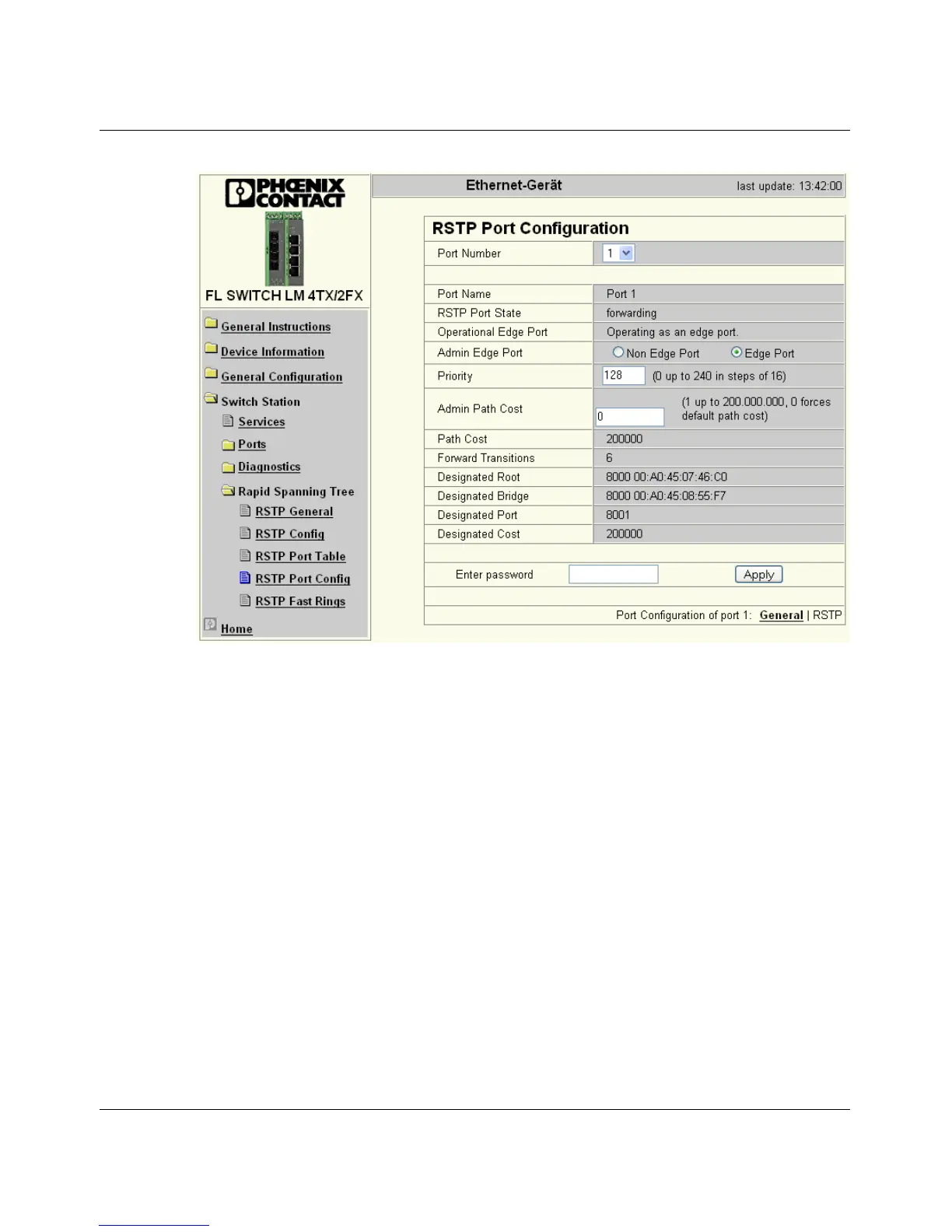
Figure 4-6 "RSTP Port Configuration" web page
Port Number
Indicates the number of the port currently selected.
Port Name
Indicates the name of the port.
RSTP Port State
Indicates the status in which this port takes part in STP.
Operational Edge Port
Indicates whether this port is operated as an edge port.
Admin Edge Port
Here you can specify whether this port is to be operated as an edge port (default setting), if
possible.
Priority
Indicates the priority set for this port. Due to backwards compatibility with STP, priority
values can be set that are not configurable in RSTP.



 To Next Page