Additional functions of PC WORX EXPRESS
105724_en_01 PHOENIX CONTACT 71
• Under “View”, select:
– Which device information should be displayed (e.g., device number) and
– How often the diagnostic data should be updated (e.g., manually when changing
tabs).
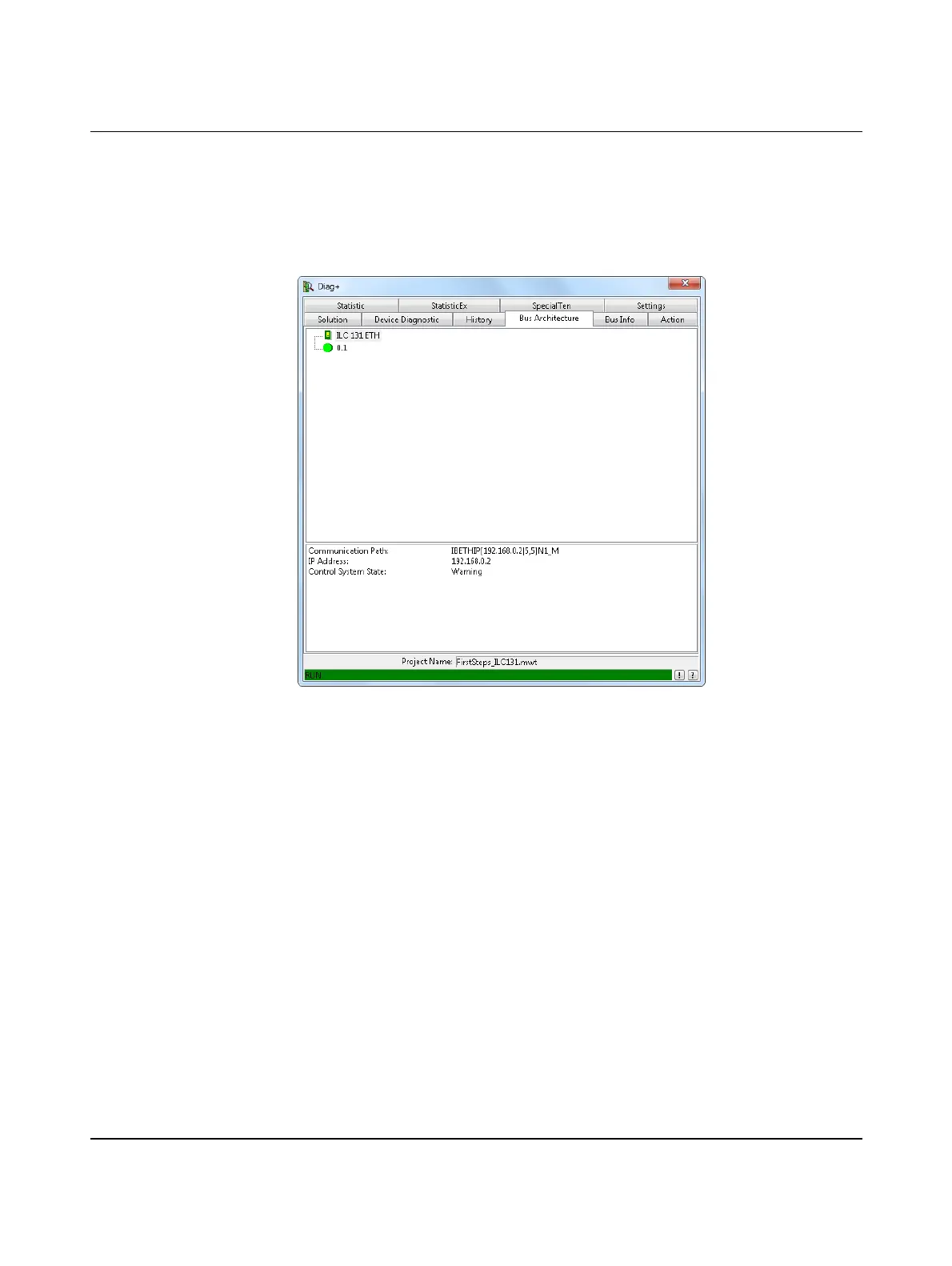
“Bus Architecture” tab • Select the “Bus Architecture” tab (see Figure 6-4).
Figure 6-4 “Bus Architecture” tab (no error)



 To Next Page