wlan
41
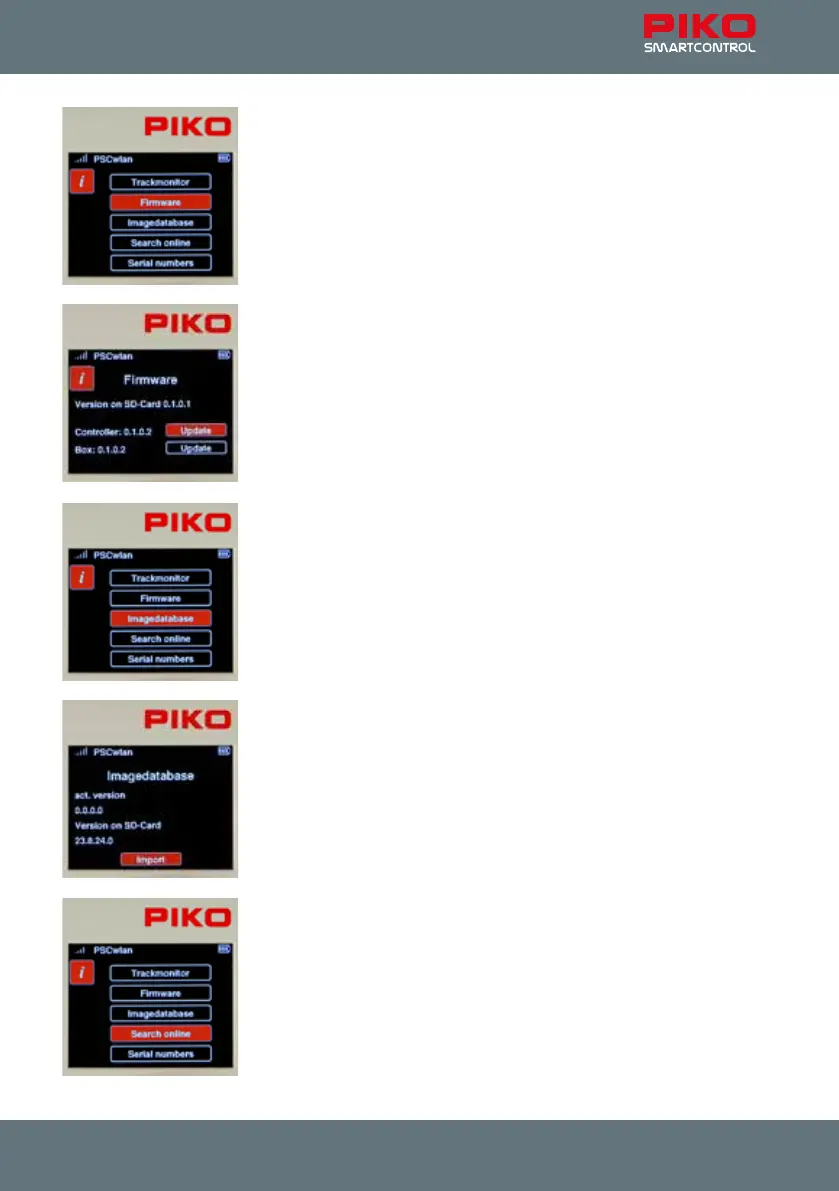
The rmware: This submenu displays the current version of rmware used
by the Controller, the SmartBox, and the SD card
If the rmware version on the SD card is more recent (has a higher number)
than the throttle and/or the command station, then both the Controller and
SmartBox can be updated to match the SD card by selecting the “Update”
box for either component. You can search for the latest rmware and load it
into the system by using “Station Mode”, provided your system has an
internet connection. You can also download rmware updates to a PC by
going to the PIKO Webshop and saving them on the SD card and then
inserting the SD card into the SmartBox.
The image database: This submenu shows the system's image database as
well as the database currently available on the SD card.
If the database on the SD card is newer than that of your system, then the
newer database can be downloaded via the “Import” command.
Search online: This menu lets you search online for rmware updates. To
search online, the command station’s Wi-Fi setting must be set to Station
Mode. (see Settings menu 8 "SmartBox settings", -> Wi-Fi settings).



 To Next Page