wlan
29
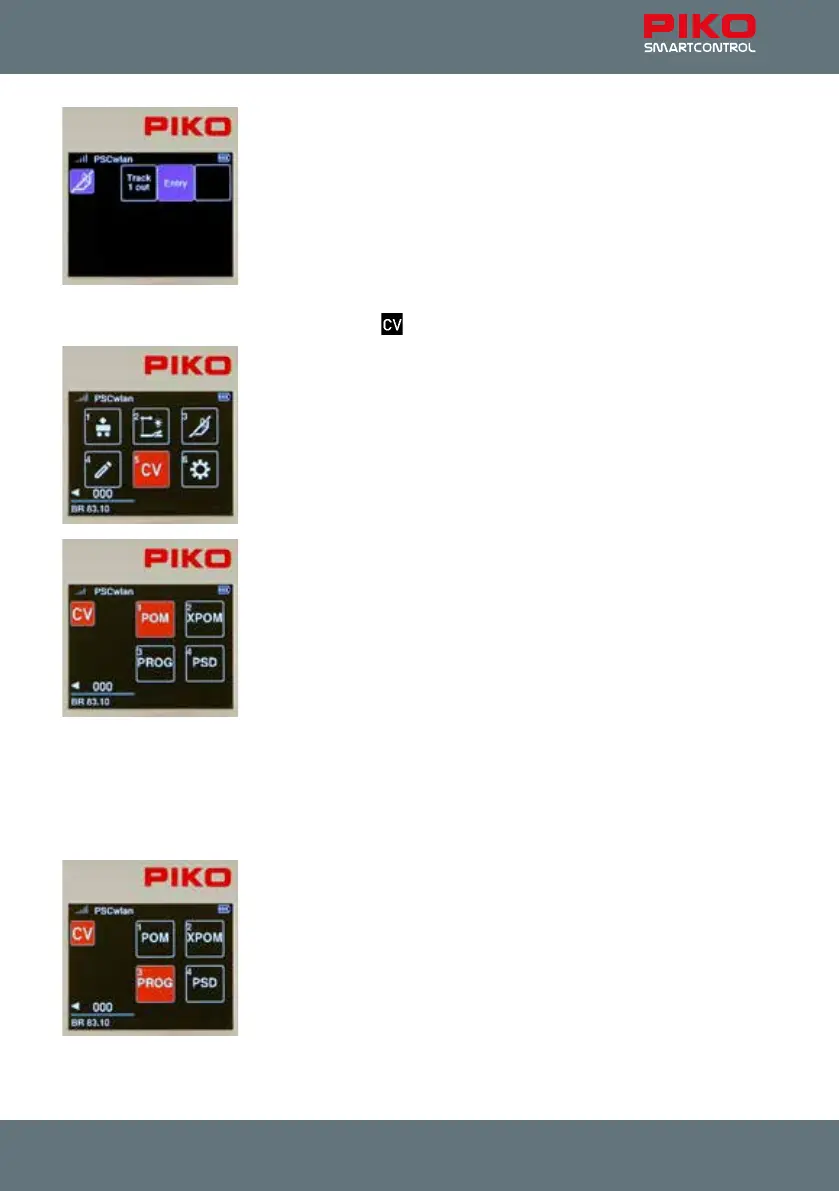
The display will now change to the editor menu for routes. Our new route is
displayed and, if desired, we can create another route using the empty eld.
Pressing the "Back" button two more times takes us back to the main menu,
in which the newly created route can now be selected and tested via the
route menu.
3.7. The CV programming menu [ ]
In the main menu, the "CV" icon is selected using key 5 on the keypad.
A CV (Conguration Variable) is a memory address in a digital decoder. The
content (value) of these CVs determines the behavior of the decoder. The
meanings of the respective CVs are found in the instruction manual of the
decoder.
The PIKO SmartControl
wlan
oers three types of programming for decoder
CVs:
1. Programming on the Main (POM)
2. Programming on the Main for Experts (XPOM) is a new type of
programming for experienced programmers
3. A Programming track (PROG) is the traditional programming method
where the locomotive is placed on an isolated track dedicated just to
decoder programming.
The fourth menu (PSD) is intended for updating PIKO SmartDecoder from
version XP 5.1 and upwards.
3.7.1 CV programming on the programming track (PROG)
Since programming on a programming track is the most common, it will be explained rst.
First place a locomotive with a CV-programmable decoder on the programming track.
In the programming menu, call up the "PROG" menu using button 3 on the
keypad or by using navigation buttons and conrm your choice by pressing
OK.



 To Next Page