8
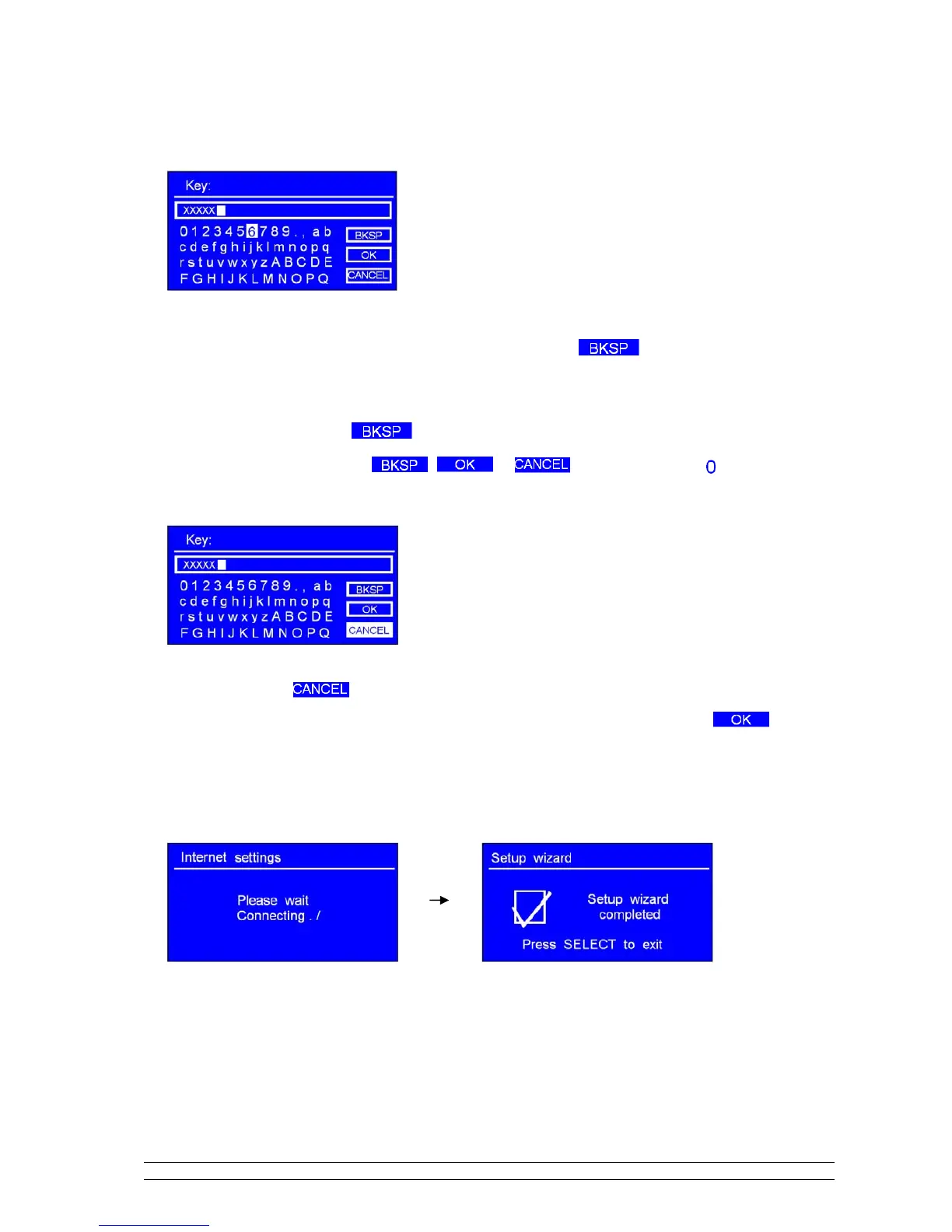
Turn the SCROLL knob to cycle through the alpha-numeric character list, press it to select an
appointed character.
Note: WEP/WPA pass codes are case-sensitive.
If you make a mistake while entering your password, select ‘ ’ to delete this
character.
Note: a.> The full name of is Backspace.
b.> The method of select , or : while cursor point to ‘ ’, then anti-
clockwise turning the SCROLL knob , you will get it.
c.> Select will be returned to previous track.
d.> After selecting the final character of your password,
turn the SCROLL knob to , and then
press it to confirm.
e.> Radio will automatically save the WEP/WPA you’ve input, so no bother to re-enter these codes.
9. Press the SCROLL knob to exit.
The setting is OK now!



 To Next Page