Printer Maintenance • 3
3-7SV61749 Rev. D
5. Press the plus (+) key to scroll through the menu to the ADJUST
PRINTING screen.
6. Press Enter. The PRINT HEAD ADJUST screen displays.
7. Press Enter. The VERTICAL ADJUST 1 - 2 screen displays.
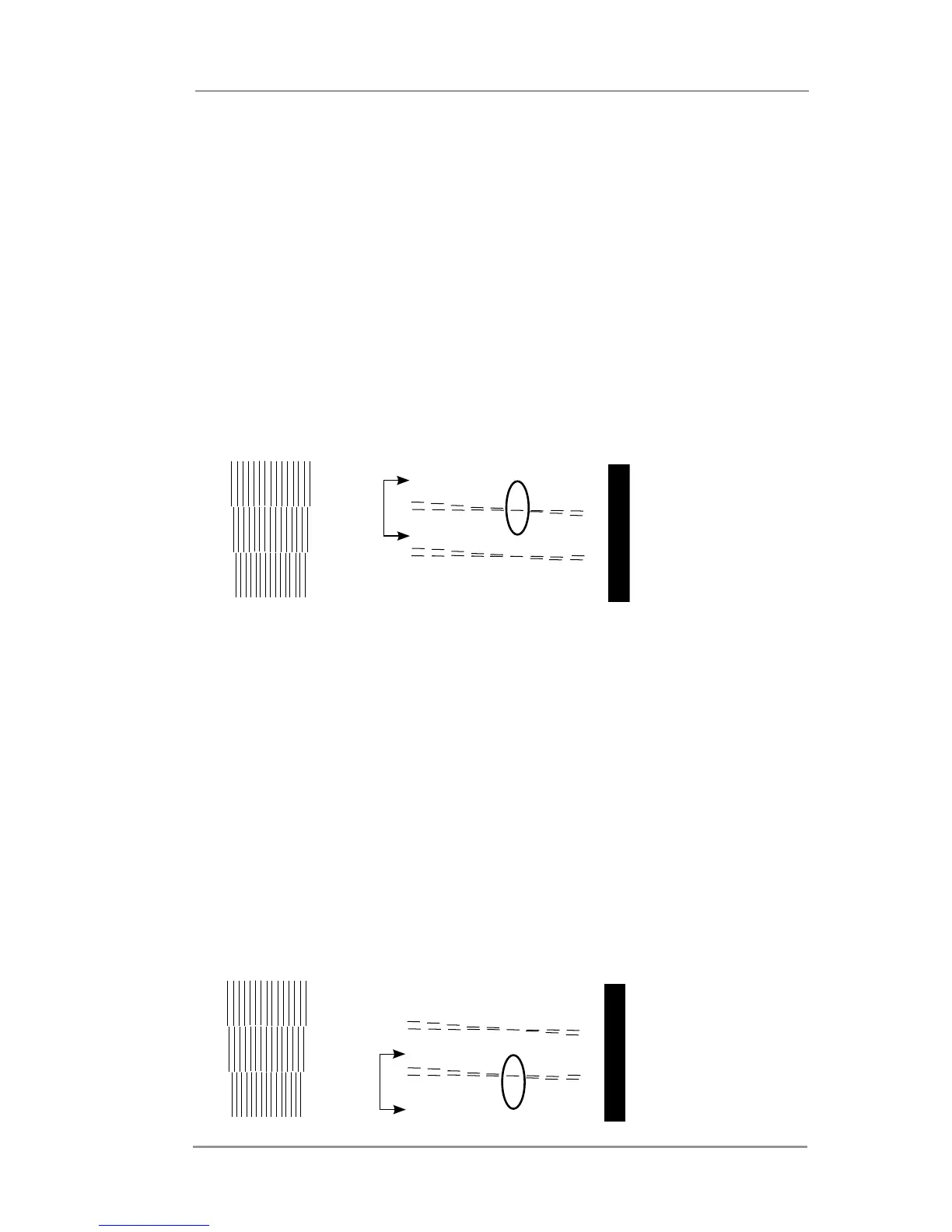
8. On the test pattern, locate the horizontal line pattern that
corresponds to print heads 1 and 2 (see example below).
9. Select the pair of horizontal lines from that pattern which most
closely form a straight line. In the example below, the selected
value would be " 6 ".
10. Press the plus (+) and minus (-) keys to scroll to the numeric
value determined in step 9 and press enter to save the value.
11. Press Menu to go back to the previous screen. Press the plus
(+) key to scroll to the next adjustment. PRINT HEAD ADJUST
screen displays.
12. Press Enter. The VERTICAL ADJUST 2 - 3 screen displays.
13. On the test pattern, locate the horizontal line pattern that
corresponds to print heads 2 and 3 (see example below).
14. Select the pair of horizontal lines from that pattern which most
closely form a straight line. In the example below, the selected
value would be "6".
15. Press the plus (+) and minus (-) keys to scroll to the numeric
value determined in step 14 and press enter to save the value.
Vertical Adjust Heads 1 and 2
Vertical Adjust Heads 2 and 3



 To Next Page