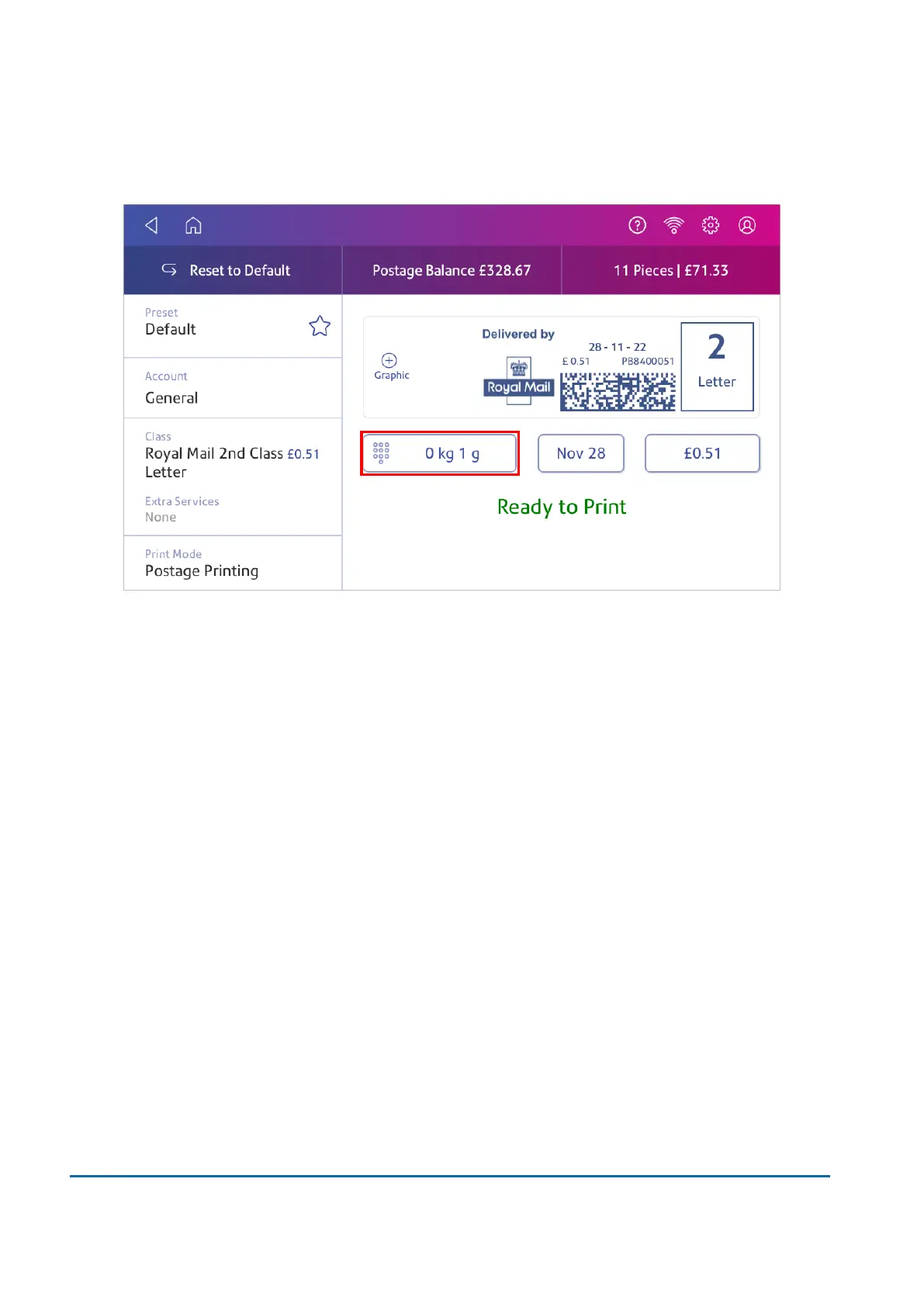
1. Tap Envelope Printing on the Home screen.
2. Tap Weight.
3. Tap Manual.
4. Enter the kilograms and grams.
5. Tap Apply.
6. Tap Class.
7. Tap Start Over to see all the class options.
8. Select the class and any special services required.
9. Tap Apply.
10. Place the envelope or envelopes on the feed deck. Depending on the SendPro Cmodel you
have, feed the envelopes manually or tap Start to feed the envelopes.
Zeroing the scale
Zero the scale to set the weight to zero.
Make sure there is nothing on the scale when you zero it.
3 • Scales and Weighing
Pitney Bowes User Guide March 2023 33












 To Next Page