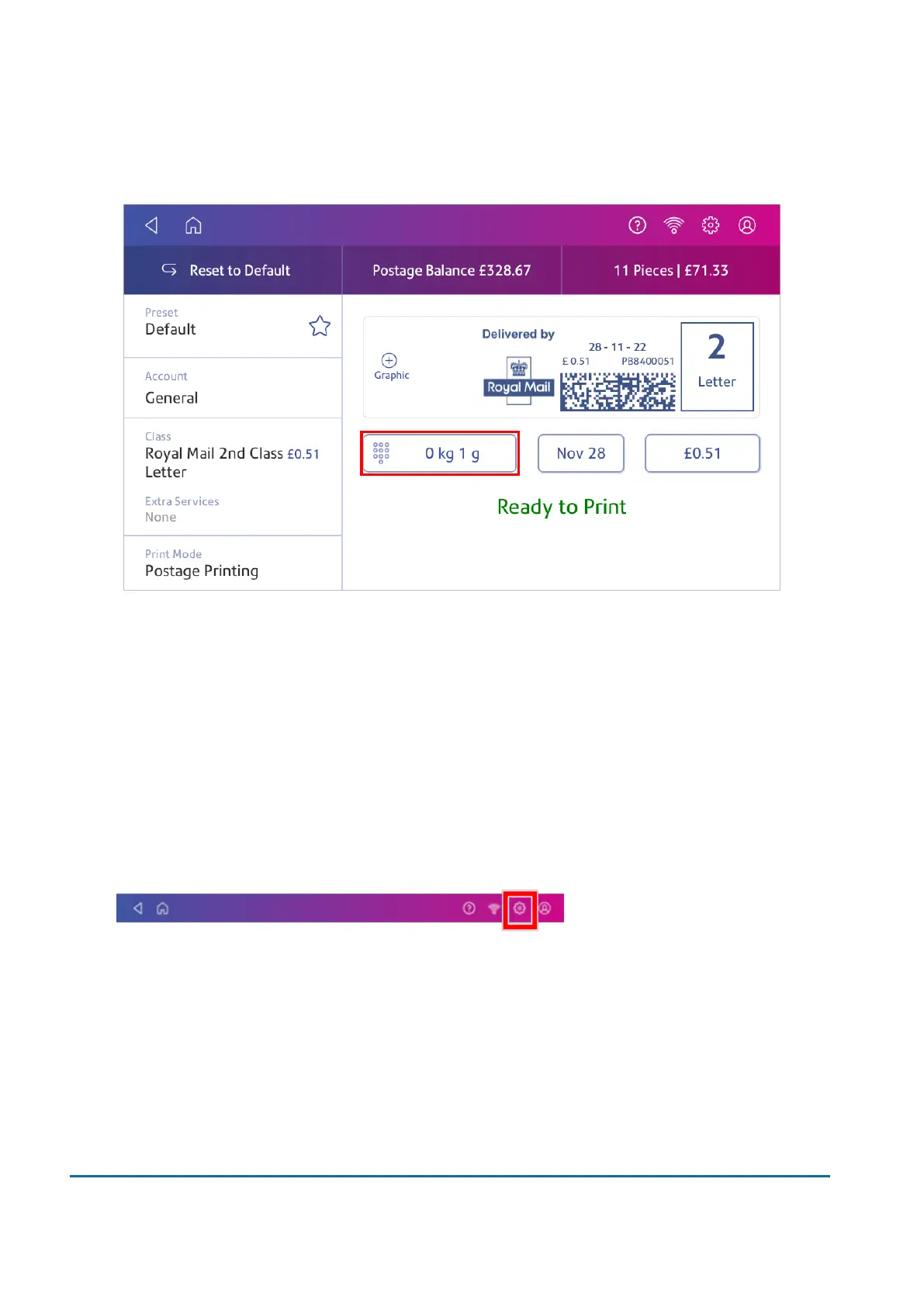
1. Tap Envelope Printing on the Home screen.
2. Tap Weight.
3. Tap Scale on the weighing method screen.
4. Tap Zero Scale.
5. Tap Cancel to return to the Envelope Printing app.
Using Scale Stabilization
If your device is close to an air conditioning unit, fan, draughts or is not on a stable surface, use Scale
Stabilization to help prevent weighing issues and provide more accurate readings.
1. Tap Settings.
2. Scroll down to the Advanced device Options section.
3 • Scales and Weighing
Pitney Bowes User Guide March 2023 34












 To Next Page