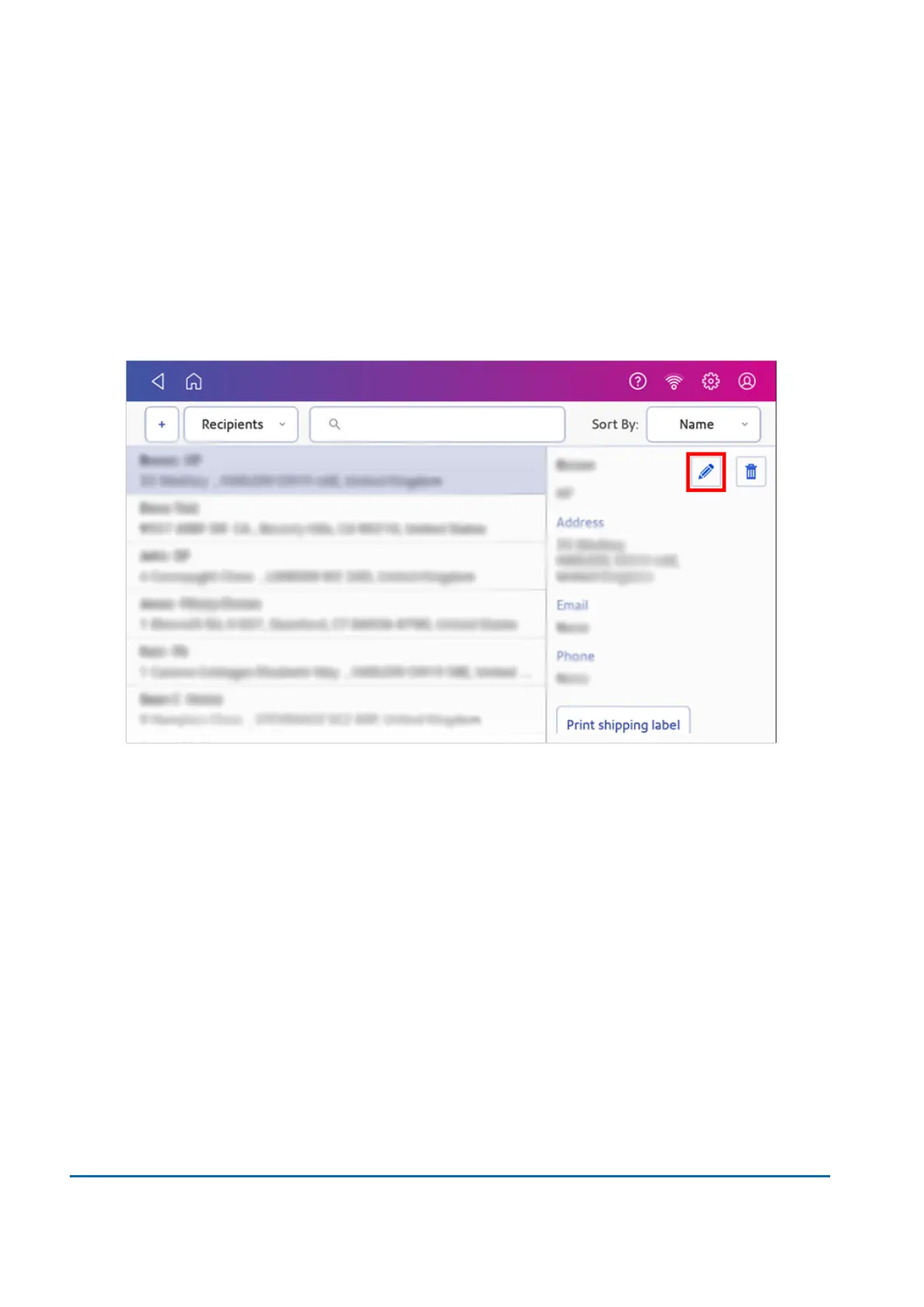
Editing addresses in the Address Book
Edit addresses in the Shipping Address Book when you want to change any of the information.
1. To open the Shipping Address Book:
l
Tap SendPro Apps on the Home screen, then tap Shipping Address Book.
2. Tap the address you want to edit.
3. Tap Edit.
4. Make your changes to the address information, then tap Update.
Deleting addresses from the Address Book
You can delete addresses from the Shipping Address Book if you no longer use them. You cannot
restore an address if you delete it.
7 • Address Management
Pitney Bowes User Guide March 2023 87












 To Next Page