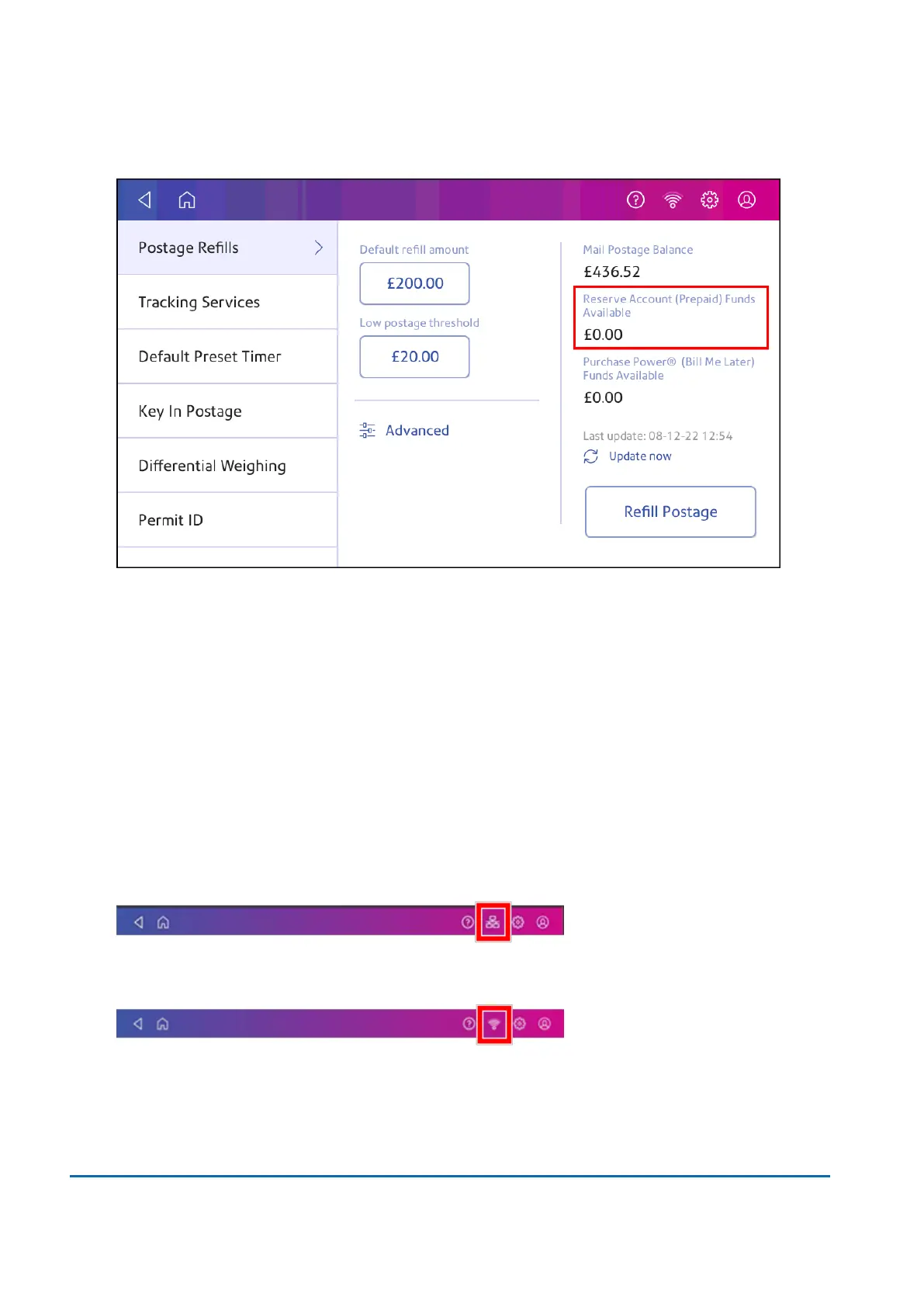
4. The balance in your postage account appears.
Refilling postage funds for printing postage
Refill your postage funds for printing postage as soon as you receive a message that your funds are
low.
Before you begin
Check that your device is connecting to the internet.
l
For wired network connections, you will see the following connection image in the toolbar:
l
If you have a wireless connection, you will see the following connection image in the toolbar:
To refill postage:
5 • Postage Funding
Pitney Bowes User Guide March 2023 47












 To Next Page