Installing a scale
Install a scale if you did not install one when you installed your device. Your device contains step-by-
step installation instructions for compatible scales.
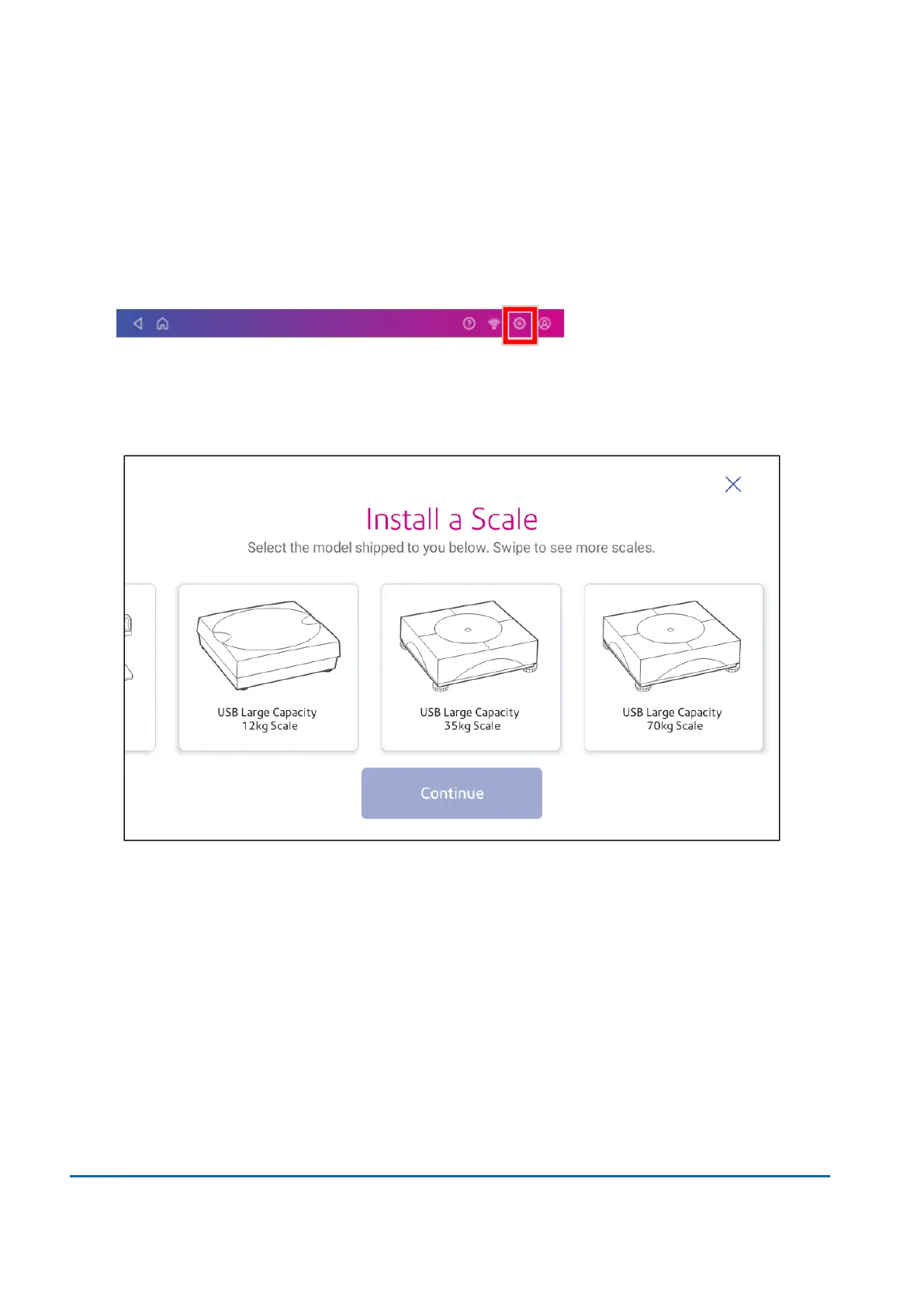
1. Tap Settings.
2. Scroll to the Advanced Device Options section at the bottom of the Settings screen, then tap
Scale Installation Guides.
3. To view all the available scales, swipe to the left on the screen.
4. Tap to select the appropriate scale, then tap Continue.
5. Follow the instructions on the screen. To advance to the next step, swipe the screen to the left.
Installing an external scale
Use an external scale if you send large packages or parcels. External scales have a larger weight
capacity for heavier items.
1 • Installation
Pitney Bowes User Guide March 2023 9












 To Next Page