14
Control
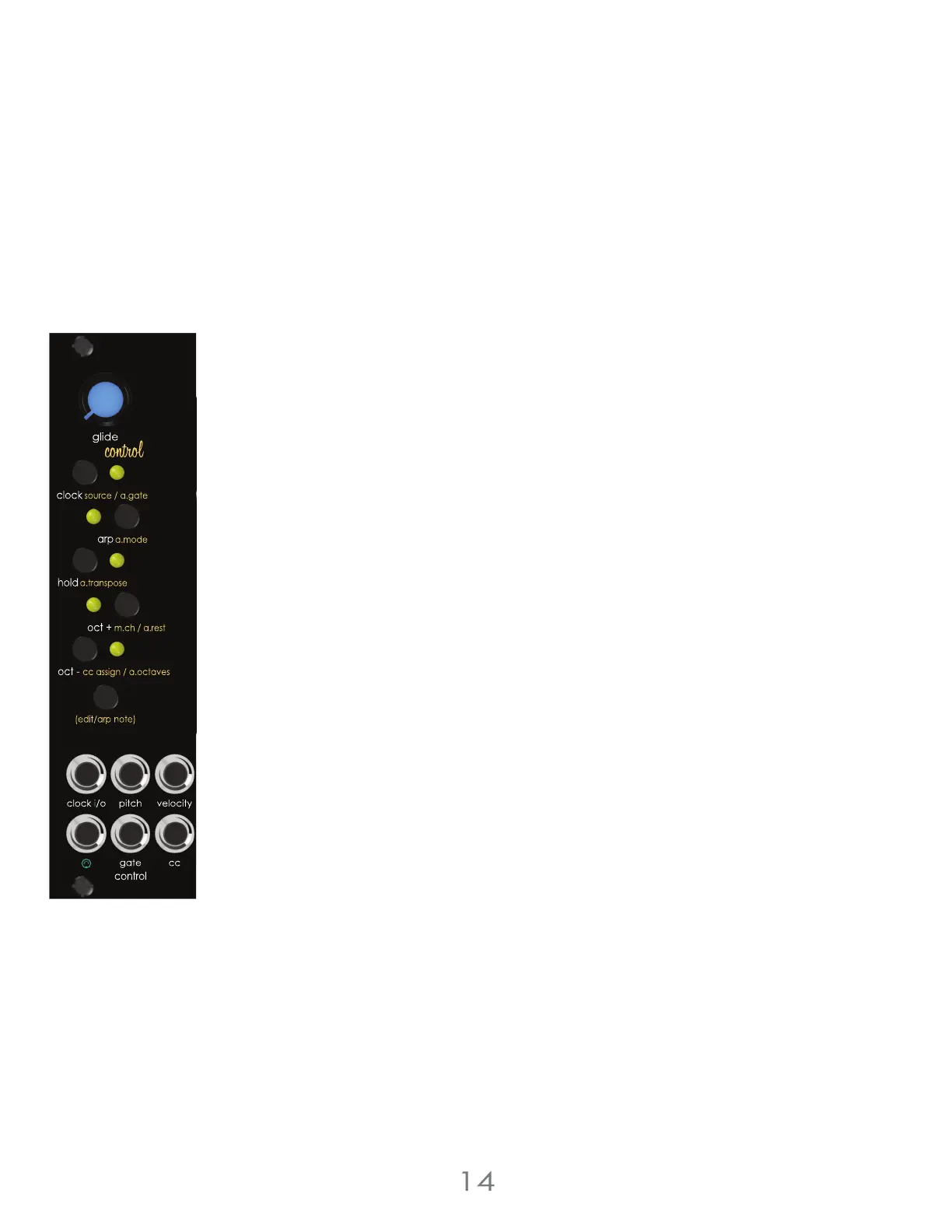
Velocity Output
The [VELOCITY OUTPUT JACK] outputs a 0v to 5v DC voltage derived from MIDI note Velocity
messages.
MIDI CC Output
The [CC JACK] outputs a 0v to 5v DC voltage based on incoming MIDI value of the assigned
MIDI CC number or mod wheel.
As midi CC comes in, the amount will be displayed on the oscillator LEDs
To set the active MIDI CC number, press and hold the voice section’s [EDIT BUTTON] and press
the [OCT+ BUTTON]. The MIDI CC number will be assigned to the first CC number it receives via
MIDI.
Control Section Input Jacks:
[Clock I/O JACK] Clock input jack when clock source is set to External Gate Mode. This jack is an
output when the clock source is set to Tap Tempo Mode, External MIDI Mode, or Internal Pseudo-
Random Gate Mode.
[MIDI JACK] A standard 3.5mm MIDI Type A TRS minijack for MIDI data input.
Control Section Output Jacks:
[PITCH JACK] Outputs 1 volt per octave CV signal for pitch based on MIDI or arpeggiator note
on information.
[VELOCITY JACK] Outputs a 0v to +5v signal based on the incoming MIDI velocity information or
selected Velocity Random Shift Register settings.
[GATE JACK] Outputs a 0v or +5v gate signal based on MIDI or arpeggiator note-on information.
[CC JACK] Outputs a 0v to 5v signal based on the incoming midi CC messages.
3 Voltage Lab 2 Voice Modules



 To Next Page