38
The Basics
Sequencer Mode
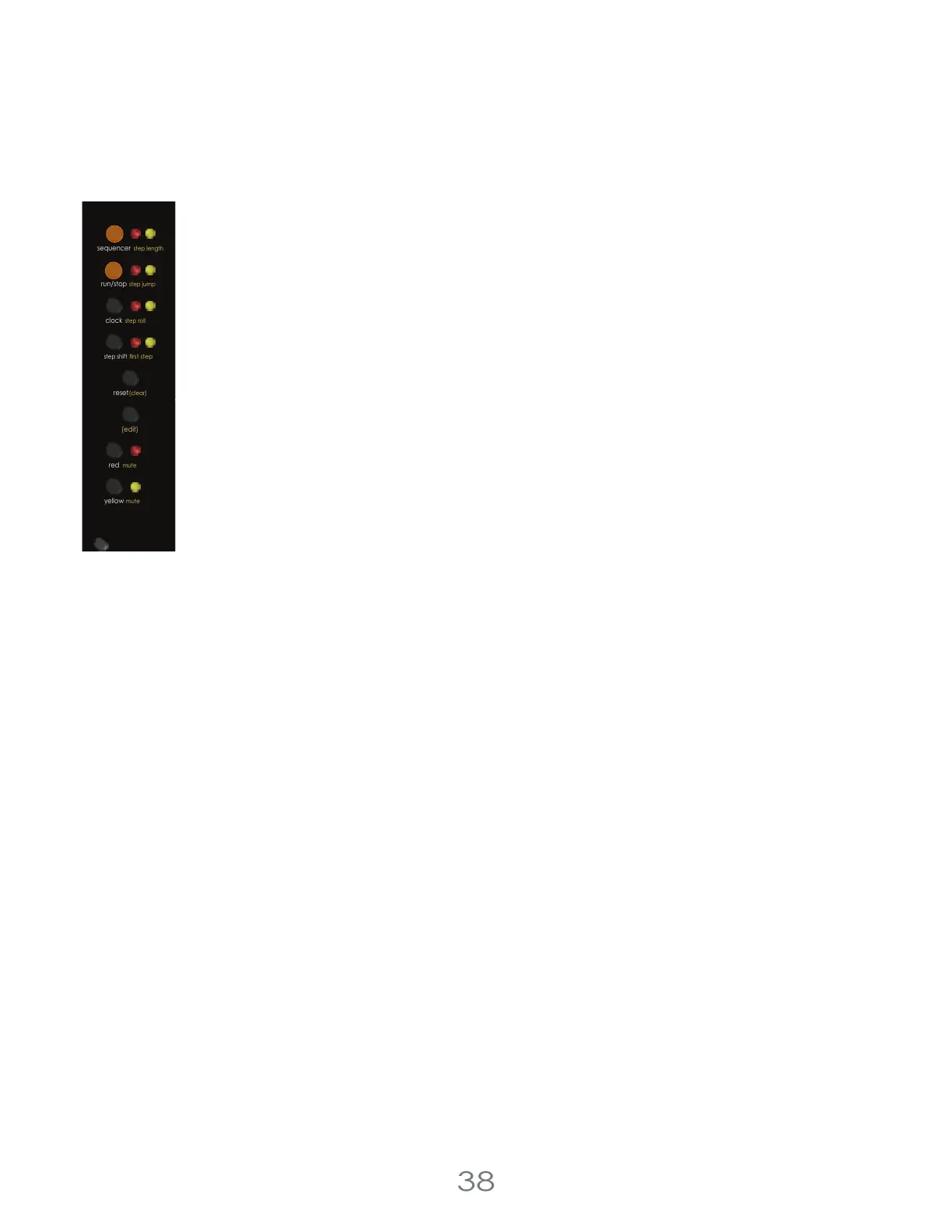
Each channel of the Touch Controller can be used either as a sequencer or an expressive touch
surface. To use a channel as a sequence, turn on sequencer mode by pressing the [SEQUENCER
BUTTON]. The LEDs next to the [SEQUENCER BUTTON] tell you whether a Channel is in Sequencer Mode
or not.
The behavior of sequencer mode is very different whether you are using Knob Mode or Keyboard
Mode, which is a Top Row Setting.
In Knob Mode, use the [TOUCH PADS] to turn on or off steps in the sequence, and use the [PITCH
KNOBS] to set the pitch of each step. Press the [RUN/STOP BUTTON] to start(or stop) the sequence
running, and the sequencer will step through each step in order.
In Keyboard Mode, the touch pads will behave like a piano keybed, with a selectable key and scale.
While the sequencer is running, you can play in a sequence and the touch Controller will save what
you played. If you play something you don’t like, you can always clear the bad step with the [CLEAR
BUTTON].
Sequencer Mode Off
With sequencer mode off, you can play a channel as an expressive keybed using the [TOUCH PADS]. If in Keyboard
Mode, the touch pads will order all the notes left-to right in ascending pitch, like a piano. If in Knob Mode, the pitch
output for each touch pad will be controlled by the [PITCH KNOBS], letting you create your own custom scales.
Channel Independence
Each channel can have different settings for whether they’re being used as a sequencer or as a keybed, and they can
also disagree on whether they’re in Keyboard Mode or Knob Mode.
Be intentional about which channel you’re controlling.
4 Voltage Lab 2 Touch Controller
chance (cv)
step shift
(edit)
mute
red
mute
yellow
run/stop
step roll
clock
first step
sequencer
step jump
reset
(clear)
step length



 To Next Page