155
BT37 MarkII: Service Manual MA200606 1.0.0
Manual calibration
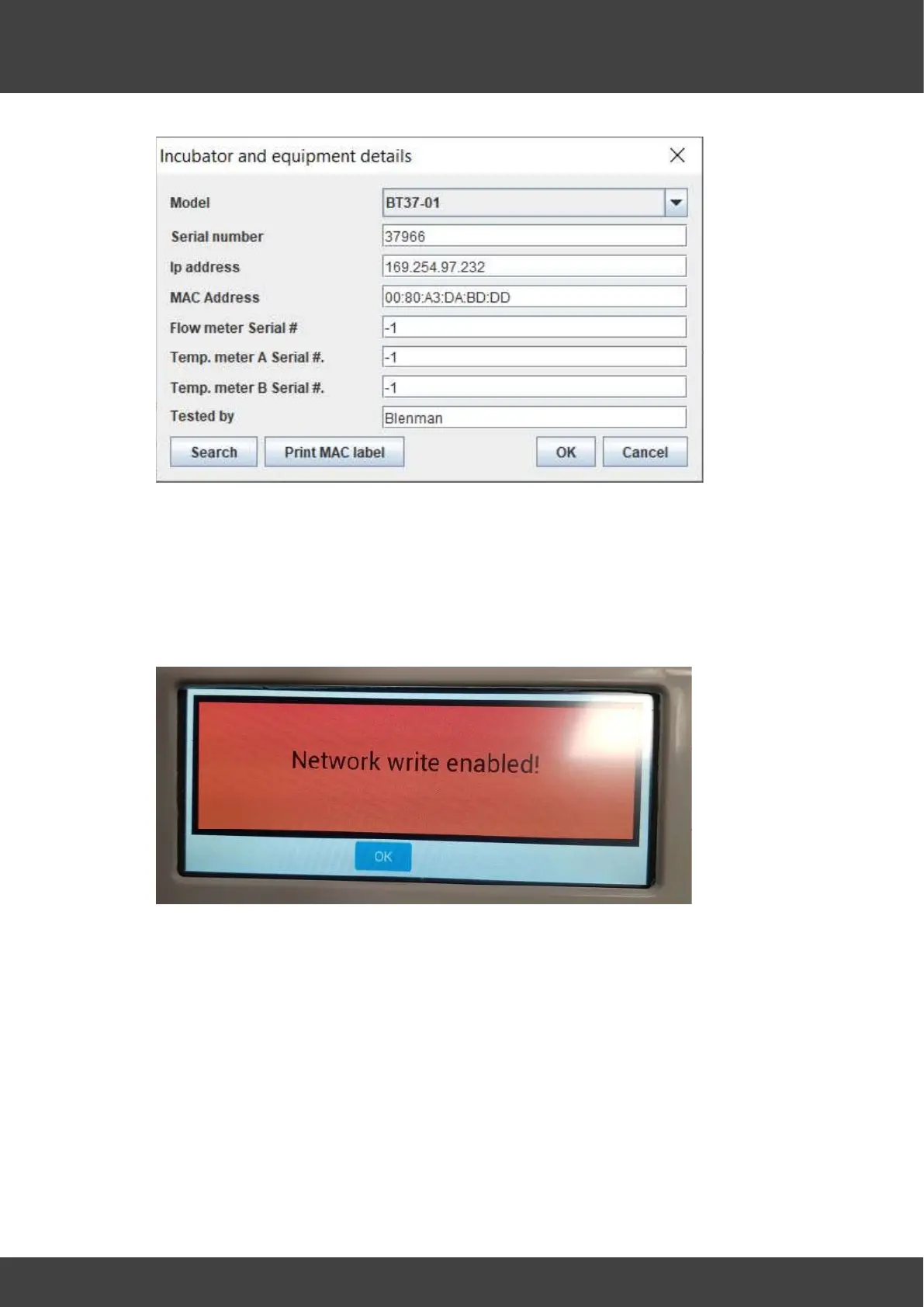
2. Before selecting calibrate, ensure that the BT37 is in Network write mode to enable
values to be written to the unit.
i. From the main menu, select Security.
ii. From the Modbus screen, select Network write.
iii. The screen will show that data can now be written via the network.
NOTE: DATA CAN ONLY BE WRITTEN WHEN THIS SCREEN IS DISPLAYED.
iv. When the calibration is complete, press OK to return to read-only mode.


 To Next Page