34
BT37 MarkII: Service Manual MA200606 1.0.0
Operation
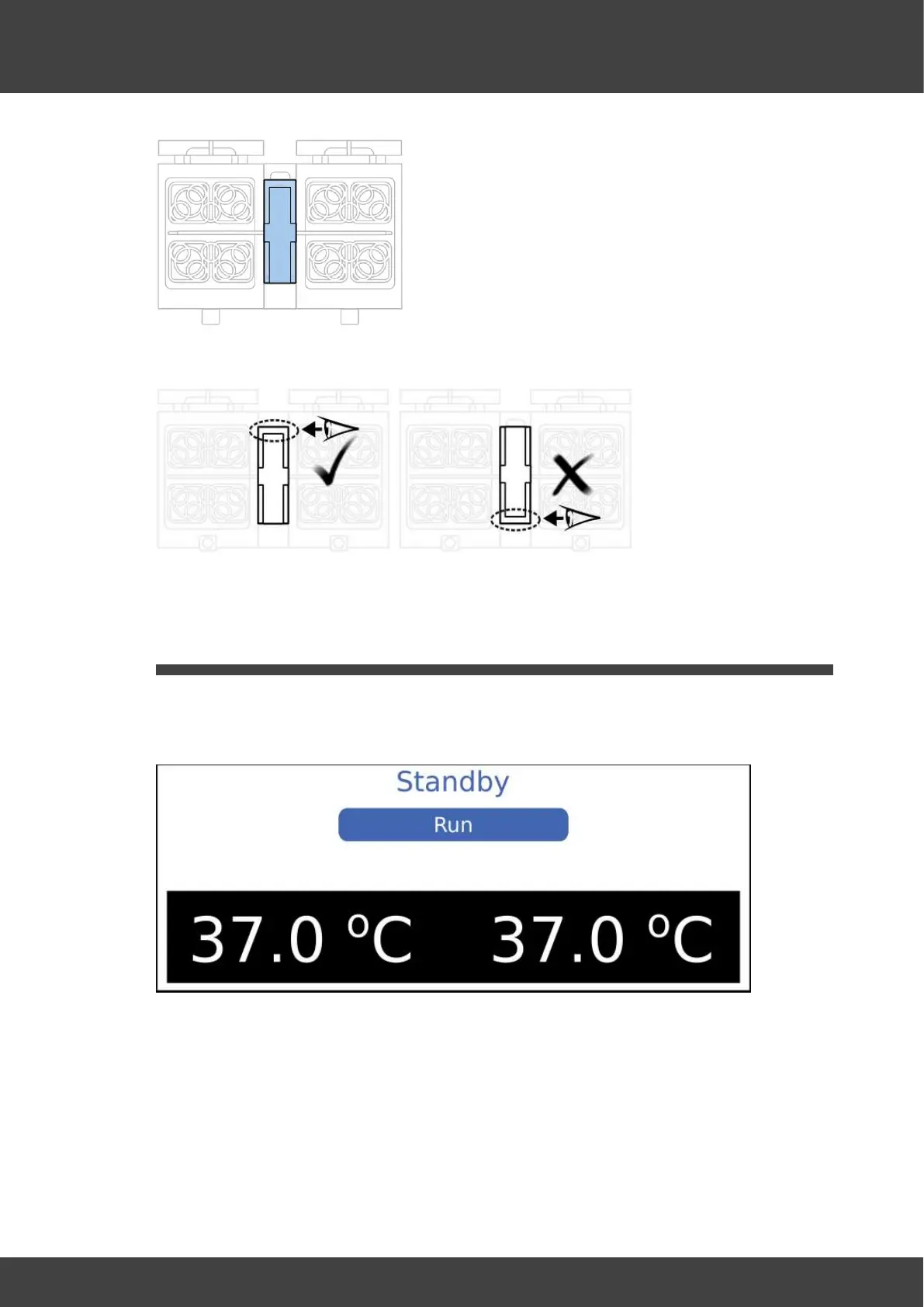
15. Ensure the clear cover is correctly orientated.
16. Ensure the central tube from the gas filter lies in the channel in the clear cover.
17. Close the humidifier lid.
2.4 Switching off
1. From the main display, click Menu.
2. Select Standby. This will switch off the gas supply and stop heating the chambers.
3. The standby screen will be displayed.
4. You can now switch off the mains display and disconnect the power cord from the
mains inlet.



 To Next Page